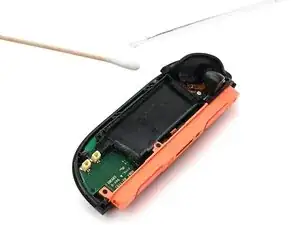
Introdução
-
-
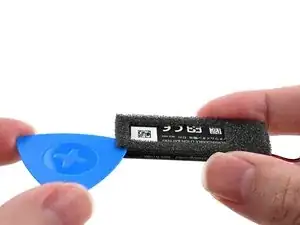
Use an opening pick or your fingernail to lift the foam off the battery by its adhesive, not the foam itself.
-
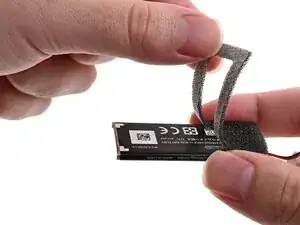
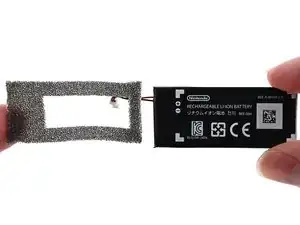
Carefully peel the foam sticker off the old battery. Avoid stretching or tearing the foam.
-
Apply the foam sticker to the new battery so the edges of the foam are aligned with the edges of the battery.
-
-
-
If your replacement battery came with adhesive pre-installed, peel off any adhesive liners.
-
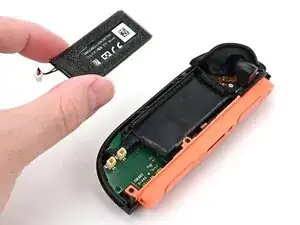
Align the battery with its housing. Ensure the battery cable lines up with its channel.
-
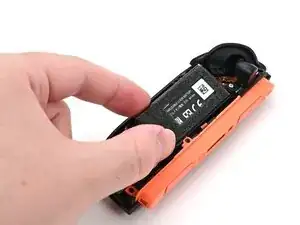
Lower one side of the battery, then the other, into its housing.
-
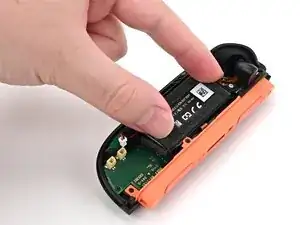
Press and hold on the battery for 10 seconds to bond the adhesive.
-
-
-
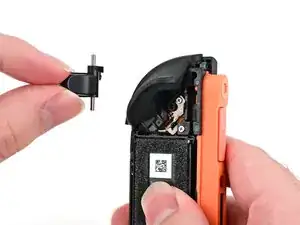
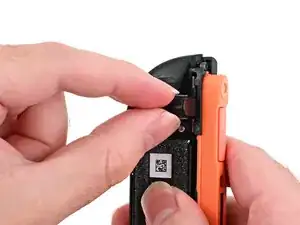
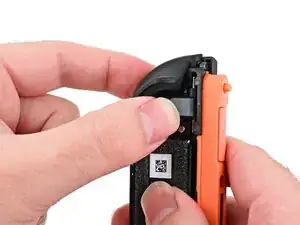
Check that the release pin sticks out of the controller when the release button is pressed. If it doesn't, or if the button fell out entirely, re-insert the button and try again.
-
-
-
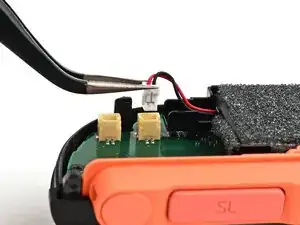
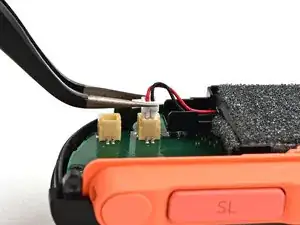
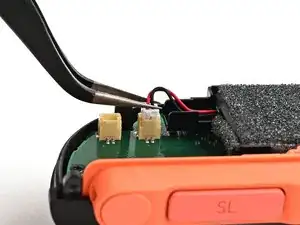
Align the battery connector over its socket on the board.
-
Press down on the connector until it's fully seated.
-
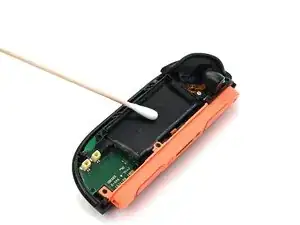
To reassemble your device, follow these instructions in reverse order.
