Introdução

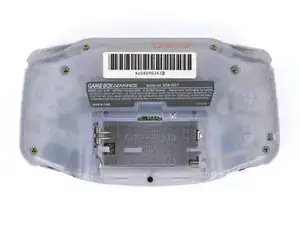
This guide shows how to remove everything from the Game Boy Advance for reshelling, without reassembly bullets.

  1. 2cYB63PN1uNIqGSi
    2cYB63PN1uNIqGSi
    sQLHMsNXISQspZDV
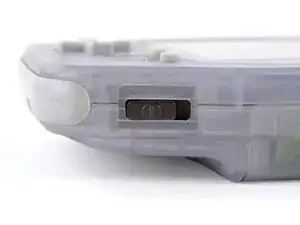
    • Before working on your Game Boy, turn the power switch to the OFF position and unplug any cables.

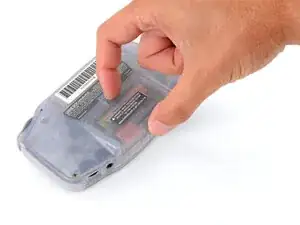
    • If you have a game cartridge installed, remove it.

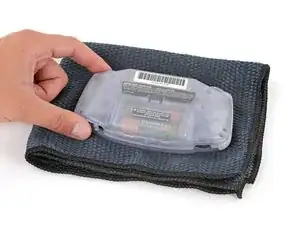
    • Since your Game Boy will be laying screen‑side down for most of your repair, consider placing it on a clean cloth for protection.

  2. 5TRbD3EYresrclWd
    5TRbD3EYresrclWd
    XyNoRjSSRcPCtxO3
    Cx6Ge3YyfIaDQMHr
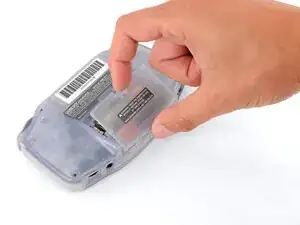
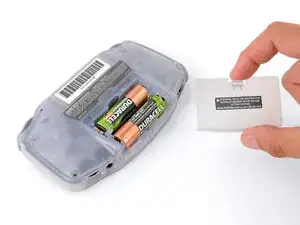
    • Release the battery cover tab with your finger and swing the cover away from your Game Boy to remove it.

  3. MpJbgxLbCBRPrPSu
    MpJbgxLbCBRPrPSu
    ZQn6qrHCl6G4KRY1
    KEnanwKUyDoAhCxl
  4. EILNHMhwQC54gHFe
    EILNHMhwQC54gHFe
    xNuZYIJcojrV5RHo
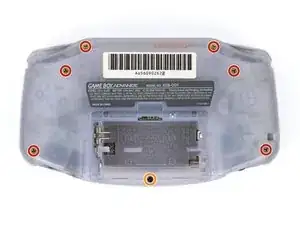
    • Remove the seven screws securing the back shell:

    • Six 9.4 mm‑long tri‑point Y0 screws

    • One 8.5 mm‑long JIS 1 screw

    • You can try to use a non-iFixit Phillips driver in a pinch, but you risk damaging or stripping screws. Push down firmly on the driver and twist slowly.

  5. GWaPfmKNqKFsh46N
    GWaPfmKNqKFsh46N
    lA5l3AIIhxhWInr1
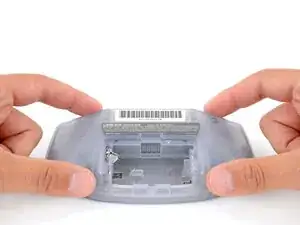
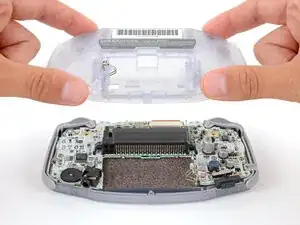
    • Lift the back shell straight up and remove it.

  6. Y5WFeNDPWxBtpXt2
    Y5WFeNDPWxBtpXt2
    LxlqlNkJLmBQcdE2
    lfMfVUBt5GjWI6n2
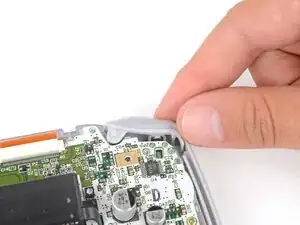
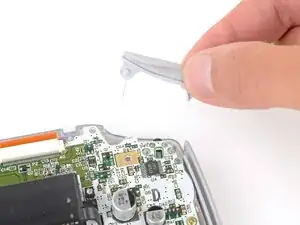
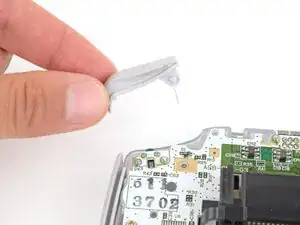
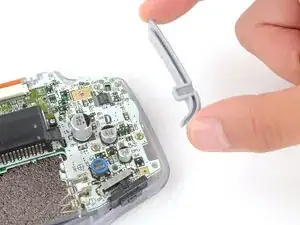
    • Lift the shoulder buttons (aka L and R buttons) straight up to remove them.

  7. xN3iiIYkJVNenrCN
    xN3iiIYkJVNenrCN
    xG5GhJXloMFJlyZc
    PALxBj6f4Qbx3NDc
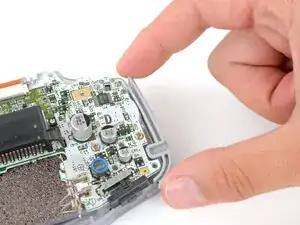
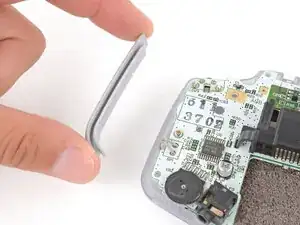
    • Lift and remove the side bumpers.

  8. ZD5nS3XZbV3yfrZE
    ZD5nS3XZbV3yfrZE
    YIyyRruJpVDdjEpa
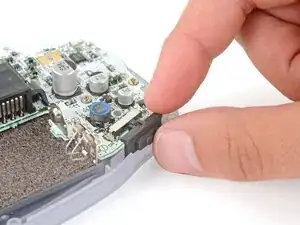
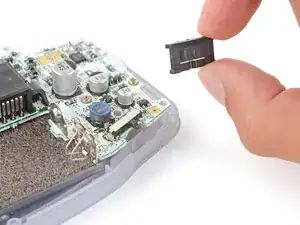
    • Lift and remove the power switch cover.

  9. jgHoOc2sdDA3aLMf
    jgHoOc2sdDA3aLMf
    5DXQRmTsLRlt6WPQ
    OKhrvtFsKB2dC3Lo
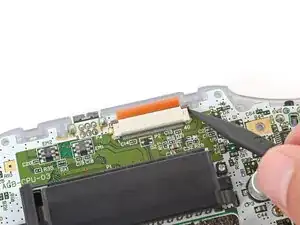
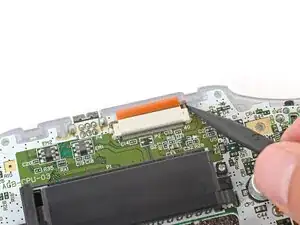
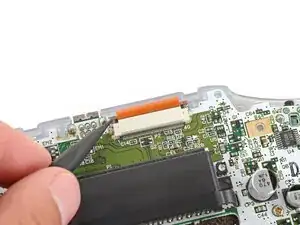
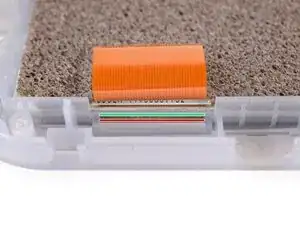
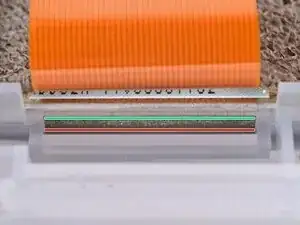
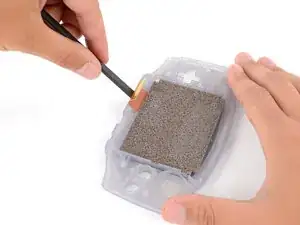
    • Use the point of a spudger to fully push up both locking tabs on either side of the screen cable connector.

    • You should feel the tab click into its unlocked position. Don't push too far, or the tab may slide completely out of the connector.

  10. vcY511DxvFiHb3oi
    vcY511DxvFiHb3oi
    XtTyp4PSLqMQSXro
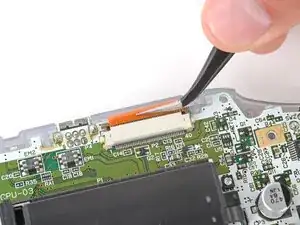
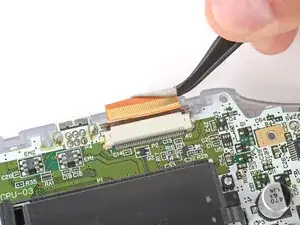
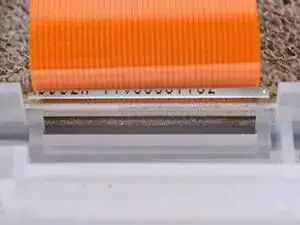
    • Use tweezers to slide the cable straight out of its socket.

    • The cable should come out with little to no force. If you feel resistance, the tab may not be fully unlocked.

  11. xyJFl6ALUaxAILuF
    xyJFl6ALUaxAILuF
    dHsGL6CmAFQRnqju
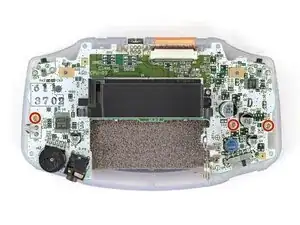
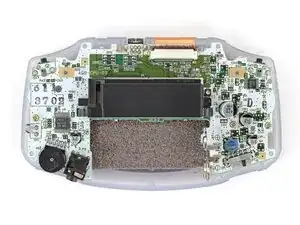
    • Use a JIS 1 screwdriver to remove the three 7 mm‑long screws securing the motherboard.

  12. ekvsmJwp3RQNQXZI
    ekvsmJwp3RQNQXZI
    SmPYepYEirJSWutv
    KuOQ5JPJYNicYRrp
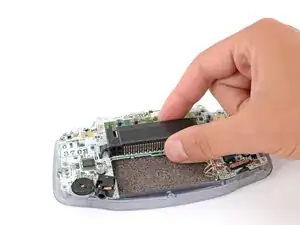
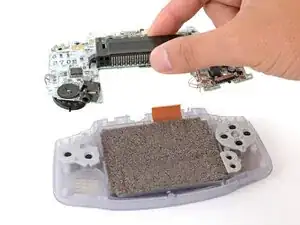
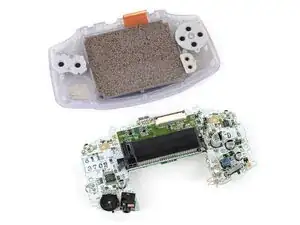
    • Use your fingers to grip the cartridge reader and lift the motherboard straight up to remove it.

  13. QsGUqUv5rghxUcJX
    QsGUqUv5rghxUcJX
    gaKCVV5DWP4RaavT
    QeFBAuTkYAi2uhfG
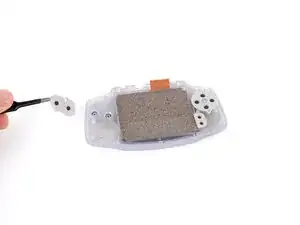
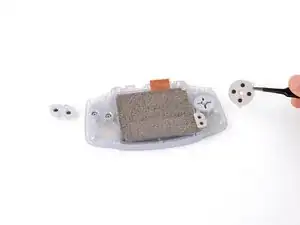
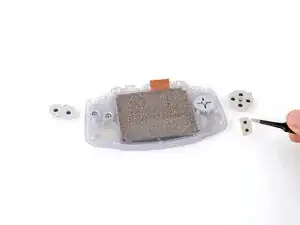
    • Use tweezers or your fingers to remove the silicone pads covering the action buttons (A and B), D‑pad, and Start/Select buttons.

    • If any of the pads are missing, they may be stuck to their corresponding spot on the motherboard.

  14. 1SQuPHvGG1WljLUg
    1SQuPHvGG1WljLUg
    R4J2xflSuQOBKjLu
    u5GFdtVJEnA1mbBK
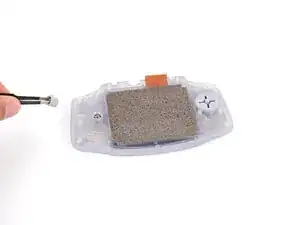
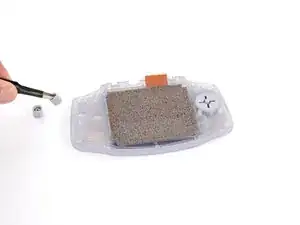
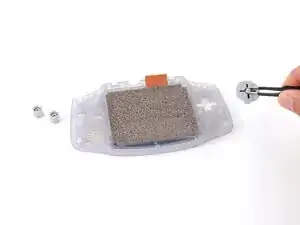
    • Use tweezers or your fingers to remove the action buttons (A + B) and D‑pad.

    • The Start/Select buttons are part of the silicone pad—there are no other buttons to remove.

  15. ffNRMOHELxlp4cmD
    ffNRMOHELxlp4cmD
    Y5lqRSXPHYcvlXwT
    3qgIB2EeSlAKGIKi
    • Before prying up the screen, note where you need to pry:

    • There's a seam between the screen and its gasket. Insert your tool here (under the screen) to give yourself the best chance of preserving the gasket.

    • There's a seam between the gasket and the shell. Don't insert your tool here, or you may damage the gasket.

  16. gJWqr4BrvORaoYwv
    gJWqr4BrvORaoYwv
    H2X4BRGoRejGfr3C
    FraUZFMQAKx2rg3P
    • When removing the screen, be careful not to damage or stretch the adhesive gasket that secures it to the shell.

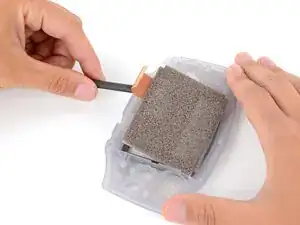
    • Insert the flat end of a spudger under the screen and pry the screen up. Apply constant, steady pressure to allow the screen adhesive to separate.

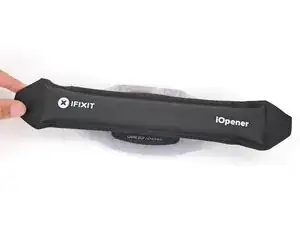
    • If the screen isn't budging, flip your Game Boy over and lay a heated iOpener on the screen for two minutes to soften the adhesive. Alternatively, you can use a hair dryer on the Low heat setting—be careful not to overheat your device, or you may warp the plastic.

  17. GpD6KiWIustGZoX5
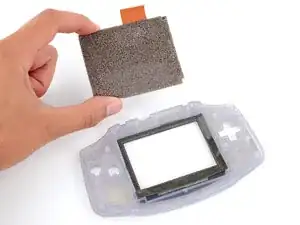
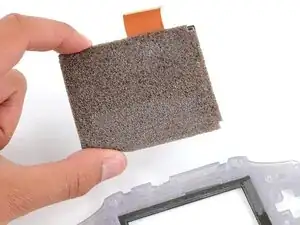
    • Carefully lift the screen up and remove it.

Spencer Day

Membro desde: 14/09/22

165254 Reputação

0 comentários