Introdução
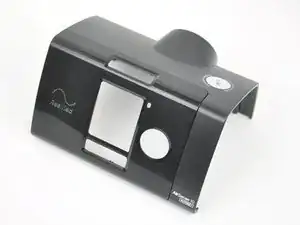
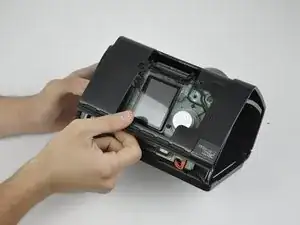
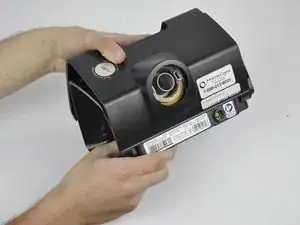
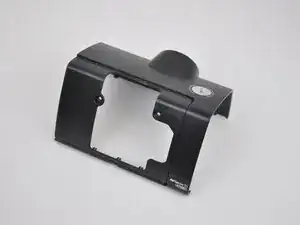
This guide shows how to remove the top cover, and acts as a prerequisite for the Motherboard and the Wireless Communication Board guides.
Ferramentas


-
-
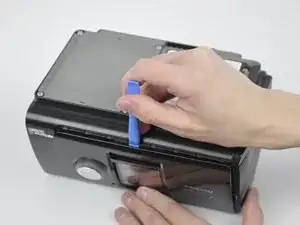
Pry off the face plate by using your finger or an opening tool.
-
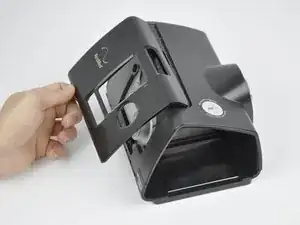
Remove the face plate from the top cover.
-
-
-
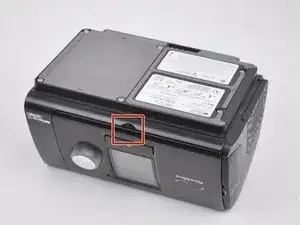
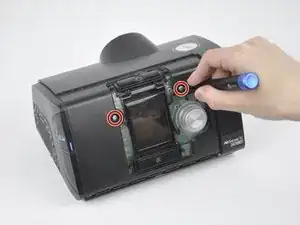
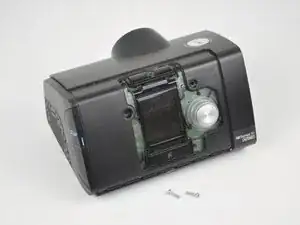
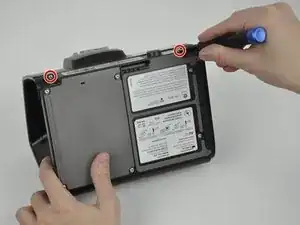
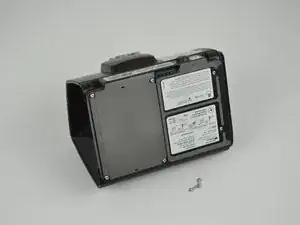
Unscrew and remove the two 11.8 mm TR10 Torx screws that were revealed from the face plate being removed.
-
Conclusão
To reassemble your device, follow these instructions in reverse order.

2 comentários
What if the dial button isn't working ?
Does anyone know where I can get a replacement top cover from.
Keith -
You should also remove the SD card on the left side. Pull back the rubber cover with the SD logo. Press the card in and release; a spring-loaded mechanism will partially eject the card. Pull the card out.
Mark Day -