Introdução
If your Yamaha Advantage Clarinet has keys that stay down after you stop pressing them, causing the notes to lag behind your fingerings, it might be because the keys are sticky. Use this guide to repair those sticky keys.
The keys of a clarinet cover tone holes to change the pitch of the instrument, allowing players to play a desired note.
Step 8 requires you to press down the key hard but be aware not to press it too hard or it could damage the pad.
Ferramentas
-
-
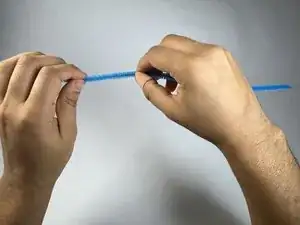
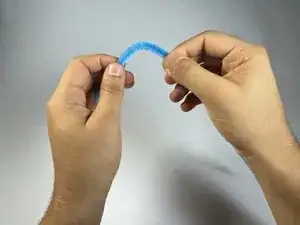
Take a pipe cleaner and hold it with both hands.
-
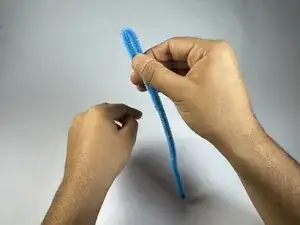
Bend the pipe cleaner in half so that the two lengths of the pipe cleaner are now parallel.
-
-
-
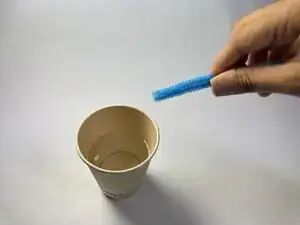
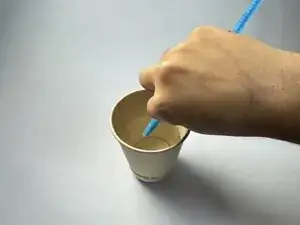
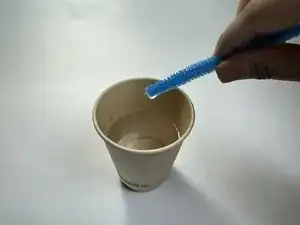
Dip the tip of the folded pipe cleaner in the water cup, making sure to soak the tip with water.
-
-
-
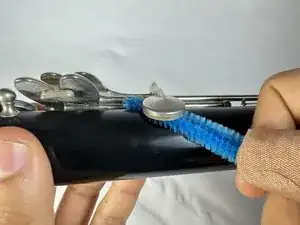
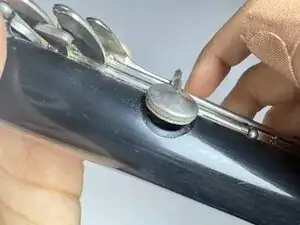
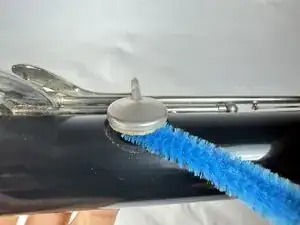
Insert the wet tip of the pipe cleaner into the gap.
-
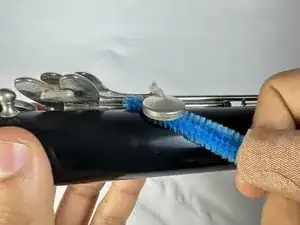
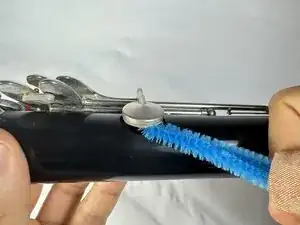
Rub the wet tip back and forth to scrub the clarinet’s inside key pad.
-
-
-
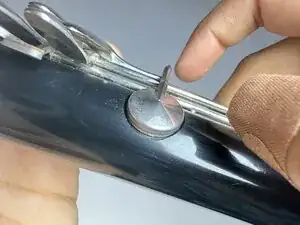
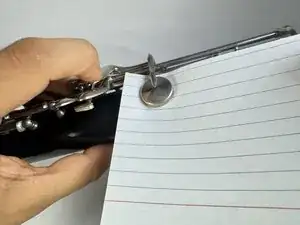
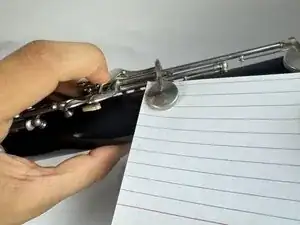
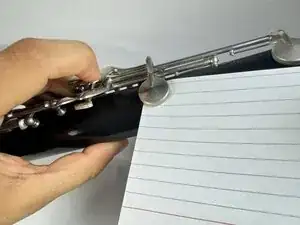
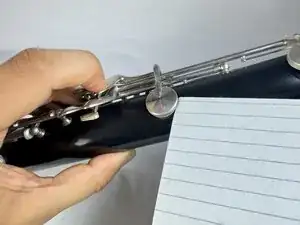
Stick a piece of cardstock in the gap between the body and the key pad you just cleaned.
-
Make sure the cardstock is fully inserted.
-
-
-
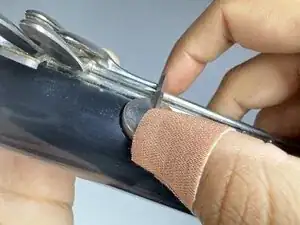
With one finger pressing the key down onto the paper, use the other hand to gently pull the paper out horizontally.
-
-
-
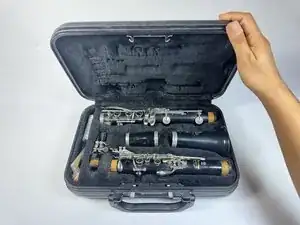
Once the keys are cleaned and sticky keys issue is resolved, put the part back into the clarinet case.
-
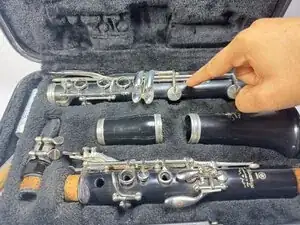
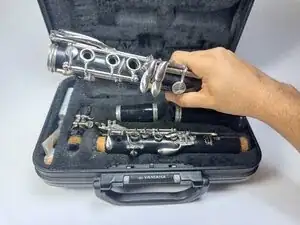
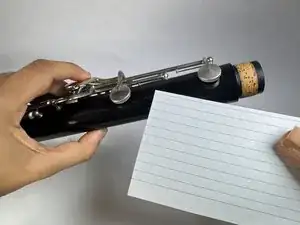
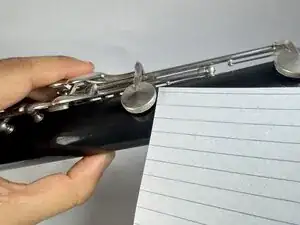
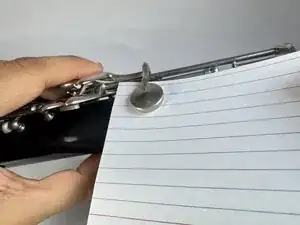
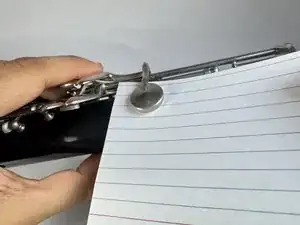
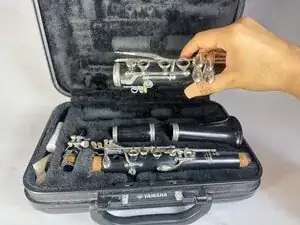
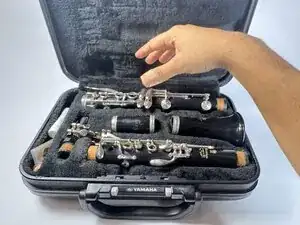
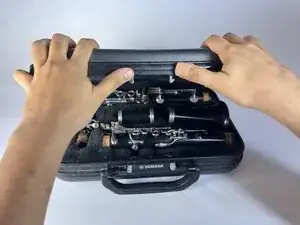
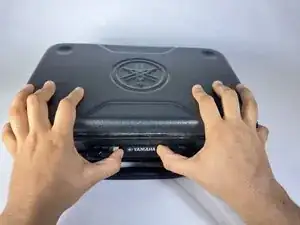
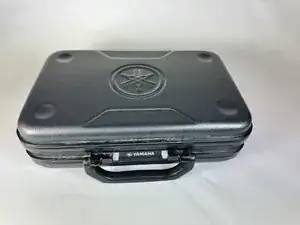
If the keys are still sticky on your Clarinet, follow these instructions in order again until not sticky.