Introdução
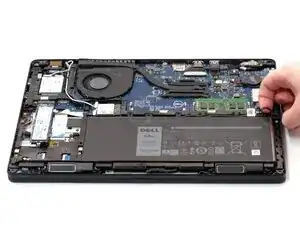
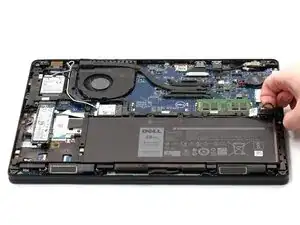
In this guide, you will learn how to remove the back panel and disconnect the Dell Latitude 5490 laptop battery.
Disconnecting the battery is necessary to begin safely repairing your laptop.
Ferramentas


-
-
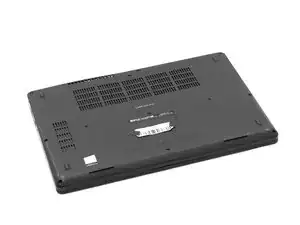
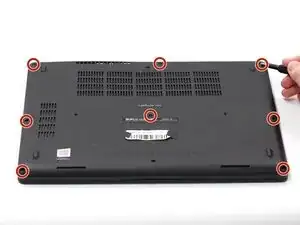
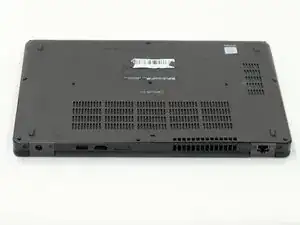
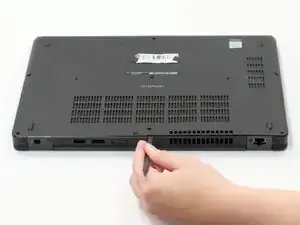
Using the spudger, pry the backplate from the laptop starting from external chassis (the back side of the laptop).
-
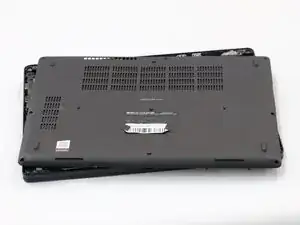
Continue prying in a clockwise direction around the backplate until it is able to be removed with just your hands.
-
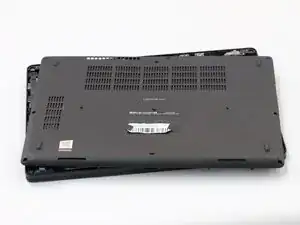
Remove the backplate and put it aside for reassembly.
-
-
-
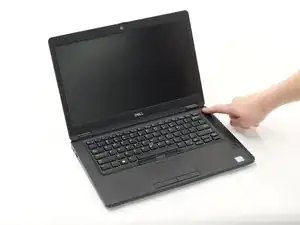
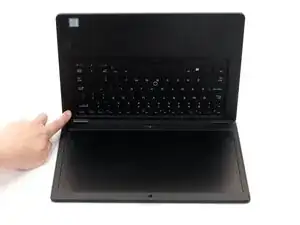
Hold down the power button for 15 seconds to discharge the remaining electricity within the laptop.
-
Conclusão
To reassemble your device, follow these instructions in reverse order.
