Introdução
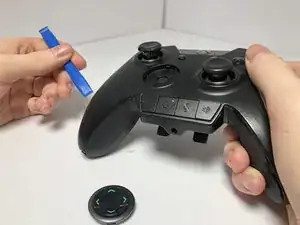
If your D-Pad is unresponsive or has inconsistent usability, there is a chance that the part is damaged or dirty. In this guide you'll be shown how to take apart your Razer Wolverine Ultimate to clean and/or replace its magnetic D-pad.
Ferramentas

-
-
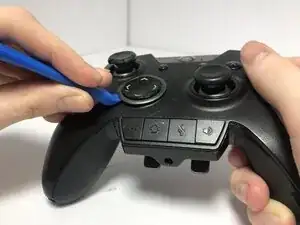
Gently insert an opening tool into the crevice of the D-pad.
-
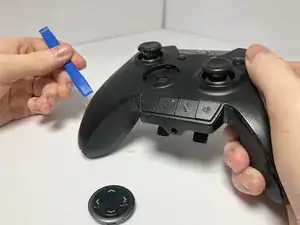
Slowly lift up and pry the D-pad from its magnetic holder until it pops out.
-
Conclusão
To reassemble your device, follow these instructions in reverse order.