Introdução
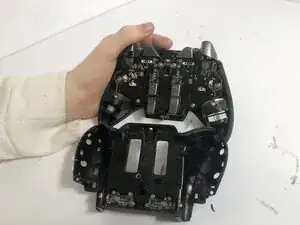
This guide will show you how to take apart your Razer Wolverine Ultimate for access to clean and/or repair the device, removing the back panel as well as putting it back together in an easy-to-follow to follow step-by-step guide.
Ferramentas


-
-
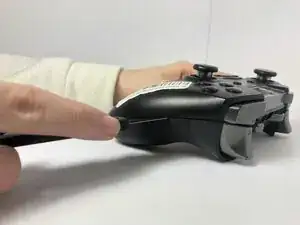
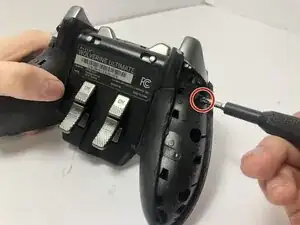
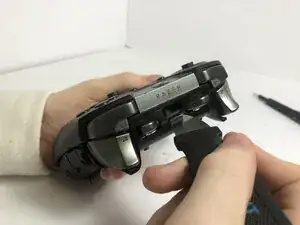
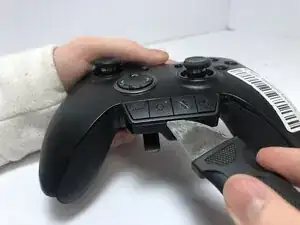
Place a Jimmy into the crevice between the front panel and one of the back grips, and gently pry the back grip off. Repeat for the other back grip.
-
-
-
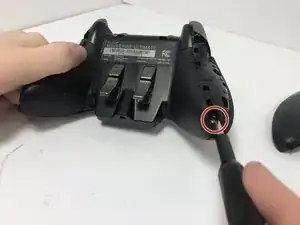
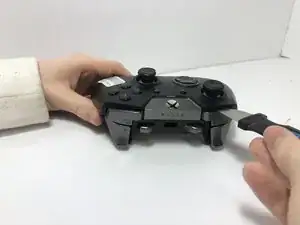
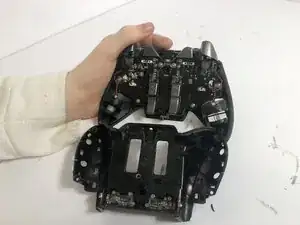
Place a Jimmy into the crevice between the front and back panels and pry the back panel away.
-
Conclusão
To reassemble your device, follow these instructions in reverse order.