Introdução
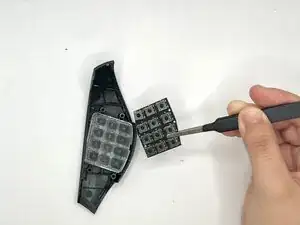
In this guide, we will show you how to safely replace the thumb button grip on your Razer Naga V2 Hyperspeed Wireless Mouse.
The 12-button grip is on the right side of the Razer Naga V2 Hyperspeed. It is mainly used for any shortcuts that the user might need. By using Razer Synapse, if your Razer Naga V2 Hyperspeed is experiencing issues involving.
Common Causes
- Dirty or Misaligned Contacts
- Damage Hardware
- Electric Hardware
- Faulty Switches
- Driver or OS Issues
This guide will walk you through each step of the process for safely replacing the 12-button thumb grip. Please proceed with caution and work carefully.


-
-
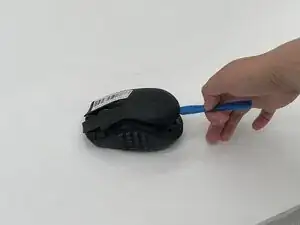
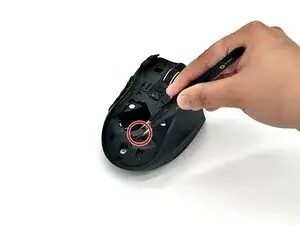
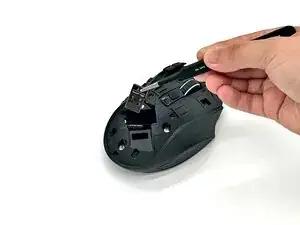
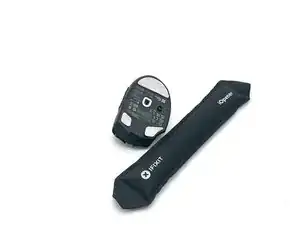
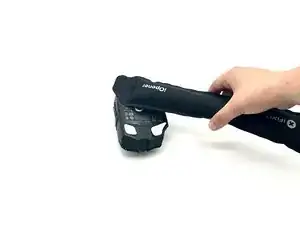
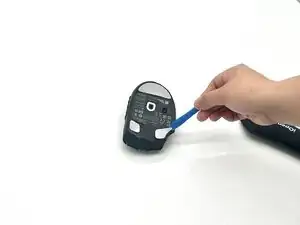
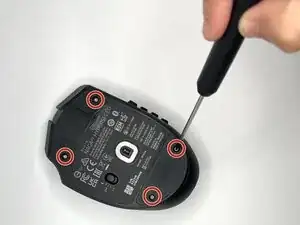
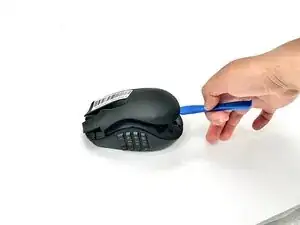
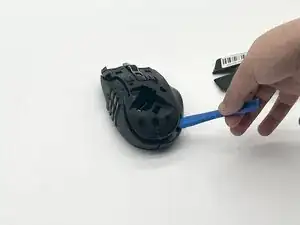
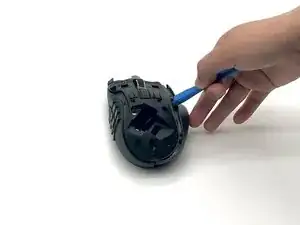
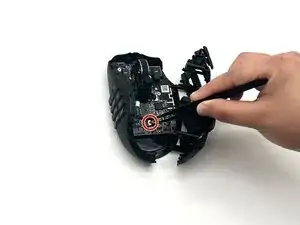
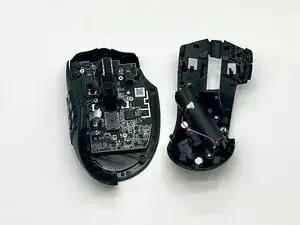
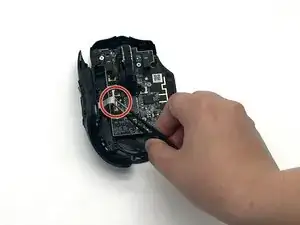
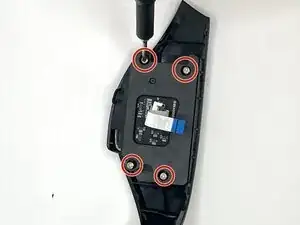
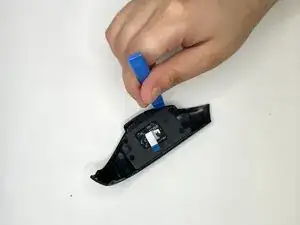
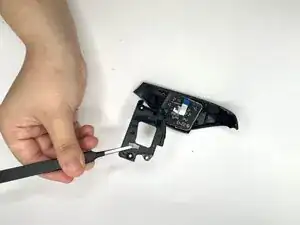
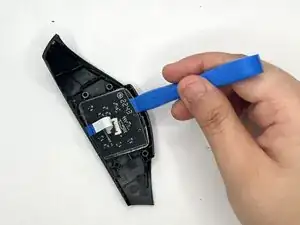
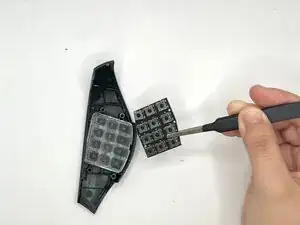
Use the iFixit opening tool to pry the circuit module off and carefully remove the circuit module with precision tweezers (dull).
-
To reassemble your device, follow the above steps in reverse order.
Take your e-waste to an R2 or e-Stewards certified recycler.
Repair didn’t go as planned? Try some basic troubleshooting or ask our Answers community for help.