Introdução
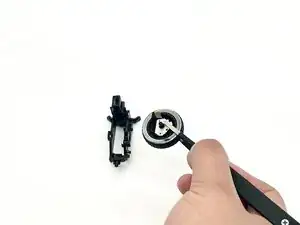
In this guide, we will show you how to safely replace the scroll wheel in your Razer Naga V2 HyperSpeed Wireless Mouse.
The scroll wheel is a small wheel found in the top center of a computer mouse. It is used to scroll up and down through content on a screen or to click. Use this guide if your Razer mouse is experiencing issues involving inconsistent scrolling, not being able to scroll, random scrolling, malfunctioning buttons, or registering multiple clicks.
Common Causes
- Wear and tear
- Dust and Debris
- Pin snaps
- Electrical failure
- Physical damage
This guide will walk you through each step of fixing your scroll wheel. Please be careful and ensure you are patient with this process to avoid any damage to your device.


-
-
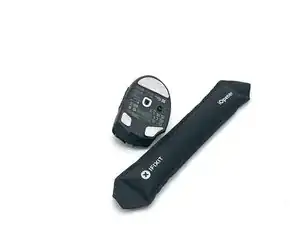
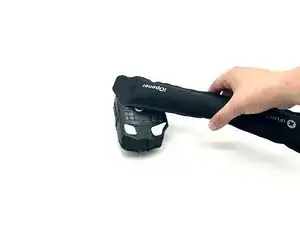
Heat the mouse feet with an iOpener or hairdryer.
-
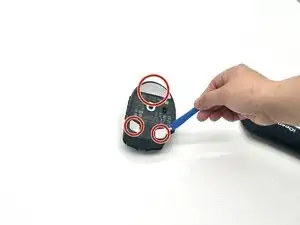
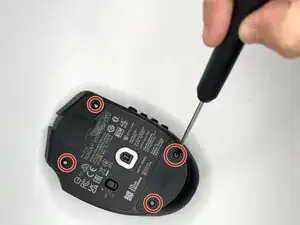
Use an opening tool or pick to remove the mouse feet.
-
-
-
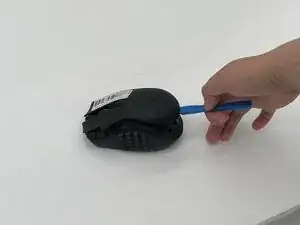
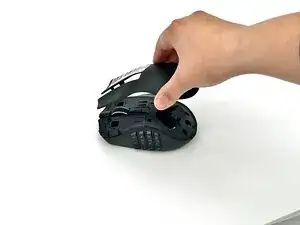
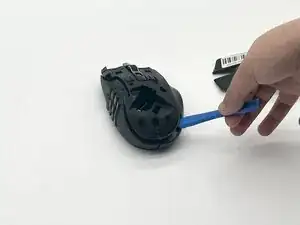
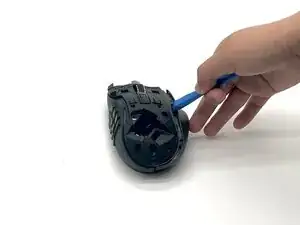
Flip the Razer mouse back over to the top side. Using the iFixit opening tool to slowly take the top shell off, and the right shell should fall off as well.
-
-
-
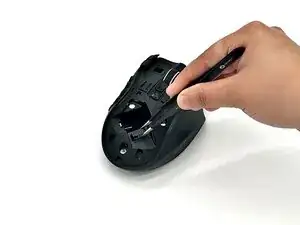
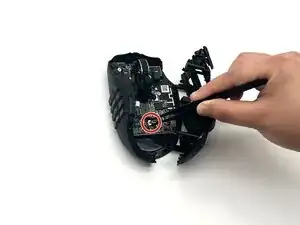
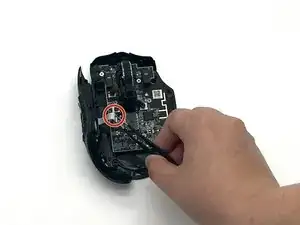
When taking the top shell off (middle shell), use precision tweezers to disconnect the battery compartment connector.
-
-
-
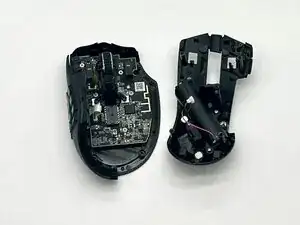
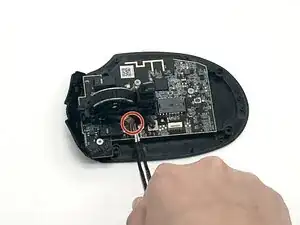
Disconnect the brown ribbon cable that’s connected to the scroll wheel with precision tweezers (dull).
-
-
-
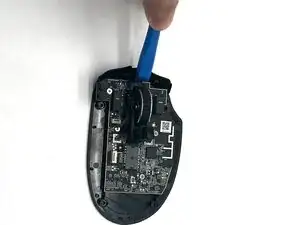
Use the iFixit Opening tool on the clip near the front of the mouse to release and remove the scroll wheel.
-
-
-
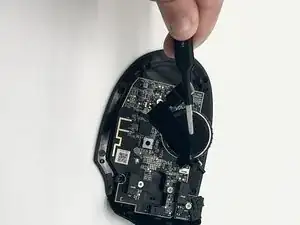
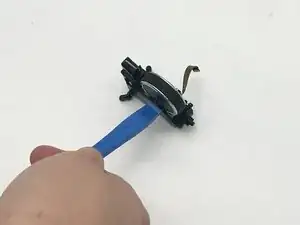
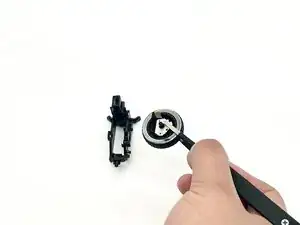
Widen the sides of the scroll wheel brackets that holds the scroll wheel using the iFixit Opening tool (you may need to use a little bit of force to widen the other side) and remove the scroll wheel.
-
To reassemble your device, follow the above steps in reverse order.
Take your e-waste to an R2 or e-Stewards certified recycler.
Repair didn’t go as planned? Try some basic troubleshooting or ask our Answers community for help.