Introdução
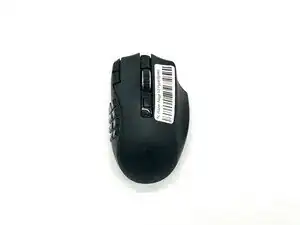
In this guide, we will show you how to safely replace the dongle in your Razer Naga B2 Hyperspeed Wireless Mouse.
The dongle is the wireless USB receiver that connects the mouse to your computer. If your Razer Naga V2 Hyperspeed is experiencing issues involving unstable connections, pairing failures, and interference, replacing the dongle can resolve these issues.
Common Causes
- Interference from other wireless devices
- A poor physical connection
- Outdated firmware or software
- Incorrect pairing
This guide will walk you through each step of the replacement process, with helpful tips to ensure a successful repair. Please make sure to be patient with this process to avoid any slight damage to your device.
Before you begin, power off your device and make sure it is not connected to any other device.
Ferramentas


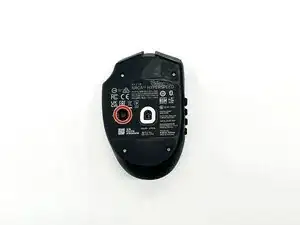
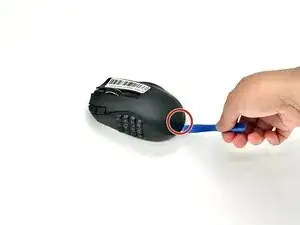
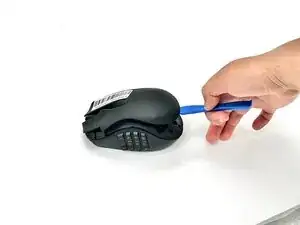
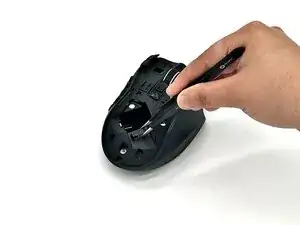
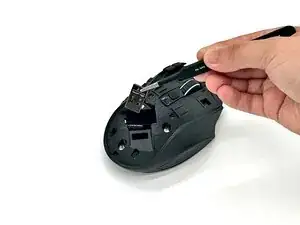
To replace the Dongle, go online and buy a new one. Then just reverse the steps to put it back together.