Introdução
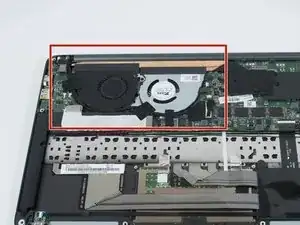
This guide outlines how to replace the fans in the Razer Blade Stealth 2017. The fans keep the laptop cool and prevent the other components from overheating. A fan replacement may be necessary if the fans are damaged, not turning on, or not functioning optimally. If the fans are making abnormally loud sounds when running, they may need to be replaced. Some tools are required for this replacement.
Ferramentas


-
-
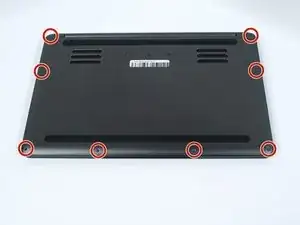
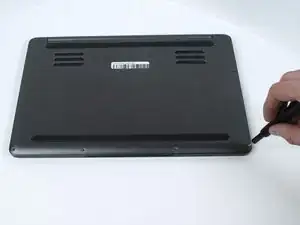
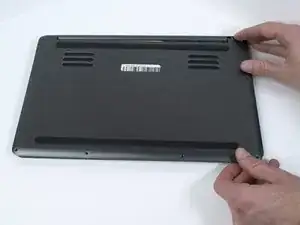
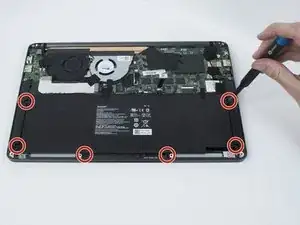
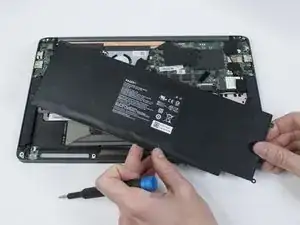
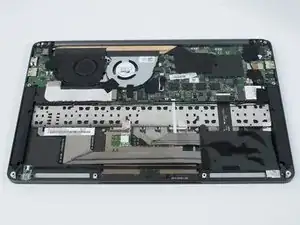
Use a Torx T5 screwdriver to remove the eight, 3mm screws on the bottom cover of the laptop.
-
-
-
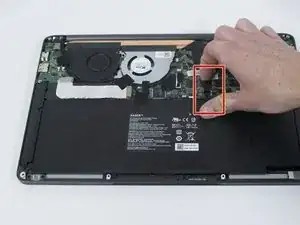
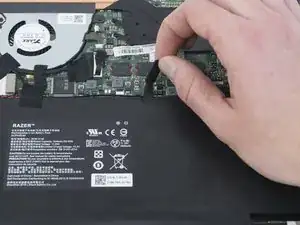
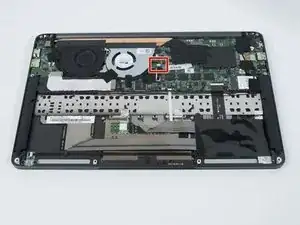
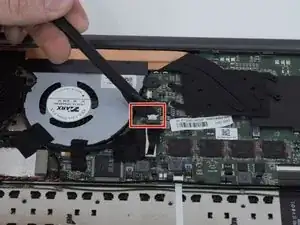
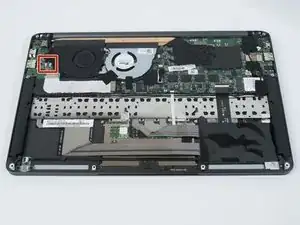
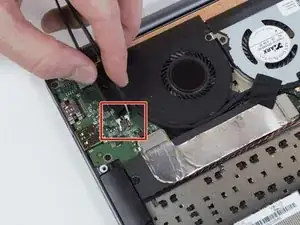
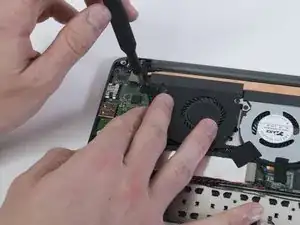
Use tweezers to squeeze the fan's white header.
-
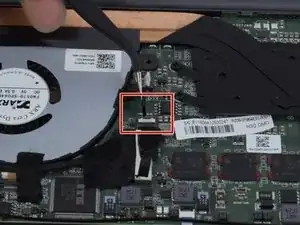
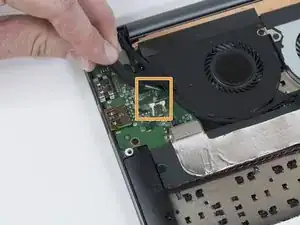
Disconnect the fan connector by sliding it out toward the rear of the chassis.
-
-
-
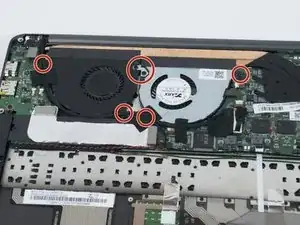
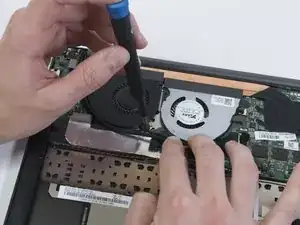
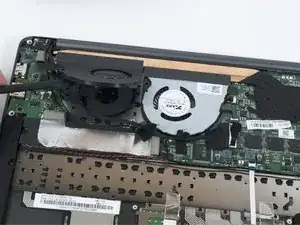
Use a Phillips #00 screwdriver to remove the six, 3mm screws and the metal bracket around both fans.
-
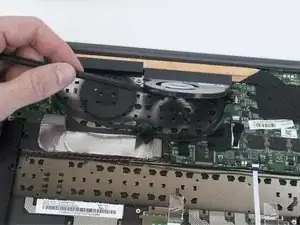
To reassemble your device, follow these instructions in reverse order.

3 comentários
What is the part number for the black fan? I'm trying to buy a replacement but I can't find any :(
fn0570-sp084r3bl
Identical ones, can be switched, screws have differences in depth.
Once they start to make noise, there's nothing to salvage...no cleaning or lubrification will fix it, they have high rpm and very thin.
Oem Test -
This system thermal is quite regular in normal temps/operations but it leaps temps very high in system demanding, the thin thermal dissipation equipped cant dissipate enough in high temps, the 2nd fan that has a delay in start, is not really helping in the poor thermal dissipation system.
Oem Test -