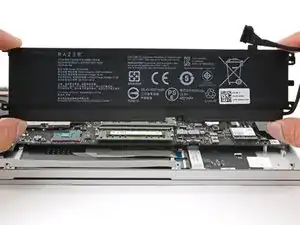
Introdução
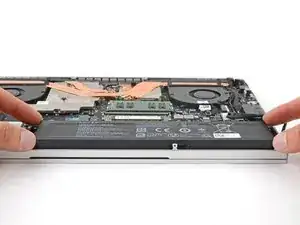
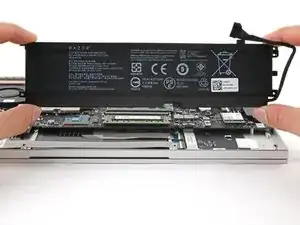
Use this guide to replace the battery in your Razer Blade 15" (2020) laptop.
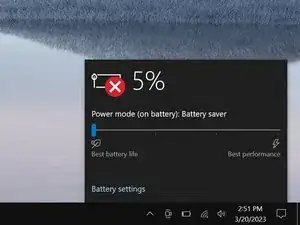
If your laptop dies quickly or doesn't hold a charge, it might be time to replace the battery.
If your battery is swollen, take appropriate precautions.


-
-
Unplug all cables and fully shut down your laptop.
-
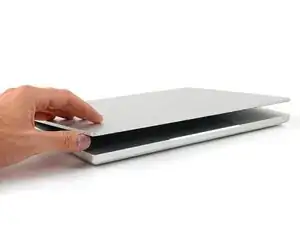
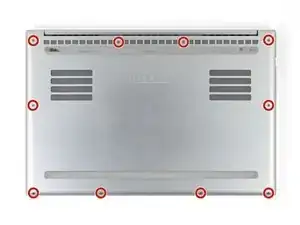
Close the lid and flip your laptop over so the back cover faces up.
-
-
-
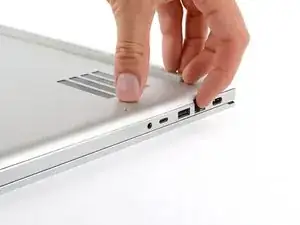
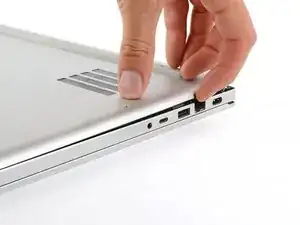
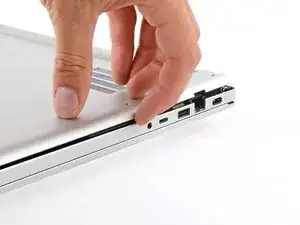
Use a finger to pry up the right side of the back cover, starting at the Ethernet port cutout.
-
-
-
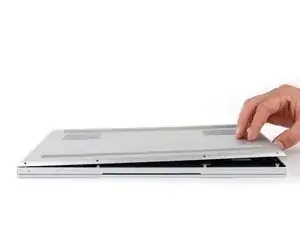
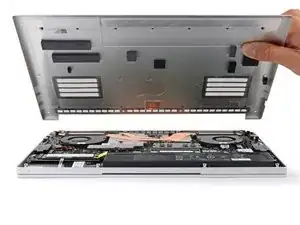
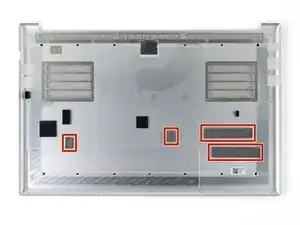
Remove the back cover slowly, as to avoid tearing the thermal pads underneath.
-
Lay the back cover down on its rubber feet to avoid damaging the thermal pads on its underside.
-
-
-
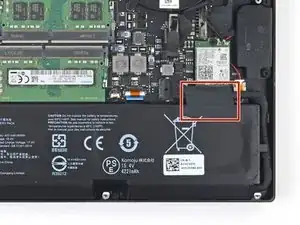
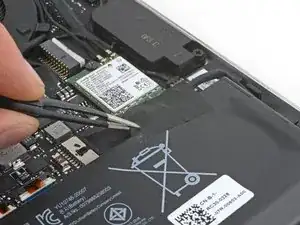
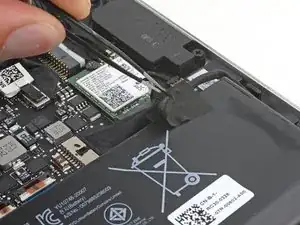
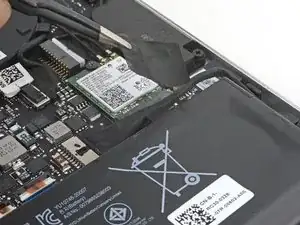
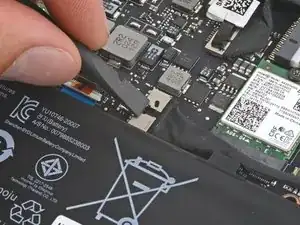
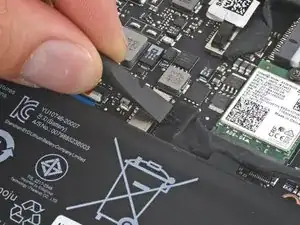
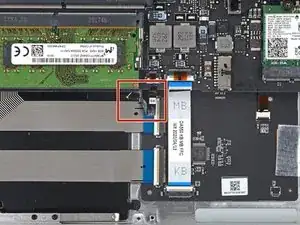
Use the flat end of a spudger to push the square tab on the battery connector and slide it out of its socket.
-
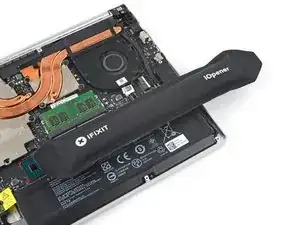
To reassemble your device, follow these instructions in reverse order.
For optimal performance, calibrate your newly installed battery after completing this guide.
Take your e-waste to an R2 or e-Stewards certified recycler.
Repair didn’t go as planned? Try some basic troubleshooting, or ask our Answers community for help.

Um comentário
Successfully replaced my Base Razer Blade 15 2020 battery thanks!