Introdução
Mouse skates wear down over time due to continuous use, which can lead to increased friction and bumpy movement. Replacing old skates is a simple fix to improve user experience and extend the life of the Razer Basilisk V3. Additionally, replacing the stock skates of the Razer Basilisk V3 with higher quality material, such as PTFE skates, can yield increased speed/control. Regardless, this guide will explain the removal and replacement of the Basilisk's mouse skates.


-
-
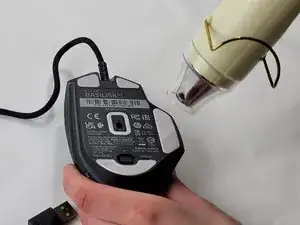
Heat the skate using a heat gun or hair dryer.
-
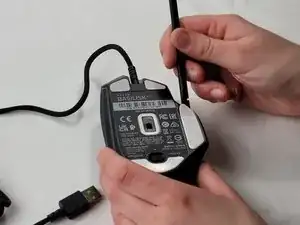
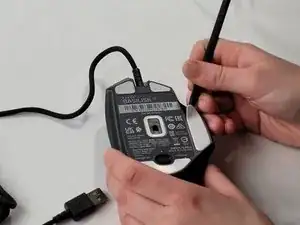
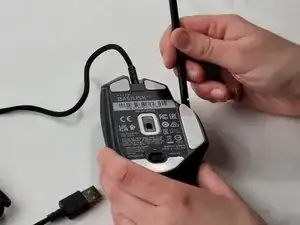
Using the pointy end of the spudger pry away a corner of the skate.
-
Once the corner of the skate comes free use the flat end of the spudger to peel off the rest of the skate.
-
Repeat these steps for each of the skates.
-
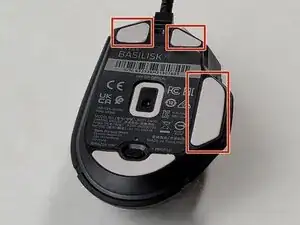
To replace the skates heat the new skates until the adhesive is sticky. Then apply to the appropriate space.