Introdução
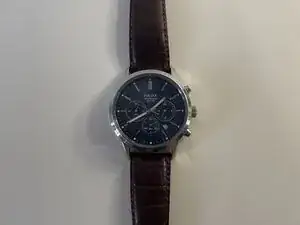
Given enough time, watch batteries naturally lose their charge and begin to degrade. Common symptoms of a failing battery include frozen watch hands, unresponsive chronograph functions, and inconsistent timekeeping. This guide will walk you through the steps required to replace the battery in a Pulsar Chronograph 100M (VD53-X220).
Before you begin, confirm that the watch’s crown is pushed all the way in. An extended crown may make the watch appear unresponsive even though the battery is not at fault.
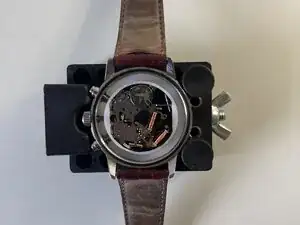
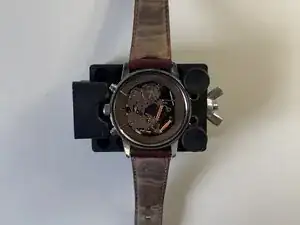
Once you’re ready to start, place the watch on a clean, stable surface. This guide will help you safely access and replace the battery.
Ferramentas

Peças
-
-
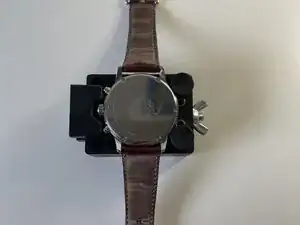
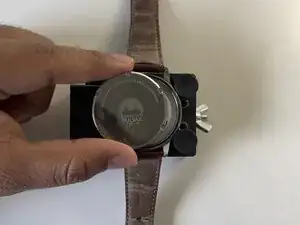
Place the watch on the adjustable watch case holder tool.
-
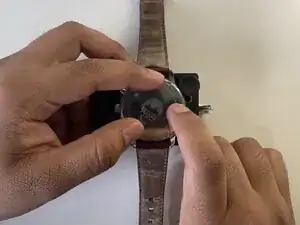
Adjust the holder tool until the watch is held firmly and remains stable.
-
-
-
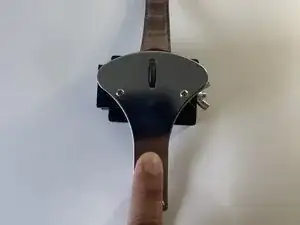
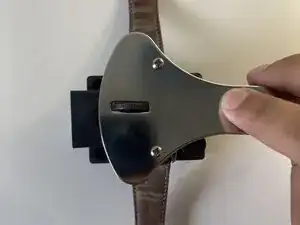
Align the three points of the Jaxa wrench with three corresponding notches on the watch.
-
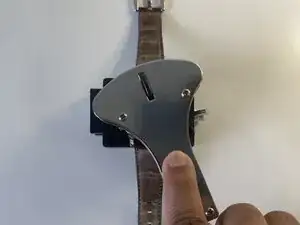
Gently turn the wrench counterclockwise until you feel the watch casing start to loosen up.
-
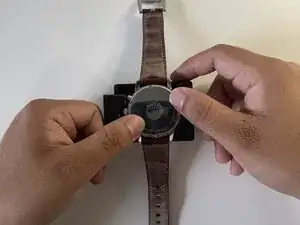
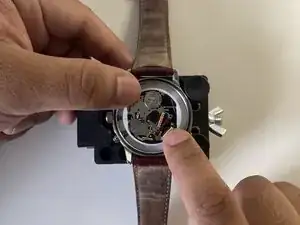
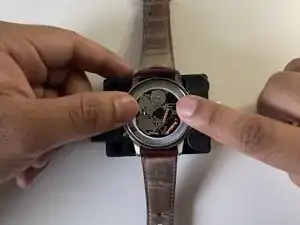
Once loose, complete the process with your hands.
-
-
-
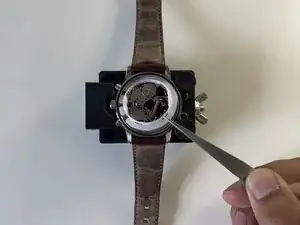
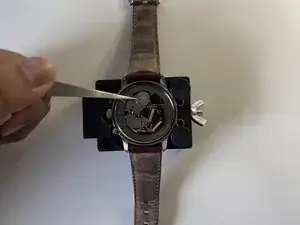
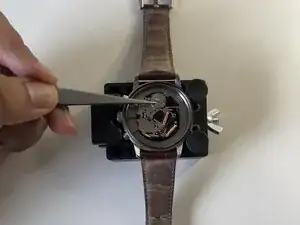
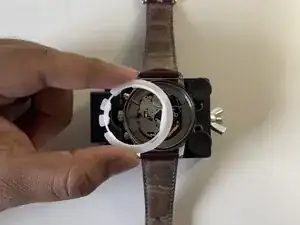
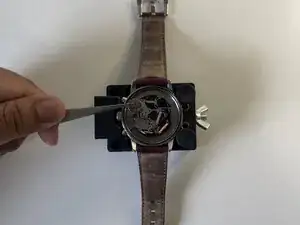
Now that the watch interior is exposed, carefully lift the white plastic lid with a pair of tweezers.
-
-
-
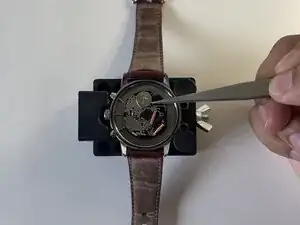
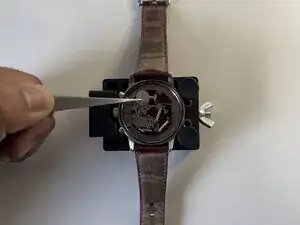
With your tweezers in hand, gently push the battery from its right side.
-
Once displaced, you will be able to safely extract it from its contacts.
-
-
-
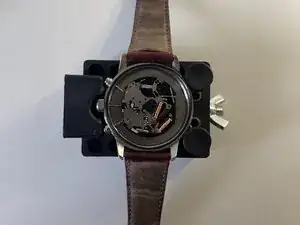
Carefully slide the new battery into place.
-
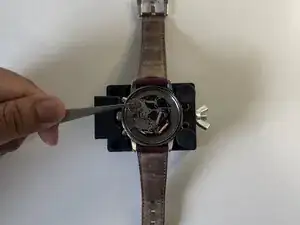
Lightly tap the top of the battery to ensure it's securely fastened.
-
-
-
Align the Jaxa wrench's three points with three corresponding notches on the watch case.
-
Turn the wrench clockwise to reseal the case.
-