Introdução
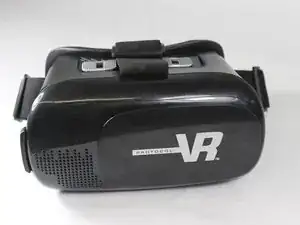
This guide will help you replace your lens if they get scratched or broken.


-
-
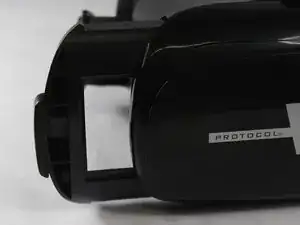
Remove the phone slide from the virtual reality goggles.
-
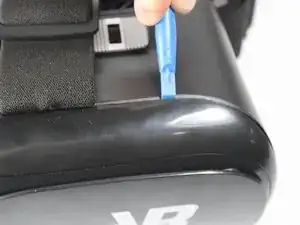
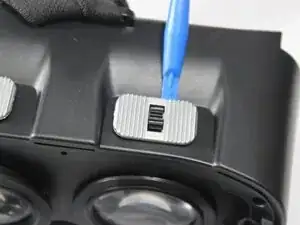
Take the outside cover off using the plastic opening tool.
-
-
-
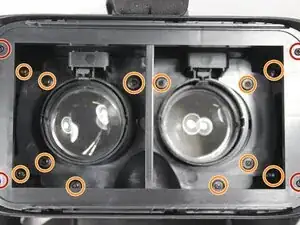
Remove each screw from its place.
-
Remove four 6mm Phillips head screws.
-
Remove twelve 7mm Phillips head screws.
-
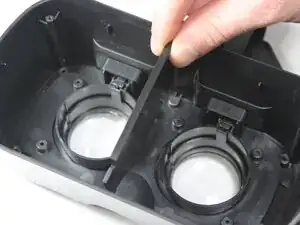
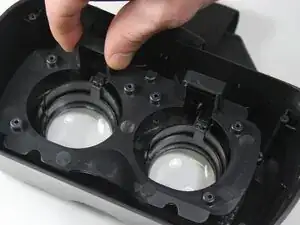
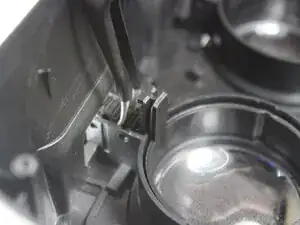
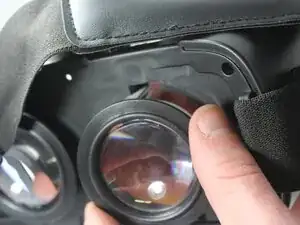
Pull out each bracket so you can see the full lens case.
-
-
-
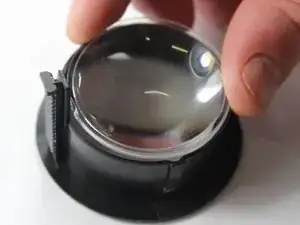
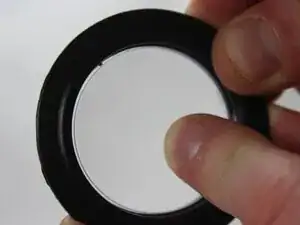
With a little force, push the lens from outside in to break the lens out of the case. This will get the lens out.
-
Now replace the lens with a new one and follow the steps in reverse order to put the lens back!
-
Conclusão
To reassemble your device, follow these instructions in reverse order.
