Introdução

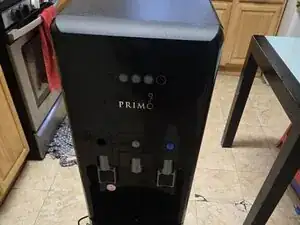
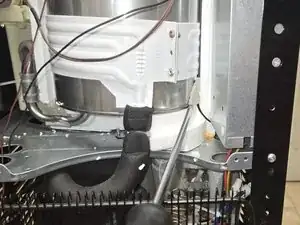
If your Primo water dispenser (model 601258-C) is not dispensing cold water because it is freezing the cold water reservoir, use this guide to replace the temperature sensor.

The temperature sensor helps regulate the cooling system to ensure the water stays at the correct temperature. A faulty sensor may cause excessive cooling, leading to freezing.

Before using this guide, inspect the dispenser’s cooling settings and ensure there are no external factors affecting temperature regulation. If the sensor is indeed the issue, follow the steps carefully to replace it.

Before you begin the repair, completely disconnect the dispenser from its power source.

  1. 2UcQULWQPyW5DAYW
    2UcQULWQPyW5DAYW
    HYvkfCBkfZlbfsnK
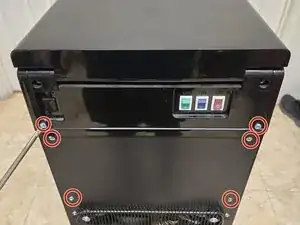
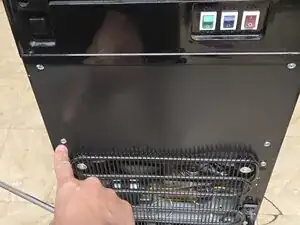
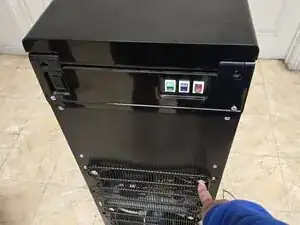
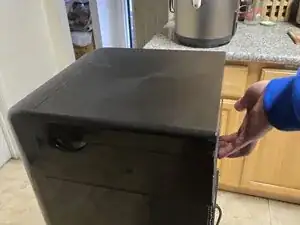
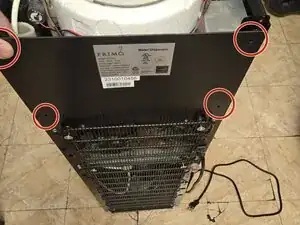
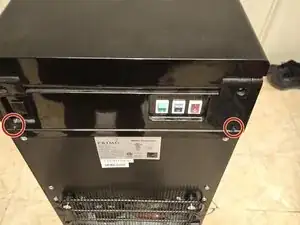
    • Remove six 9 mm Phillips screws from the back of the water cooler to detach the back panels.

  2. e22dG22Z6K5HmOjw
    e22dG22Z6K5HmOjw
    5R5ixt2GAGlYCCZa
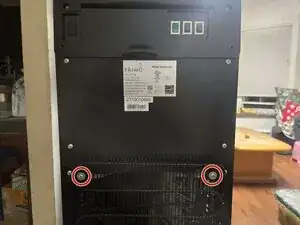
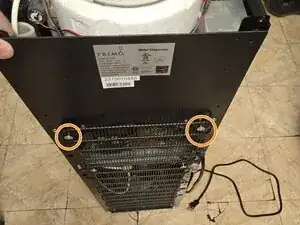
    • Loosen the two 25 mm Phillips screws securing the radiator, allowing you to remove the backing.

  3. wAnkrnIYTJWdEOmA
    wAnkrnIYTJWdEOmA
    bxaOR6tQDSWTUVhT
    UTHnYtFucQQ15ELo
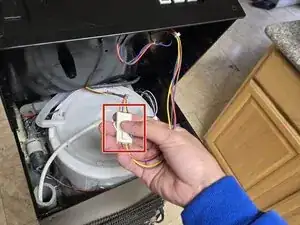
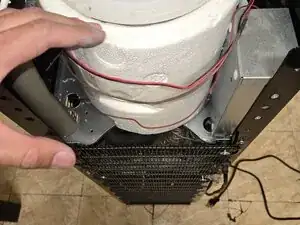
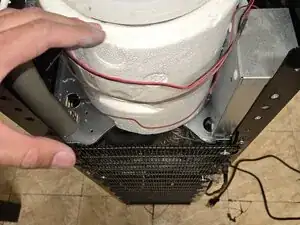
    • Remove the top of the cooler.

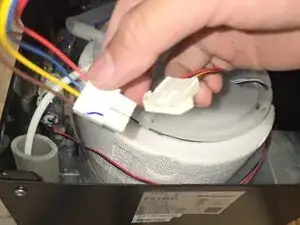
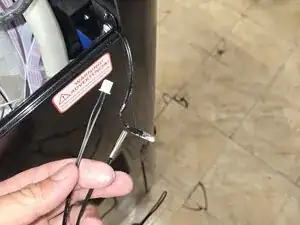
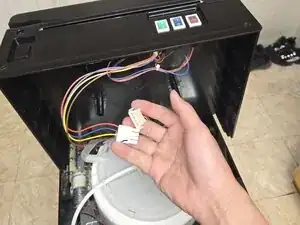
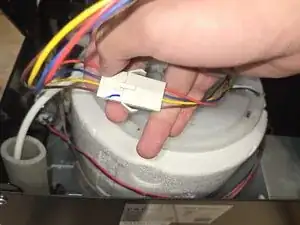
    • Press the tab and unplug the temperature switch from the lid.

    Thought I’d comment for anyone who can’t figure how to remove the top like myself. Sounds very loud like you’re breaking it, but the top you have pry off.

    Tucker Banta -

  4. bjND2kxucC3mXdkR
    bjND2kxucC3mXdkR
    wHBQCDwAlNnbvwgx
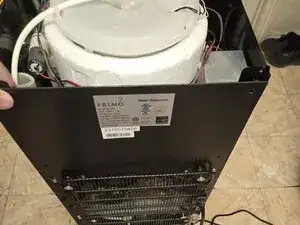
    • Remove the back panel.

  5. 34mDUfunud4KTFLO
    34mDUfunud4KTFLO
    KSOQNgL4kPem4bZC
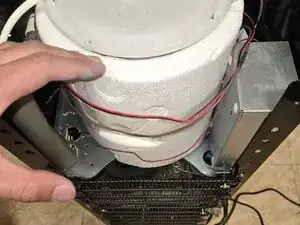
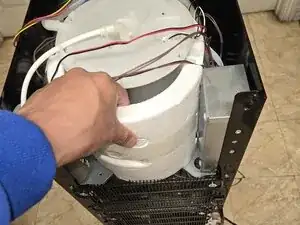
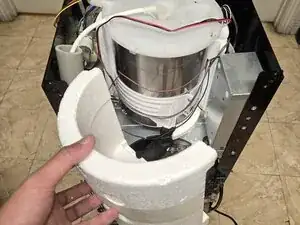
    • Carefully remove the insulating foam.

    • It can easily break apart.

    The insulation wouldn’t separate for me, found you need to cut the strips of tape holding it together. Had to unscrew the silver box on the right to get to the tape on that side.

    Tucker Banta -

    Não entendo inglês

    Luiz Carlos Leite -

  6. PcZXjrhhDJhtthfM
    PcZXjrhhDJhtthfM
    WTpSQCjNPACABucB
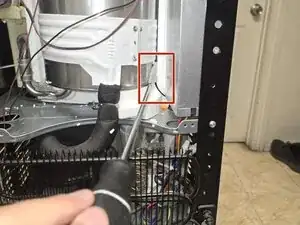
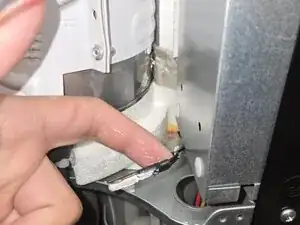
    • Remove faulty temperature sensor.

    • Removing the old sensor requires moving some of the existing insulation tape.

  7. ZPbZXkapB1YuPTwm
    ZPbZXkapB1YuPTwm
    LUaq2tQxkNTZGAC4
    rwoYOBQBcljmbd6G
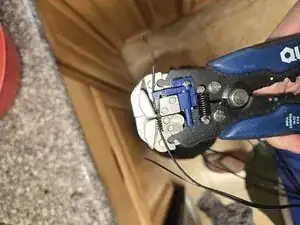
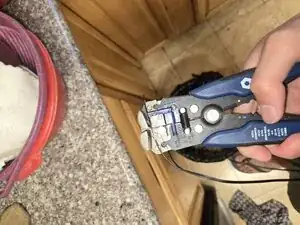
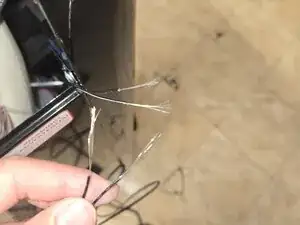
    • Use a wire stripper to strip the wire on both the old and new temperature sensors.

    • Here is a guide for Wire Stripping.

  8. gZkxe2XyPmUF2mcl
    gZkxe2XyPmUF2mcl
    O2WfV3XKhl1KWYcP
    uQymjC1rTDMgpQJS
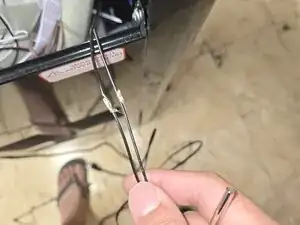
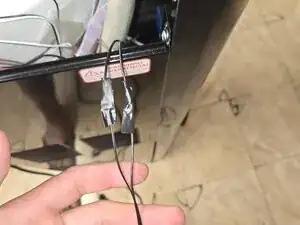
    • Twist the ends of the wires stripped wires together and wrap them with electrical tape.

    • Alternatively, you can solder the wires and secure them with heat-shrink tubing. For tips on soldering and using heat shrink tubing, refer to these guides: How to Solder Wires Together and How to Use Heat Shrink Tubing.

  9. AYklmVFo5nqy3Wt2
    AYklmVFo5nqy3Wt2
    YCVMAtkFQTGIUrJV
    ayXbI2RrjxD4Cuai
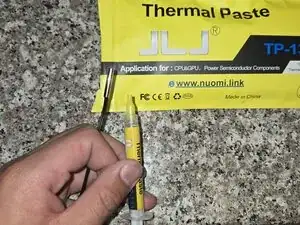
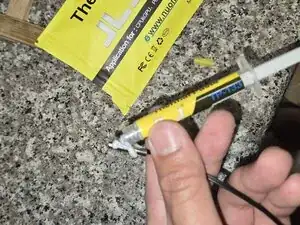
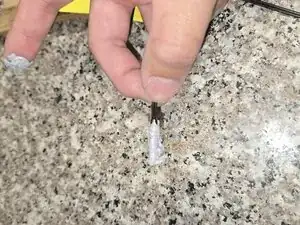
    • Apply thermal paste to the new temperature sensor.

  10. gdHe6YKOktnfxdJZ
    gdHe6YKOktnfxdJZ
    iBrUVJKGTehREyJ1
    MIOoKDYi2UwZFm3L
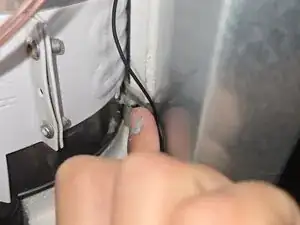
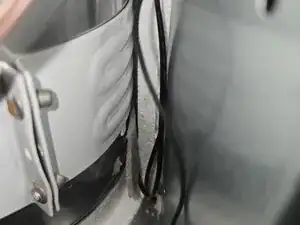
    • Insert the newly connected thermal paste-covered sensor into the slot where the old sensor was.

    • Place the old insulation back.

  11. vvFXBDWE3JaPFpwH
    vvFXBDWE3JaPFpwH
    1fOxDpEmSyHng2Xf
    AIrQjKHR3DKqa26G
    • Reattach the backing and secure it with four 9 mm Phillips screws.

    • Tighten the two 25 mm Phillips screws.

  12. AX2dCEJH5pSNb3DB
    AX2dCEJH5pSNb3DB
    5NNTxXMsTCYJLdRv
    SQ1kNHZ5NoOaHdj3
    • Reconnect the temperature control.

    • Secure the top panel with two 9 mm Phillips screws.

  13. FgDcNopM6gEcOH1D
    • You have replaced the temperature sensor.

Conclusão

To reassemble your device, follow the instructions in the guide. Take your e-waste to an R2 or e-Stewards certified recycler.

Alan Mai

Membro desde: 09/04/25

273 Reputação

Um comentário

Thank you for the great guide, the replacement thermostat and paste you recommended worked perfect.

Tucker Banta -