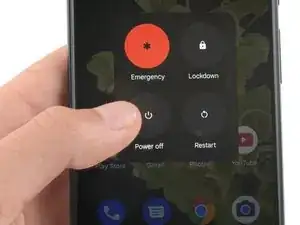
Introdução
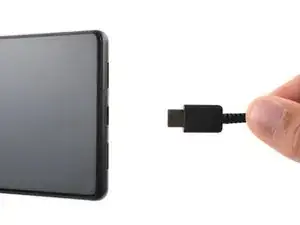
Conclusão
Para montar novamente o dispositivo, siga estas instruções na ordem inversa.

Para montar novamente o dispositivo, siga estas instruções na ordem inversa.
I can't turn off the phone because the screen is broken. Hence why I am trying to replace it.
fixedgerald -
I managed to turn my phone off by playing with the buttons on the side. I can't tell you exactly how I did it, but it is possible.
YuropeCat -
Strongly recommend before you start, get a headlamp like for camping and make sure it's charged up good. Even next to a bright south facing window I had difficulty with the shadows inside the phone and along the edges. Headlamp helped.
EMC -
Fully turn off the device by holding down the Volume Up button and the Power button.
Emanuele Artusi -
For me, I needed to hold all three, Power, Volume Up, and Volume Down, for ~20 seconds.
Ramekin -
Is there a video to these written instructions?
kay -
Where can I buy motherboard??? You have a guide to replace a motherboard but I can see no place to order one
Sebastian Meckovski -