Introdução

  1. TUme6EVa5umqoJIT
    TUme6EVa5umqoJIT
    HqPUF1mTGV3KeWZY
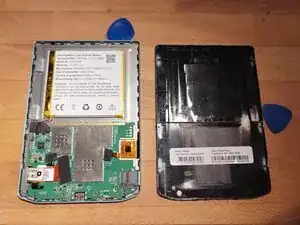
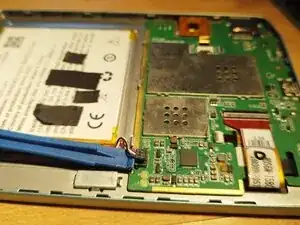
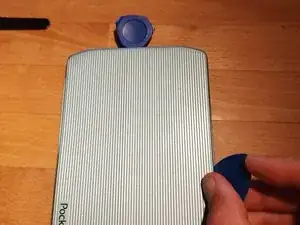
    • Pry open with picks or plastic cards.

    • Some force is need. Try pulling outwards to unleash the hooks. Start on one side and work your way around leaving picks in.

  2. EcE5RaJdelQlMPLY
    EcE5RaJdelQlMPLY
    5Jh4wfbxZqUFEq5y
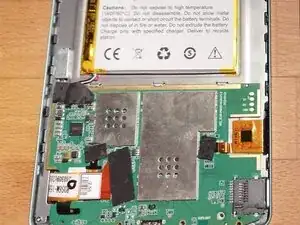
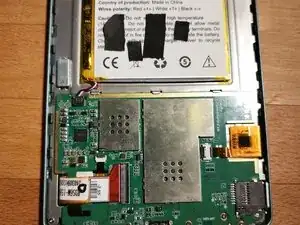
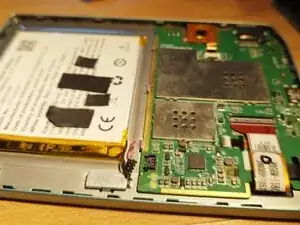
    • Remove all covers of the connectors.

  3. RvFBA4oBP1s2gUTv
    RvFBA4oBP1s2gUTv
    CL4UHBRTxtOtZtDm
    VECYjaIW2PnWNJQo
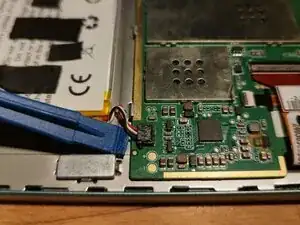
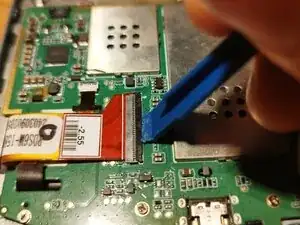
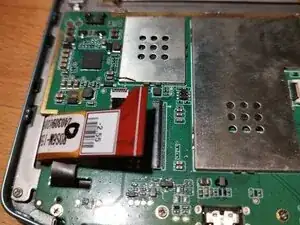
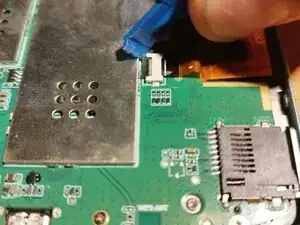
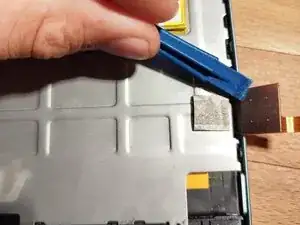
    • Lift up the connector from the top.

  4. jDPZxIW3ncrguWCb
    jDPZxIW3ncrguWCb
    iIK1SwUokr6eDpZo
    dAXKAl3UtDsbxtYX
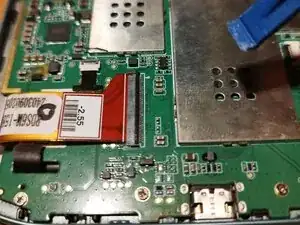
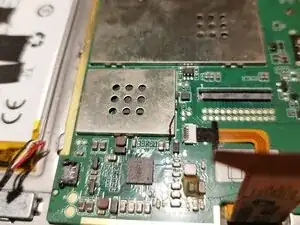
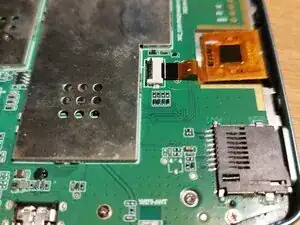
    • Flip up the black switch.

    • Pull out the flexcable.

  5. SpXSexXBE4WgNSs5
    SpXSexXBE4WgNSs5
    GNbtpXmqRKT5ObXW
    nTiUFUYekGsNyGOQ
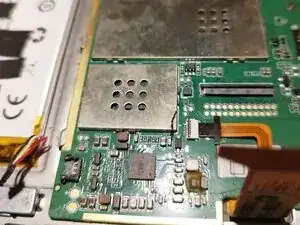
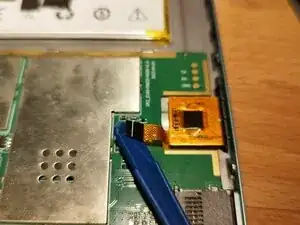
    • Flip up the black switch.

    • Pull out the flexcable.

  6. EV3MWIqXJeIhPfZn
    EV3MWIqXJeIhPfZn
    CG4MreDIT2ZC6Iti
    g6uRVSkyOgoDhiub
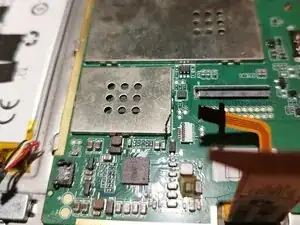
    • Flick black switch

    • Pull out the flexcable.

  7. hYEP1AUAWbJVLbXc
    hYEP1AUAWbJVLbXc
    2eeYcQP1jpQABTyU
    dS4AhryItAcTnIIt
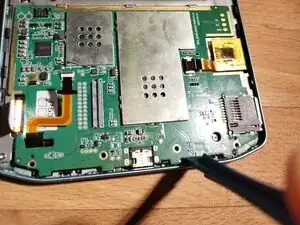
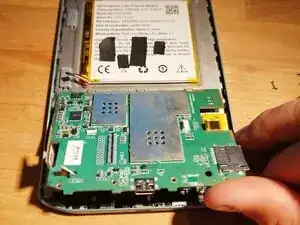
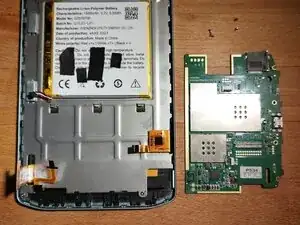
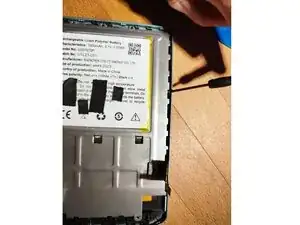
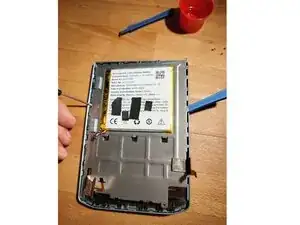
    • Unscrew the screws of the board

    • Pry out the board starting from the bottom.

    • Carefully pull out the flex cables.

  8. guRrfGtXvnnk6RDF
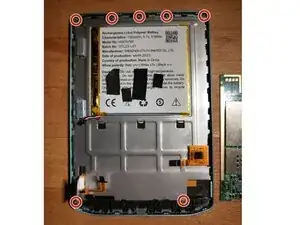
    • Unscrew

  9. XA1wYVC23BLkZCvc
    XA1wYVC23BLkZCvc
    gOjcLVZNkwexZQF4
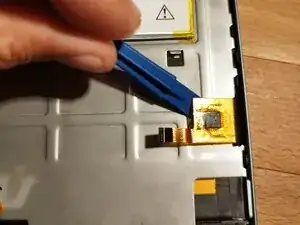
    • Bend away flex cable, so that we are free for the next step.

  10. PFJ3np35Fr2VHfZ2
    PFJ3np35Fr2VHfZ2
    WoZVUQjgNm5QE2o2
    JgDone1pGNj44EME
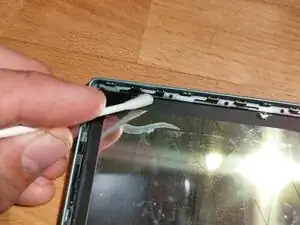
    • Pry open the back cover, starting from one side.

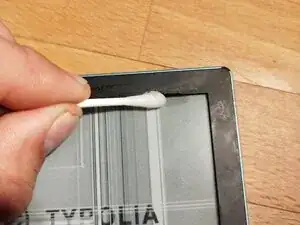
    • Use a lot of isopropyl alcohol to soften the glue.

    • Use cotton pads to spread the isoprop under the screen.

  11. WXybiwDXYcqYExYl
    WXybiwDXYcqYExYl
    nXbs4PKu3GKpUVvY
    KBRAWLZ2FveXg6sP
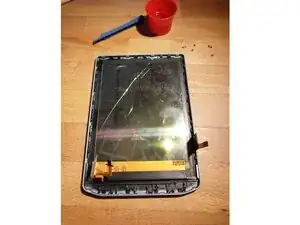
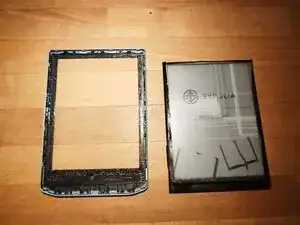
    • Use isoprop to loosen the glue between screen and frame.

    • Push from the front to get the screen out.

  12. EXMG6fTgI1BVlJbf
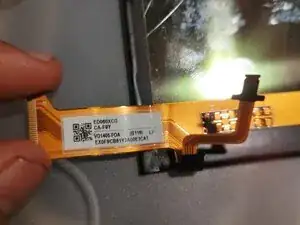
    • Search for replacement parts with following properties:

    • Suitable for Pocketbook verse PB692

    • Screen ED060XCG,ED060XCH or similar

    • Three flexcables!!! (only two and the touch or the backlight will not work)

    • The small flexcable on the right, for touchscreen has to read FT6336U as other protocols will also not work.

    Hello and congratulations for the tutorial. From which supplier did you find the screen ?

    Moi -

    Sorry for the late answer.

    I believe it was this one: https://de.aliexpress.com/item/100500917...

    Not guaranteed, that it will work for everyone, but for me it worked.

    LStrong -

Conclusão

To reassemble your device, follow these instructions in reverse order.

LStrong

Membro desde: 12/09/25

415 Reputação

0 comentários