Introdução
Ferramentas


-
-
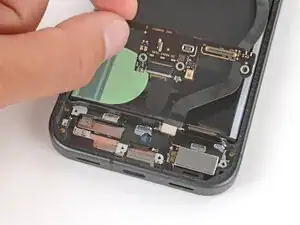
Insert the USB‑C board at a slight downward angle, guiding the port into its recess.
-
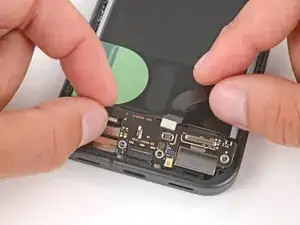
With the board in place, press down firmly on the center of the top edge to clip the board in place.
-
-
-
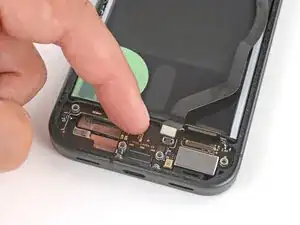
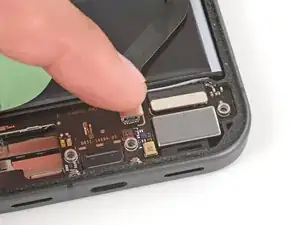
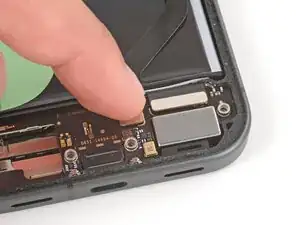
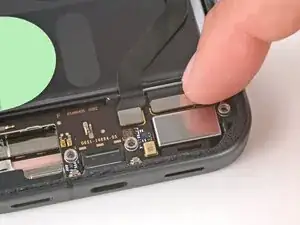
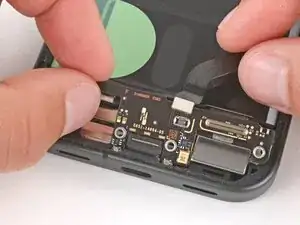
Use your finger to press down and connect the two press connectors to the top edge of the USB‑C board.
-
-
-
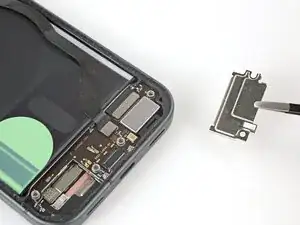
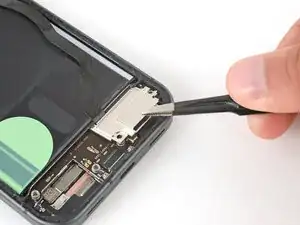
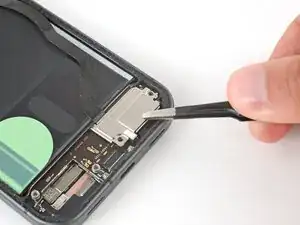
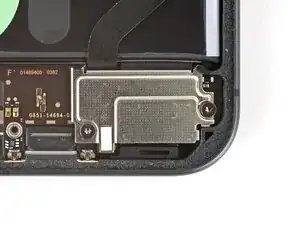
Put the USB‑C board cover back into place, sliding the tabs on the top corners under their hooks.
-
-
-
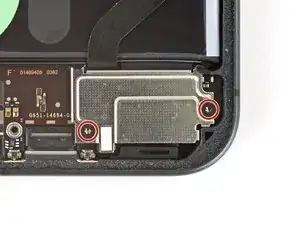
Use a Torx Plus 3IP screwdriver to install the two 5.0 mm‑long screws securing the USB‑C board cover.
-