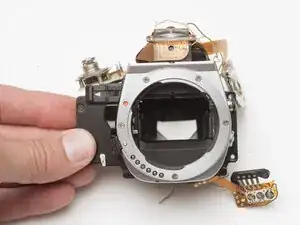
Introdução
Ferramentas


-
-
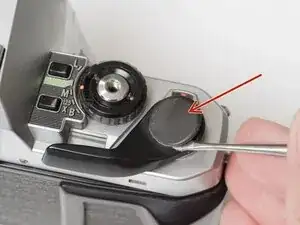
Remove the rubber decorative cap. It is attached with contact cement underneath. Isopropyl Alcohol may be used to soften the adhesive.
-
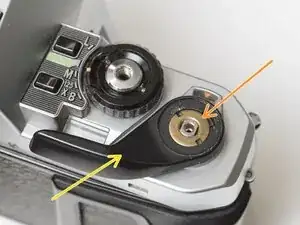
Unscrew the lock nut using a spanner wrench. The lock nut is reverse threaded.
-
Lift off the advance lever.
-
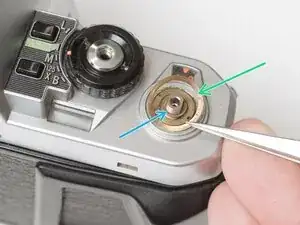
Remove the spring washer.
-
Remove one shim washer.
-
-
-
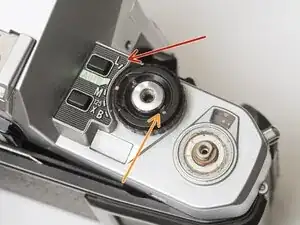
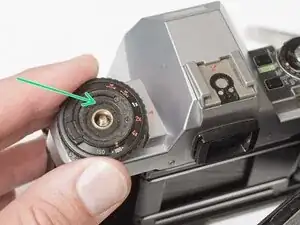
Set the mode dial to the 'L' position.
-
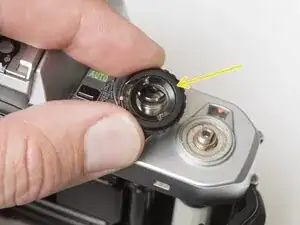
Use a spanner wrench to unscrew the dial lock nut.
-
Lift off the mode dial.
-
-
-
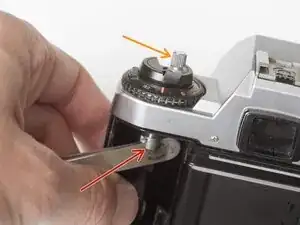
Place a rigid object in the fork.
-
Unscrew the rewind lever.
-
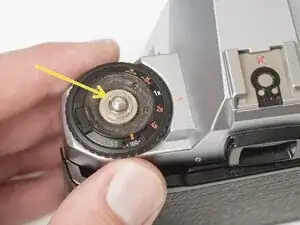
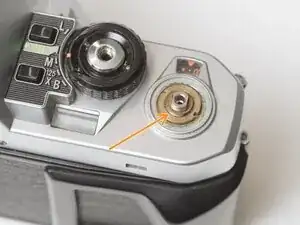
Use a spanner wrench to remove the lock nut.
-
Lift off the exposure compensation dial.
-
-
-
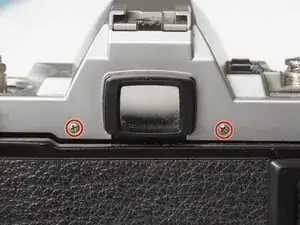
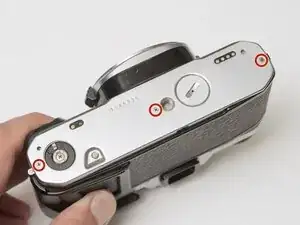
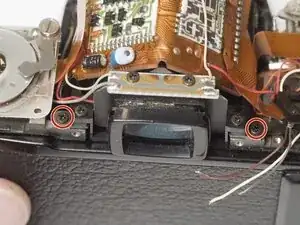
Remove two screws on either side of the eye piece.
-
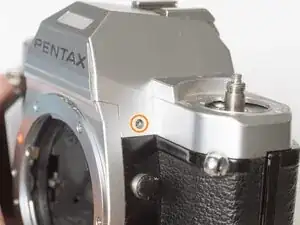
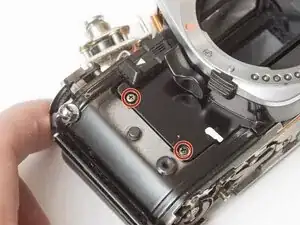
Remove two screws on either side of the lens mount.
-
-
-
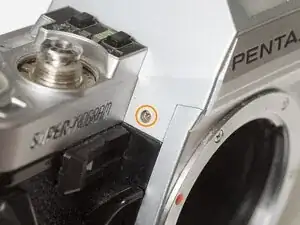
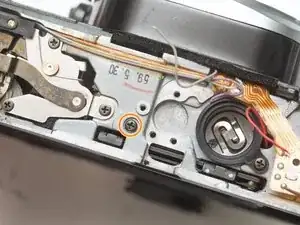
Remove one screw by the exposure compensation dial.
-
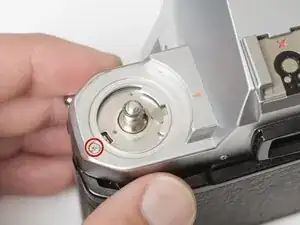
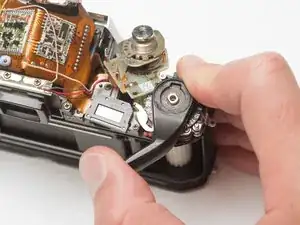
Use a spanner wrench to remove the lock nut under the advance lever.
-
Lift off the top cover slowly. It is still attached by one wire.
-
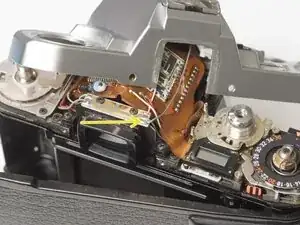
Unsolder one gray flash sync wire.
-
-
-
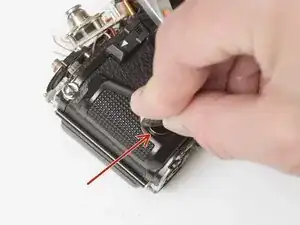
Use a nickel or other large coin to remove the hand grip.
-
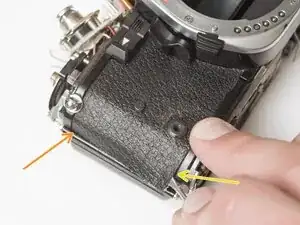
Drip isopropyl alcohol along the edge of the leatherette to soften the adhesive.
-
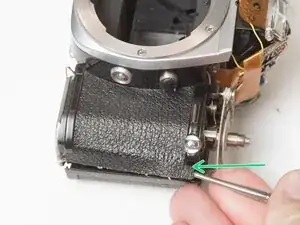
Use a dull scraper to lift one corner and pull off the panel.
-
Repeat on the rewind side of the camera.
-
-
-
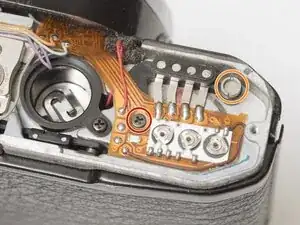
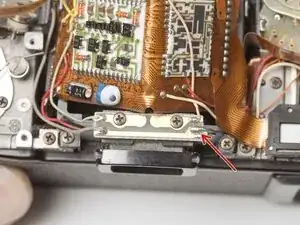
Remove one M1.7 x 4.5 mm screw.
-
Remove one slotted screw.
-
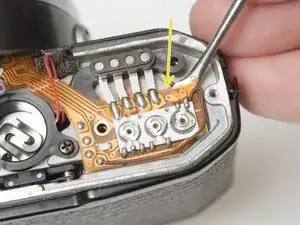
Use isopropyl alcohol to soften the adhesive under the flex PCB.
-
Gently lift the PCB until it is free from the camera body.
-
-
-
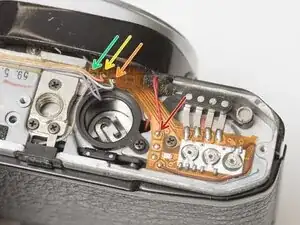
Unsolder one red wire.
-
Unsolder one light blue wire.
-
Unsolder one orange wire.
-
Unsolder one purple wire.
-
-
-
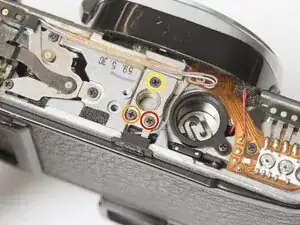
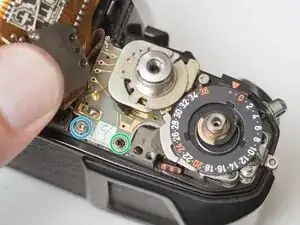
Remove one M1.7 x 4.5 mm screw.
-
Remove one M1.7 x 5 mm screw.
-
Remove one countersunk M1.7 x 5.5 mm screw.
-
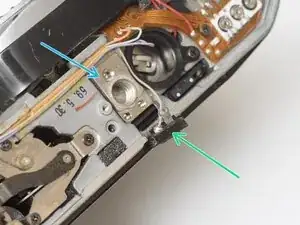
Lift the contact terminal free from its seat.
-
Remove the tripod mount.
-
-
-
Remove one slotted screw.
-
Remove one M1.7 x 4 mm screw.
-
Loosen one slotted screw (this will remain connected to the assembly).
-
Lift the ISO resistor assembly off the rewind post. It is still attached by a flex PCB.
-
-
-
Remove one M1.7 x 2.5 mm screw. It is only accessible when the mode dial is in the 'L' position.
-
Remove one crosshead screw.
-
Lift the LCD out of the way. It is still attached by a flex PCB.
-
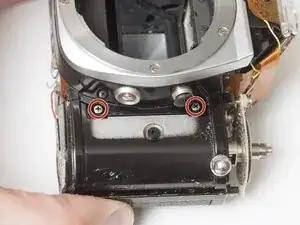
Remove one M1.7 x 2.5 mm screw.
-
Remove one slotted screw.
-
-
-
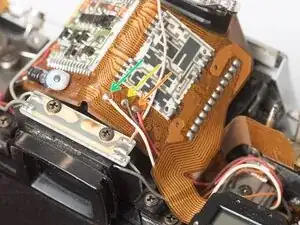
Unsolder one gray wire.
-
Unsolder one red wire.
-
Unsolder one brown wire.
-
Unsolder one white wire.
-
-
-
Wind the shutter
-
Make sure the mode dial unit and ISO selector unit are free from their mounting points.
-
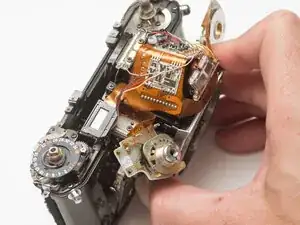
Wiggle the mirror box and front board free.
-
Watch for wire snags as you pull it free.
-
Check for loose shim washers on the front board and note their position.
-
-
-
Shutter should be in the charged state.
-
Mirror box should be in released state.
-
Pay close attention to wire routing during install.
-
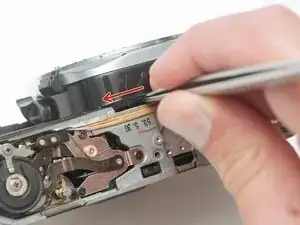
To test the actuation of the mirror and shutter, wind the camera, then insert a tool into this slot and push the release lever to the left.
-
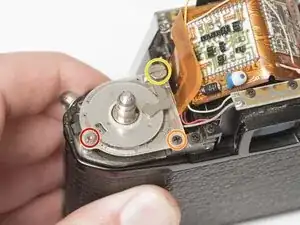
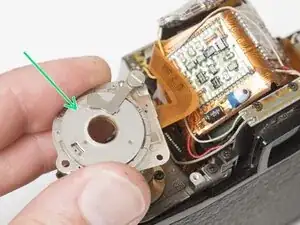
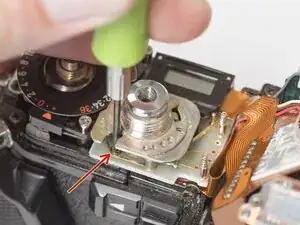
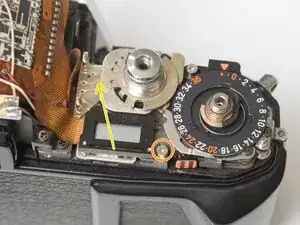
To reassemble your device, follow these instructions in reverse order.
