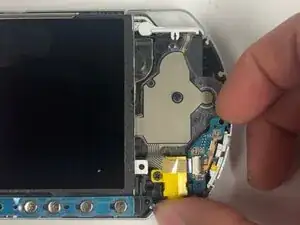
Introdução
If your PSP-3000 wont turn on reliably anymore, and if it's stuck in HOLD mode, or if the power slider doesn't work, this guide will help you replace the power switch circuit board. This board controls all power and hold state functions when it starts to fail, normal operations of the system becomes more difficult.
Common symptoms for a faulty power switch board include the system not turning on, suddenly powering off, getting 'stuck' in HOLD when the slider is already off, or simply requiring too much force to actuate the switch. If you're not sure if the switch board is the problem, see the related sections of the PSP-3000 Troubleshooting page.
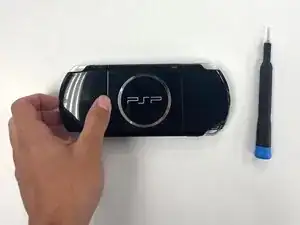
Before starting the repair, power off the PSP and remove both the battery and the Memory Stick. This guide requires opening the console's shell and exposing internal ribbon cables, along with sensitive components. Be careful not to exert too much pressure on the LCD screen while handling the front panel. An ESD-safe workspace is recommended for preventing static discharge from damaging internal circuitry.
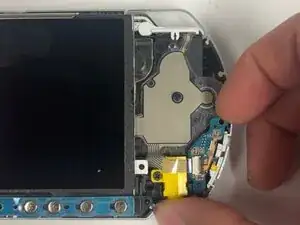
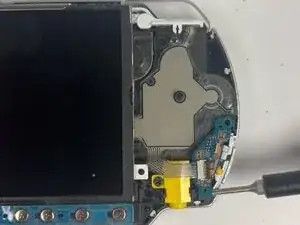
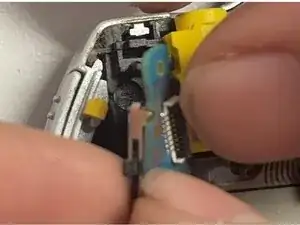
The following guide will take you through the removal of the lower button bar, disconnecting the associated ribbon cables, and replacement of the faulty power switch circuit board. Upon successful completion, this repair will once more control the power correctly in your PSP-3000, allowing it to function as it should.
Ferramentas


-
-
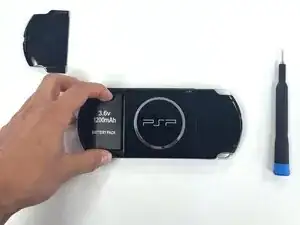
Push the latch and detach the battery panel to expose the battery pack.
-
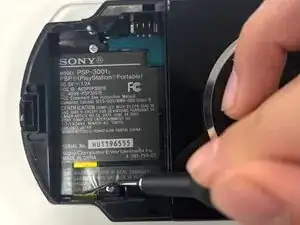
Take the battery out.
-
-
-
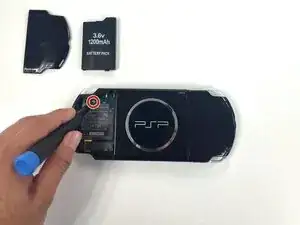
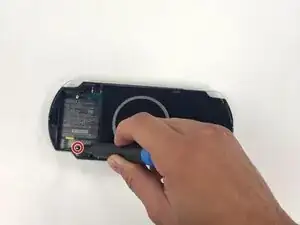
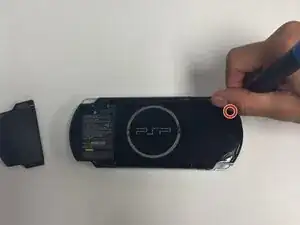
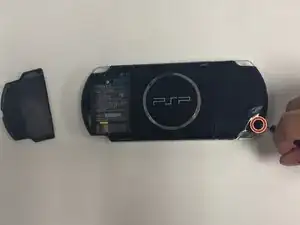
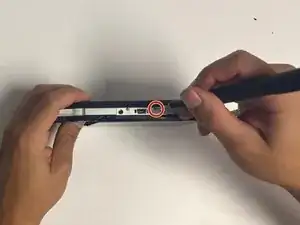
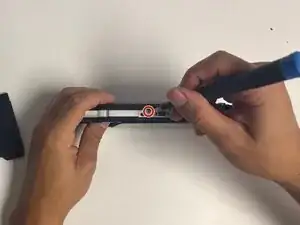
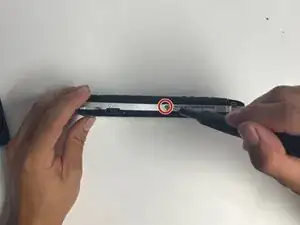
Rotate once more with the top facing you and unscrew the last screws.
-
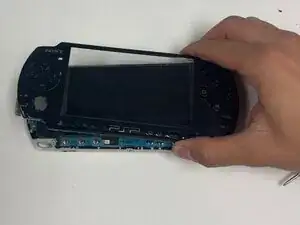
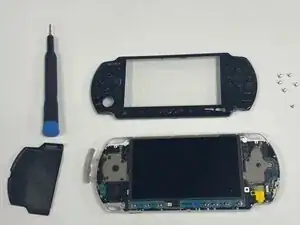
The front panel of your PSP can now be lifted off and expose inside the body of the PSP.
-
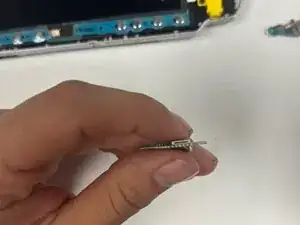
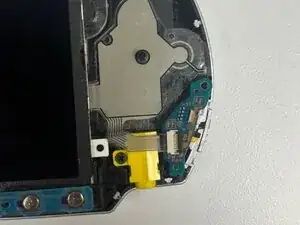
Replacing the power switch circuit board in the PSP-3000 restores control over the system’s power and hold functions, which solves many problems caused by a failing switch assembly. Carefully removing the lower button bar, disconnecting ribbon cables, and installing a new circuit board can safely eliminate problems, such as a bad startup, unexpected shutdowns, or systems getting stuck in HOLD mode. While the repair demands patience and attention to very delicate internal components, completion ensures that the PSP-3000 can once again operate smoothly and respond correctly to power commands, further extending the life and usability of the device.
