Introdução
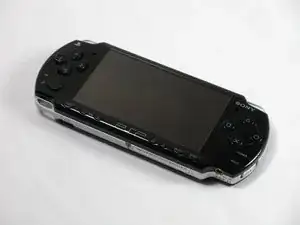
Paint job scratched? Going custom? Change out your faceplate assembly!


-
-
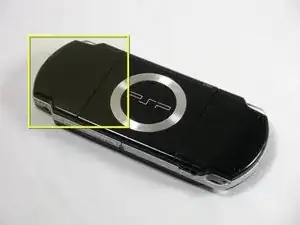
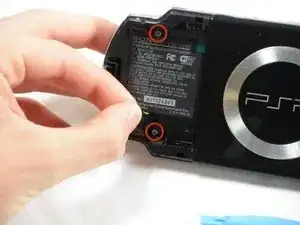
Place PSP face down, so that the UMD Drive is facing upwards.
-
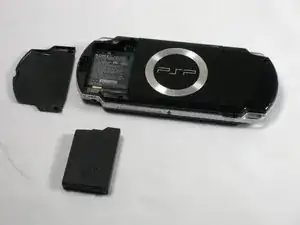
Locate the battery door and open.
-
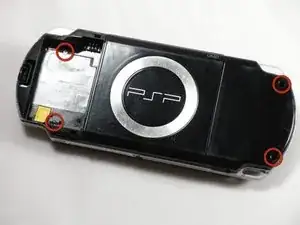
Remove the battery from inside.
-
-
-
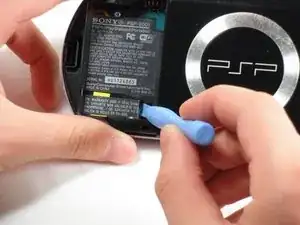
Locate the sticker in the battery compartment labeled: "En: Warranty Void if Seal Damaged."
-
Remove the sticker using the PSP Opening Tools.
-
-
-
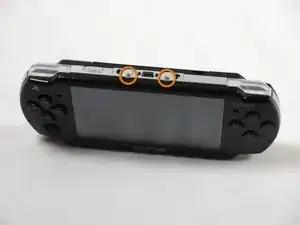
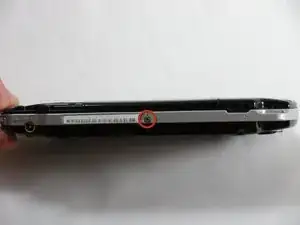
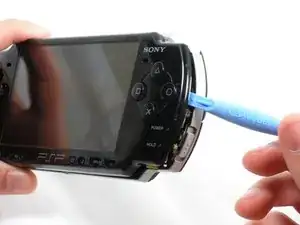
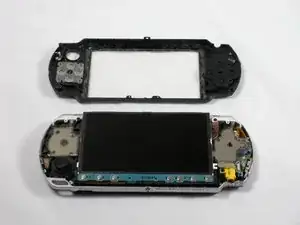
Gently pry the front bezel away from the casing using a PSP opening tool.
-
Start on the right hand side of the PSP bezel, and carefully work the tool around the side.
-
Conclusão
To reassemble your device, follow these instructions in reverse order.

Um comentário
Does the front casing also have the plastic glass screen on it as well? Or is that separate?
Arthur -