Introdução

This guide will help you get to and remove/replace the action buttons. This is useful if your action buttons are broken/need replacement, or if you prefer the placement of them to be different than the standard.

  1. c1rNBNUC2JRTXgcv
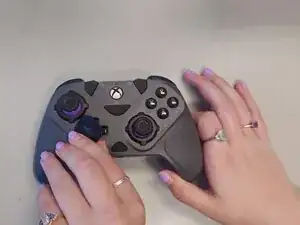
    • Lift off the directional pad.

  2. nVwxnBVAkVKoIYAk
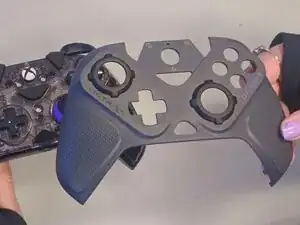
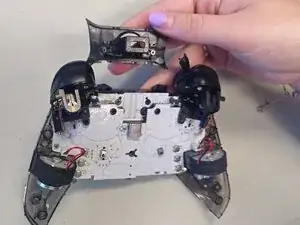
    • Using your fingers, lift the outer casing off of the midframe.

  3. hEWbKQHvYWd24gUm
    hEWbKQHvYWd24gUm
    t1oCRlL3imEFp4TO
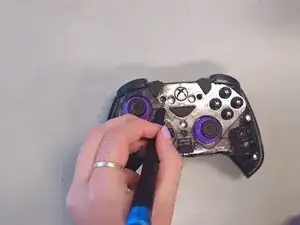
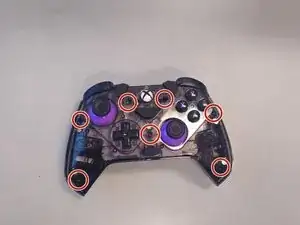
    • Use a Phillips #000 screwdriver to remove all seven 9 mm-long screws on the midframe.

  4. 5lvB6qQTVjUABCWW
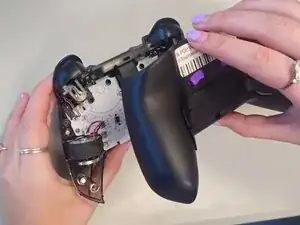
    • Pry off the back casing with your hands.

  5. r4Z66bRmDFeGpteX
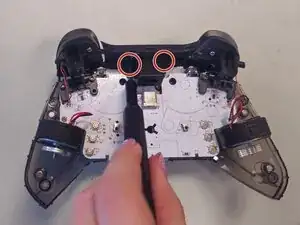
    • Use a Phillips #000 screwdriver to remove the two 2 mm-long screws circled in red.

  6. VURNUi3oHREWFHko
    • Pull off the port cover using your hand.

  7. A6XaZ6oBRHOYJgtq
    A6XaZ6oBRHOYJgtq
    IsQsWFxlPJNvdmKV
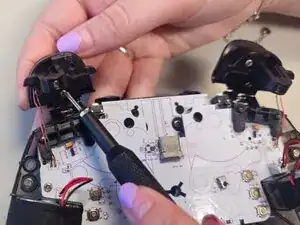
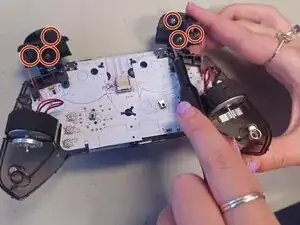
    • Use a Phillips #000 screwdriver, remove all six of the 6 mm-long silver screws.

  8. sFvauDMeOmXwJQ3U
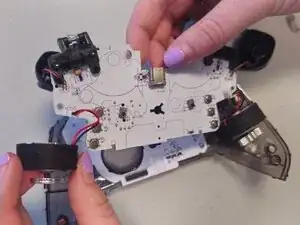
    • Pull off the motherboard using your hand.

  9. JRTVBJOTnQhXcxRf
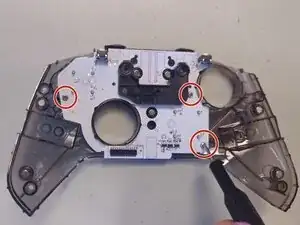
    • Use a Phillips #000 screwdriver to remove the three 6 mm-long screws.

  10. lmlgsn3EplPXQObE
    • Pull off the U-shaped divider sitting on the daughterboard.

  11. FZJJT1nbSPTOi4Ia
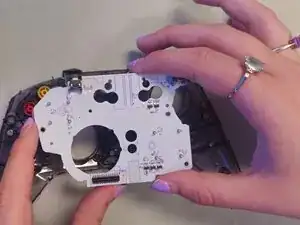
    • Lift the daughterboard off of the midframe using your hands.

  12. vOSda1soTQTbeMdE
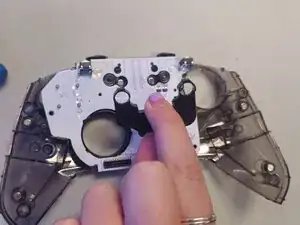
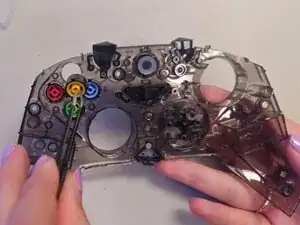
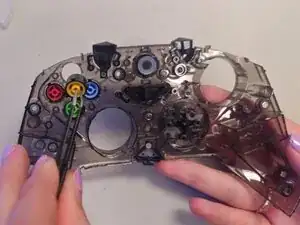
    • Pull off the four action buttons using tweezers.

Conclusão

To reassemble your device, follow these instructions in reverse order.

Cora Miller

Membro desde: 08/09/25

205 Reputação

0 comentários