Introdução
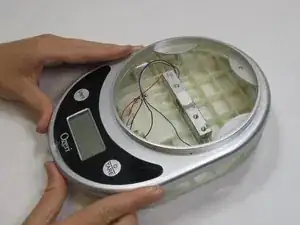
This guide explains how to remove the wires from the weight sensor each of the motherboards inside the Ozeri Pronto ZK14-S in separate steps. Assistance may be necessary if you do not feel confident about using the iOpener.
Ferramentas


-
-
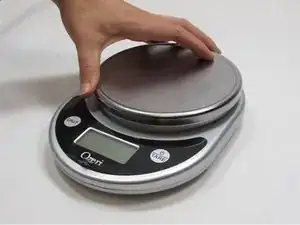
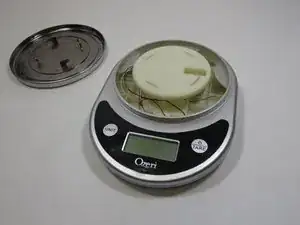
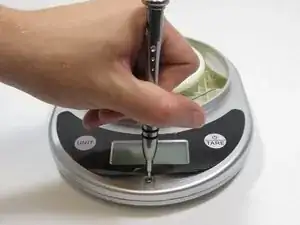
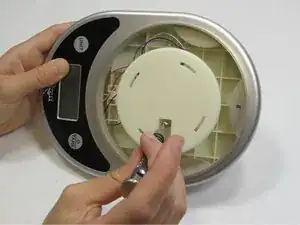
Using a 2.0 Flathead screwdriver, remove the two 18.76 mm Phillips head screws in the plate stand.
-
-
-
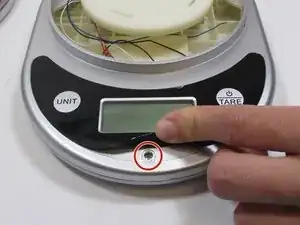
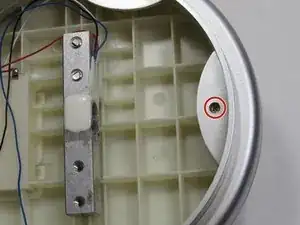
Using a 2.0 Flathead screwdriver, remove the 9.44 mm Phillips head screw on the edge opposite to the LCD screen.
-
-
-
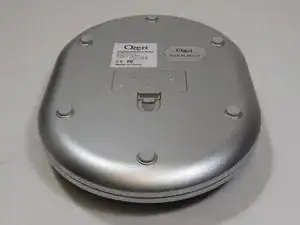
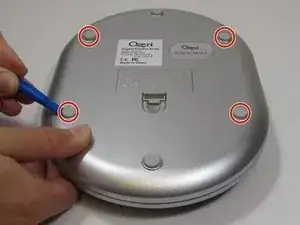
Using the iFixit opening tool, pry off the two rubber stubs on the right side and the two rubber stubs on the left side of the bottom of the device.
-
-
-
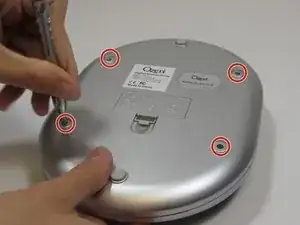
Using a 2.0 Flathead screwdriver, remove the four 9.46 mm Phillips head screws that were under the rubber stubs.
-
-
-
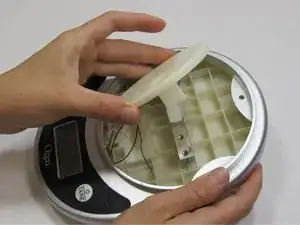
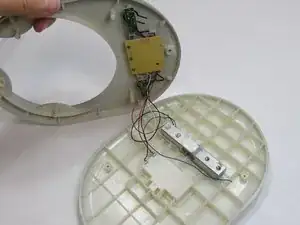
Pry apart the two panels to separate them from each other.
-
Flip the device over so the LCD is facing up. Flip the front panel over on its side.
-
-
-
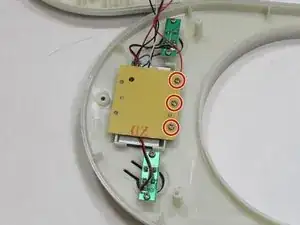
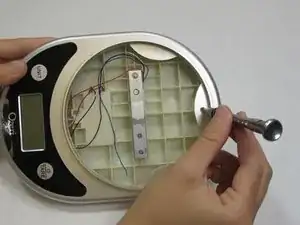
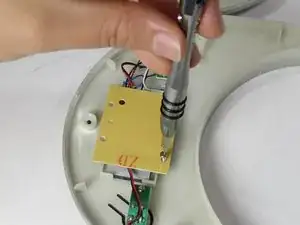
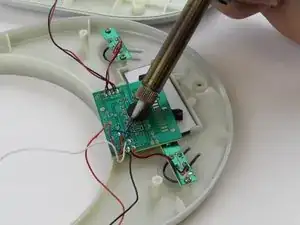
Using the 2.0 Flathead screwdriver, remove the three 7.20 mm screws on the back of the center LCD motherboard.
-
-
-
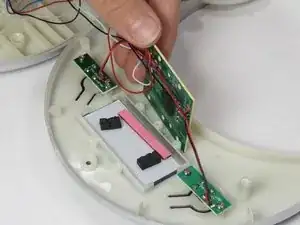
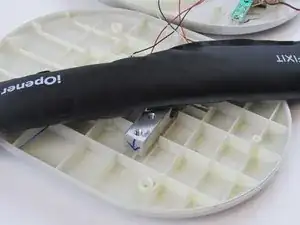
Using the iOpener, warm the glue on the weight sensor the other end of the damaged wire is attached to.
-
-
-
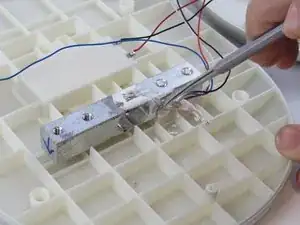
Using the nylon or metal spudger, detach the end of the damaged wire from the weight sensor.
-
To reassemble your device, follow these instructions in reverse order.

Um comentário
Why are you doing this repair? My balance simply stopped turning on. Is this the repair process to fix my balance?
Wacy -