Introdução
If your Ozeino OW810 isn't properly transmitting your audio through the microphone use this guide to replace the microphone. The microphone is usually attached to a stand or mount that could be a threaded screw connection at the base of the mic. Before using the guide, examine the Ozeino OW810 and attempt disconnecting and powering it off. These steps require you to take apart the microphone.
-
-
Ensure the Ozeino OW810 headset is powered off and disconnected from any device.
-
Remove external accessories, if any are present.
-
-
-
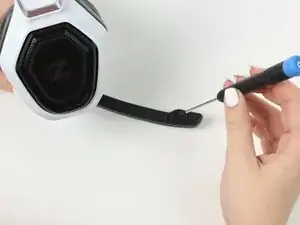
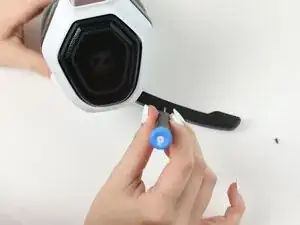
Use a Phillips #1 screwdriver to remove the two 3.2 mm screws holding the microphone together.
-
-
-
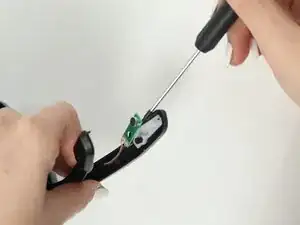
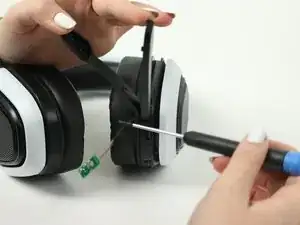
Take out the wires.
-
Use the opening pick to pry it open.
-
Be gentle with the wires and connectors to avoid damaging them.
-
To reassemble your device, follow these instructions in reverse order.

Specify which type of Phillips screwdriver to use.
Estella salazar -