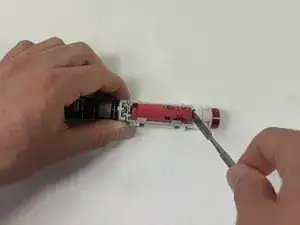
Introdução
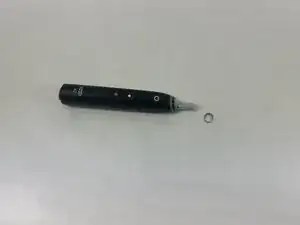
If you need to replace the battery in your Oral-B Series 6 toothbrush, follow this guide to access the internal battery compartment. Since the battery powers all functions, replacing it can extend the life of your toothbrush if it no longer holds a charge.
You won’t need to do any advanced steps, but take care when handling the spring and internal components to avoid damaging them.


-
-
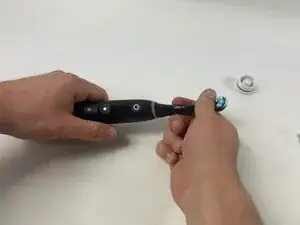
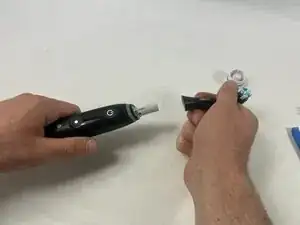
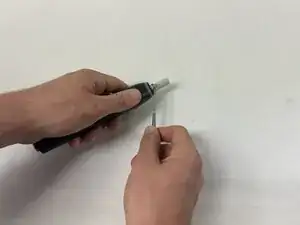
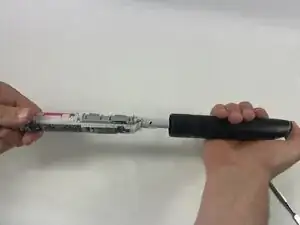
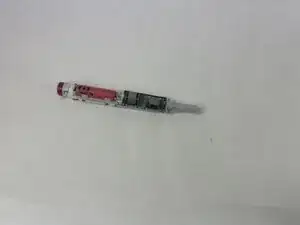
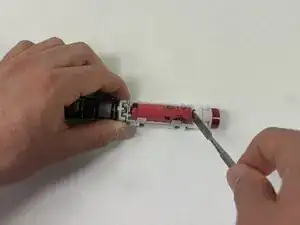
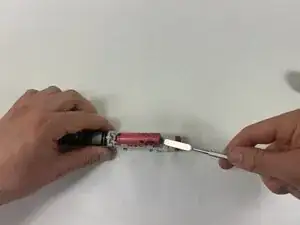
Carefully push the internal mechanisms out through the opening left by the removed bottom cap.
-
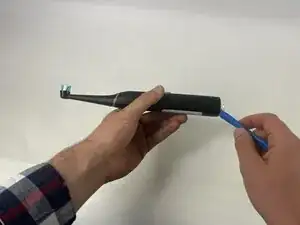
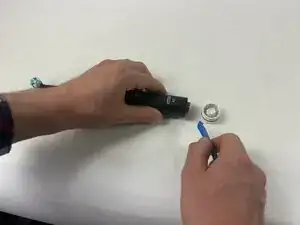
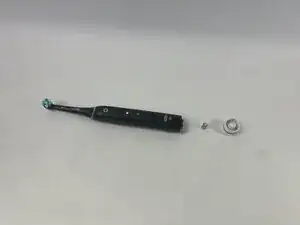
To reassemble your device, follow these instructions in reverse order.

2 comentários
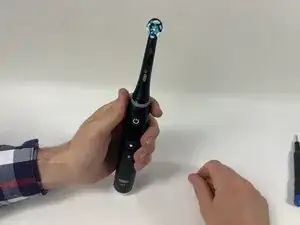
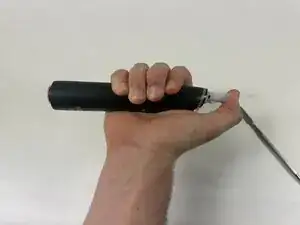
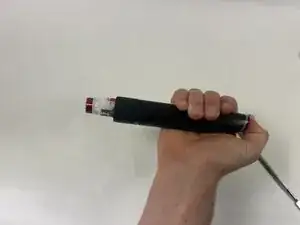
Re Step 1 - on my IO6, you need to rotate the bottom cap 1/8 turn anticlockwise to remove it. A large flathead screwdriver works well.
Otherwise, good guide - thanks very much.
I'm hoping that a new battery will stop the BMS from crashing about every five minutes.
did it work? mine is crashing after 30 seconds…
Szymon -
Where to get the replacement cap?
therock -
I would love to know this as well
Toni Parkkinen -
You can the cap easier get open, if you stuck the charger in its port and wrist it..
pury -