Introdução
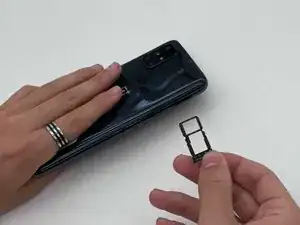
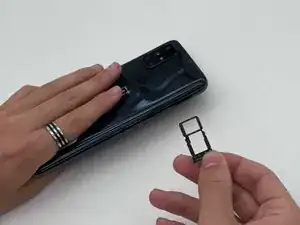
This guide demonstrates how to remove the SIM tray from your OnePlus Nord N10 5G.
Ferramentas

-
-
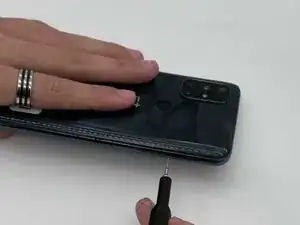
Insert a SIM card eject tool into the hole on the side of the phone, just below the SIM tray.
-
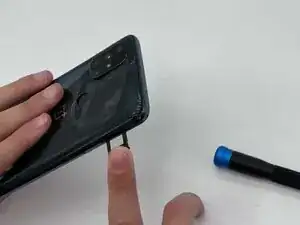
Press firmly to release the tray, then pull it out the rest of the way.
-
Conclusão
To reassemble your device, follow these instructions in reverse order. Take your e-waste to an R2 or e-Stewards certified recycler.