Introdução
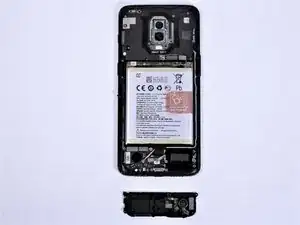
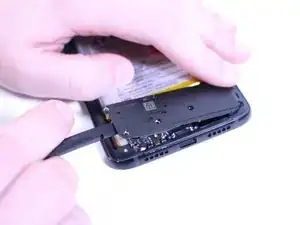
Use this guide to replace the speaker on the OnePlus 6T.
Always use CAUTION when self-repairing and follow the instructions closely to avoid potential damage to the device.


Peças
-
-
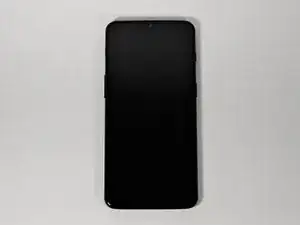
Make sure the phone is powered off and placed with the back cover facing towards you on a stable surface.
-
-
-
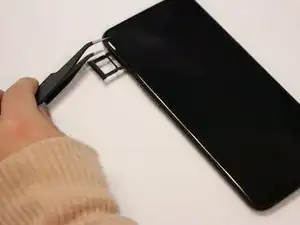
Pop open the SIM card tray by inserting a SIM card removal tool into a small hole on the upper-left side of the phone.
-
Carefully remove the SIM card from its tray.
-
-
-
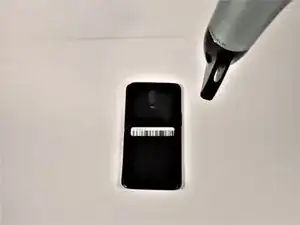
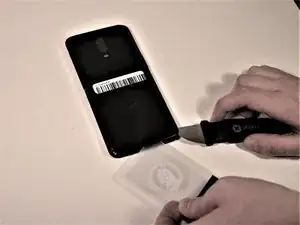
Insert a Jimmy under one of the heated corners of the phone to lift it slightly.
-
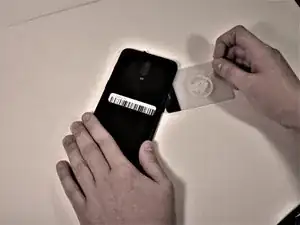
Insert a plastic card underneath the slightly lifted lip on the back cover and gently glide the card under the lifted phone casing.
-
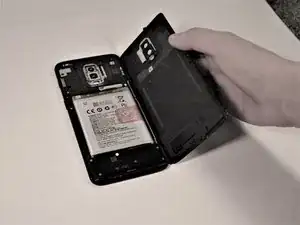
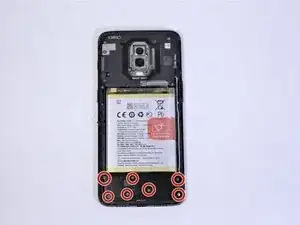
Remove the back cover from the phone.
-
To reassemble your device, follow these instructions in reverse order.
