Introdução

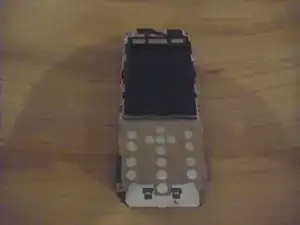
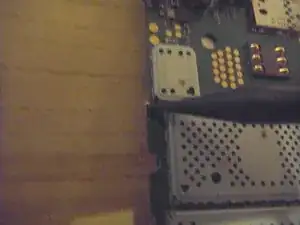
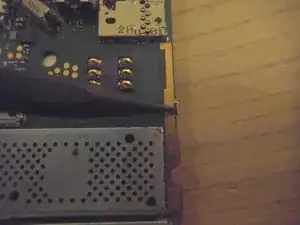
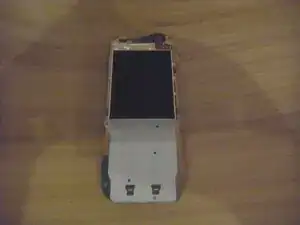
I apologize for the grainy photos, I don't have a very good camera.

  1. AerWUtRVS4jUSAYL
    AerWUtRVS4jUSAYL
    4X6POrNfSWR1O1tD
    fKRyvwb1qRGA4IPG
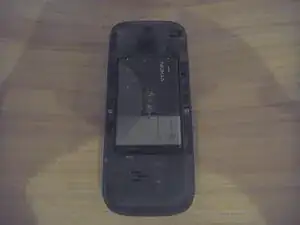
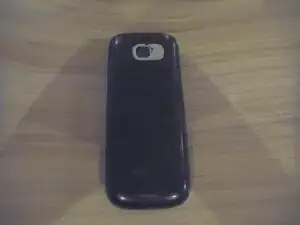
    • Remove back cover by sliding downwards.

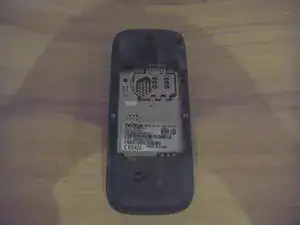
    • Remove battery and sim card (if applicable).

  2. KvQR1UeNrbJSyZS2
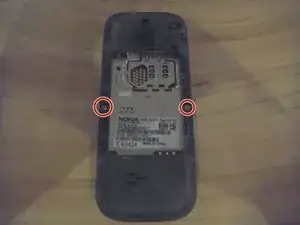
    • Remove two 5mm-long screws on the left and right using a T6 Torx screwdriver.

  3. XNRZ42MxPChaCJbg
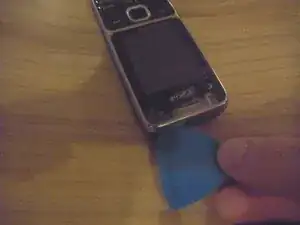
    • Flip phone over to front.

    • Insert opening pick underneath headphone jack and pry around edge of phone until front cover pops off.

  4. QKWLZshoMJBnoqLb
    QKWLZshoMJBnoqLb
    jGgmZGBVYHXXDZSQ
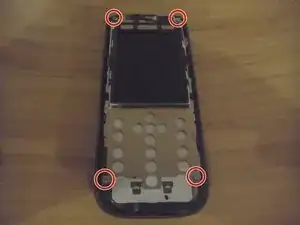
    • Remove four 5mm-long screws in the corners of the motherboard using a Torx T6 screwdriver.

    • Be careful not to touch the LCD screen!

  5. vMHFRlvxbtYLoLJa
    vMHFRlvxbtYLoLJa
    Dklw3d5QJwXWD4Um
    QQq42GoBtiZaDMWm
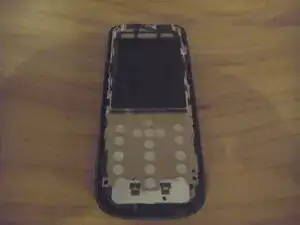
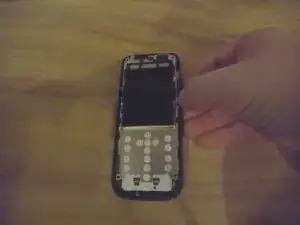
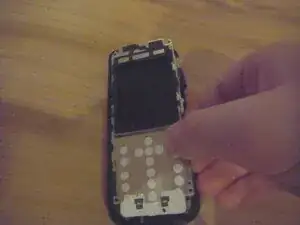
    • Pull one plastic clip out of the way and gently lift and pull the motherboard out of the housing.

  6. LCav6LtHWKL3PlyO
    LCav6LtHWKL3PlyO
    gTfkSvUxKU3HeRHm
    BFXPv5IVDCCSPmxC
    • Flip phone over and use Spudger to move metal clips out of the way.

    • Flip phone back over and remove metal screen housing.

  7. PBLtQyXpShjPuquh
    PBLtQyXpShjPuquh
    Ml2oH2crwWtJZo6O
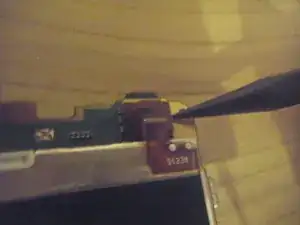
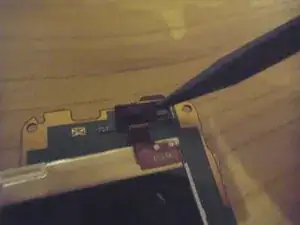
    • Use Spudger to lift the screen cable, and remove screen.

Jonathan Vacek

Membro desde: 27/12/25

145 Reputação

0 comentários