Introdução

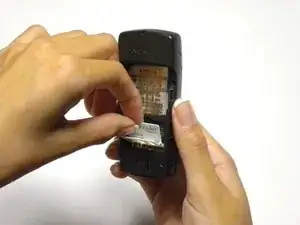
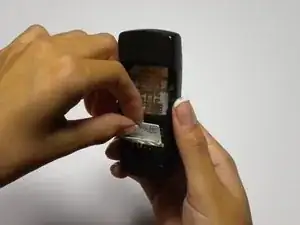
This guide will show you how to remove the phone's SIM card

  1. dVBGLwPGYbbOQuev
    dVBGLwPGYbbOQuev
    34ftoQpHSRtOCGLW
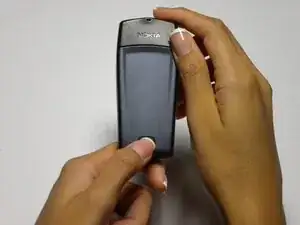
    • Press the button on the bottom of the rear cover.

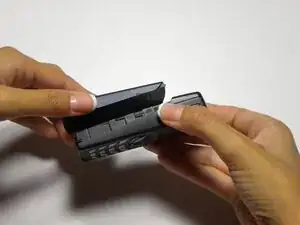
    • Keep the button pressed while pulling the cover downward to remove the back cover.

    • Lift the cover off.

  2. 1qWwOR2SIcJnqGTI
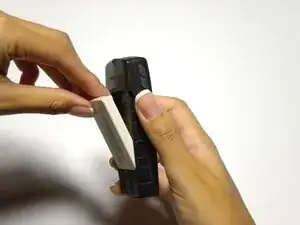
    • Push the battery down from the top and pull it out.

  3. DXpyVEKyMEnXuoky
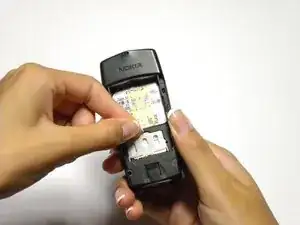
    • Open the small door covering The SIM card by pulling down from the top

  4. iqVIbPRCH4p14Fyn
    • Lift the SIM card out of the phone

Conclusão

To reassemble your device, follow these instructions in reverse order.

Colby Leslie

Membro desde: 05/10/10

13 Reputação

0 comentários