Introdução
Ferramentas


-
-
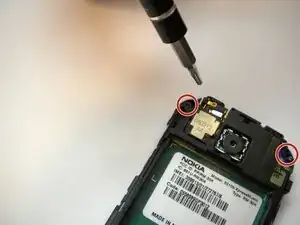
On some models, the front case is screwed down from the back. Follow steps 5 and 6 first to remove the camera cover and two T6 screws, BEFORE removing the faceplate.
-
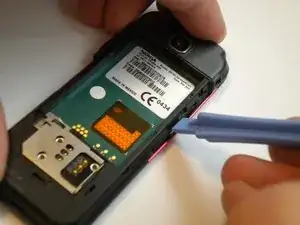
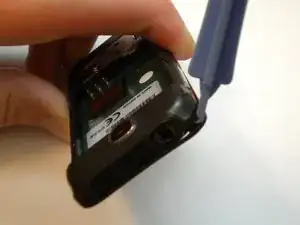
Find a small latch under the music keys and in the middle of each side of the faceplate.
-
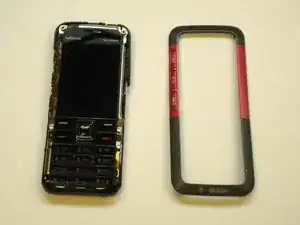
Gently lift the edges of the front faceplate off the phone using a spudger.
-
-
-
Flip the phone over to the front side.
-
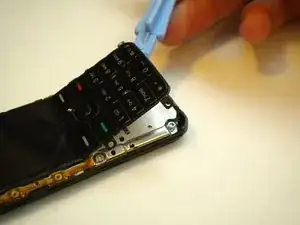
Lift up the keypad from the bottom with either a spudger or your finger.
-
-
-
Flip the phone over to the back side.
-
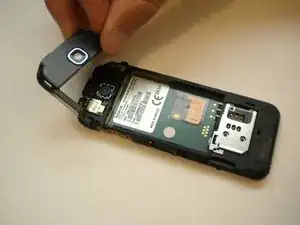
Unsnap the back camera cover from the phone.
-
Lift to remove the back camera cover from the phone after it has been unsnapped.
-
-
-
Remove the two screws on either side of the camera with the T6 Torx screwdriver.
-
Flip the phone over to the front side.
-
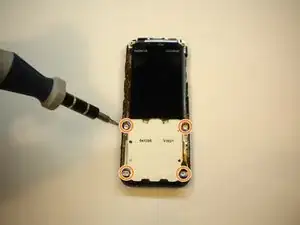
Remove the 4 screws located at each corner of the white keypad base using the T6 Torx screwdriver.
-
-
-
Flip the phone over to the back side.
-
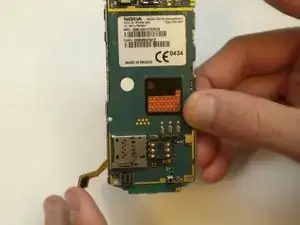
Unclip the faceplate plug (ribbon) located in the lower left corner of the motherboard.
-
-
-
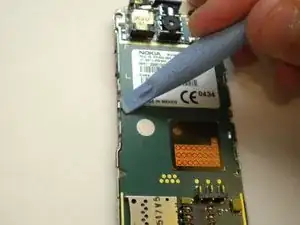
Use a spudger to gently pry the two metal clips in the middle of the left and right sides of the motherboard slightly to provide enough room to lift the motherboard out.
-
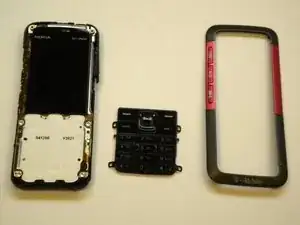
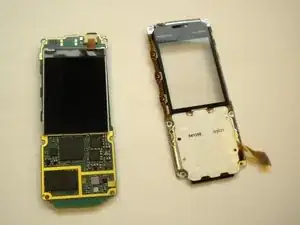
At this point the phone should come apart into two pieces (the motherboard/LCD screen and the faceplate).
-
-
-
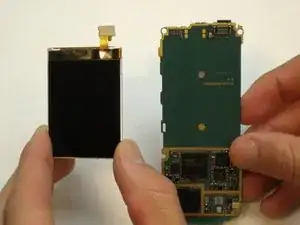
Unclip the ribbon plug located on the top of the LCD screen that connects it to the motherboard.
-
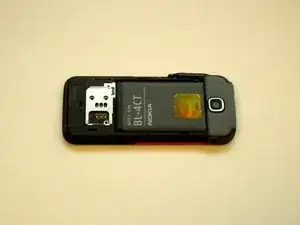
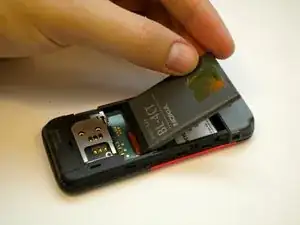
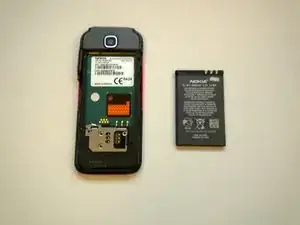
To reassemble your device, follow these instructions in reverse order.

Um comentário
Thank you much! As efficient & thorough as it gets!