Introdução
In this guide, we show how to unscrew and remove the back case of the Nokia 2630b. This enables access to the motherboard, antenna, and LCD screen of the phone.
Ferramentas


Peças
-
-
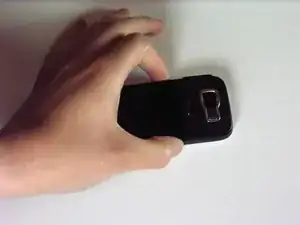
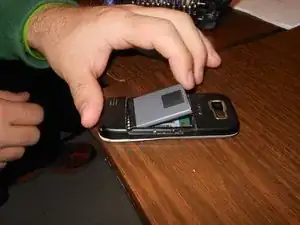
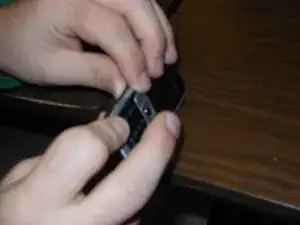
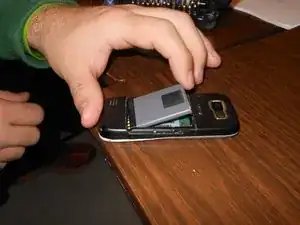
Press and the release button on both sides of the battery cover. While holding down the release buttons pull the battery cover away from the phone
-
-
-
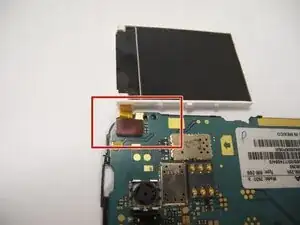
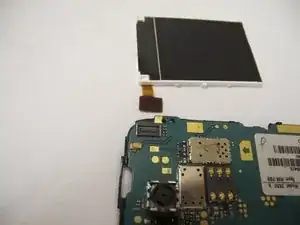
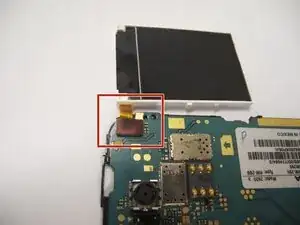
The screen is attached to the motherboard by an orange ribbon.
-
Carefully detach the ribbon from the motherboard using your fingers.
-
-
-
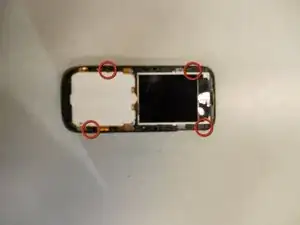
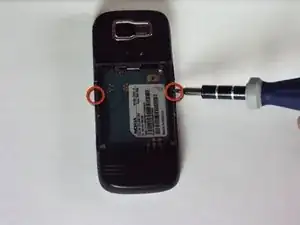
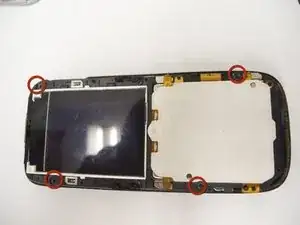
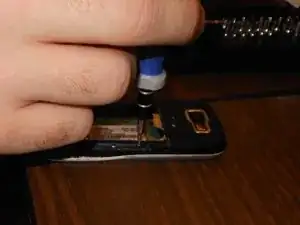
Locate the four screws that secure the back case to the rest of the phone.
-
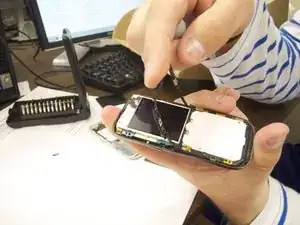
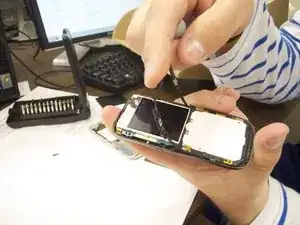
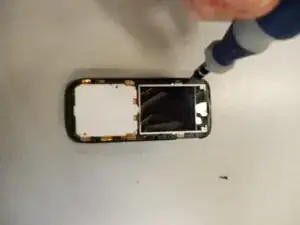
Unscrew all four screws using a "T-5" star shaped screw driver, turning counter-clockwise.
-
-
-
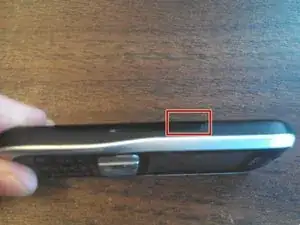
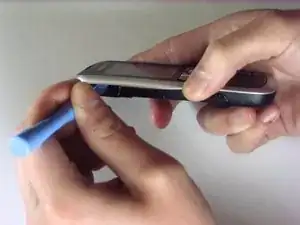
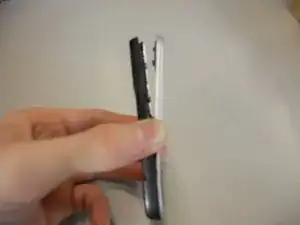
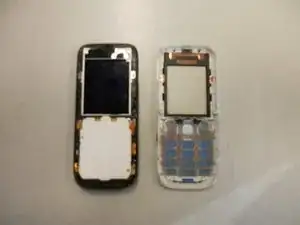
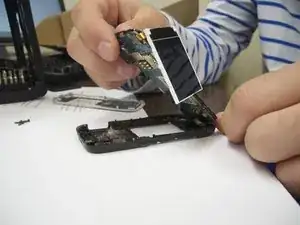
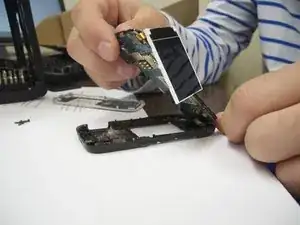
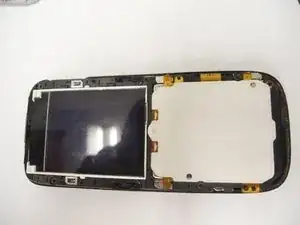
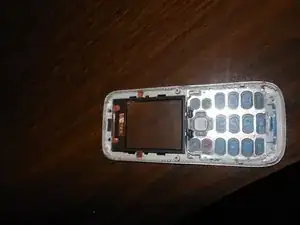
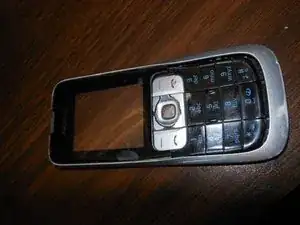
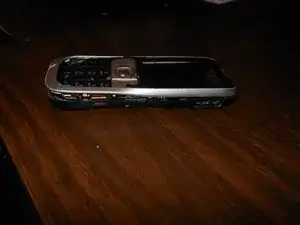
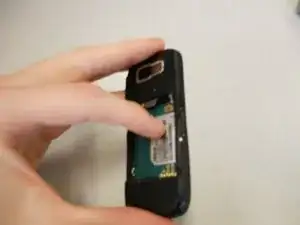
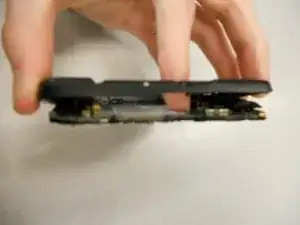
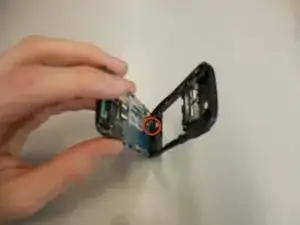
Holding the rear case, applying pressure to the back of the phone near the location of the battery in order to separate the two components.
-
To reassemble your device, follow these instructions in reverse order. Take your e-waste to an R2 or e-Stewards certified recycler.
