Introdução


-
-
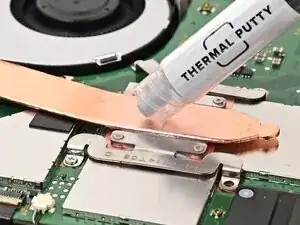
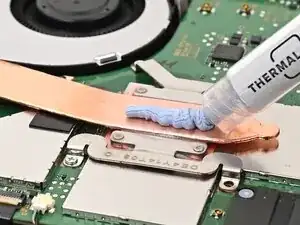
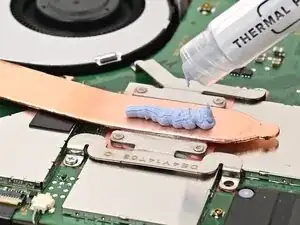
Apply a line of new thermal putty down the center of the heat pipe, roughly the thickness of a pea.
-
-
-
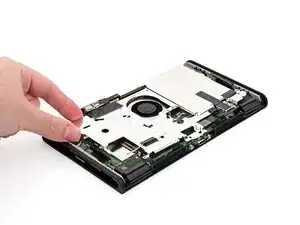
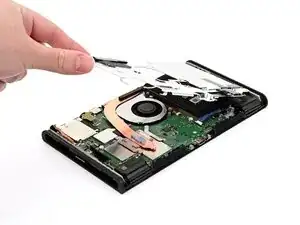
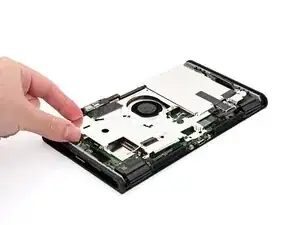
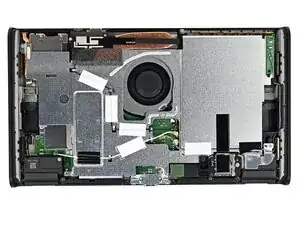
Hold the top‑right corner of the shield plate above the top‑right corner of the console.
-
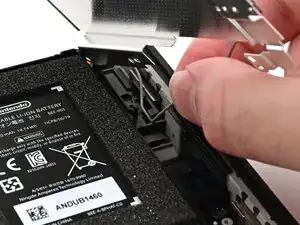
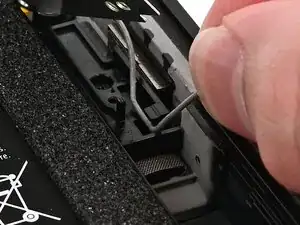
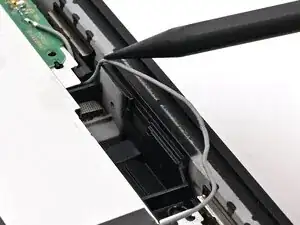
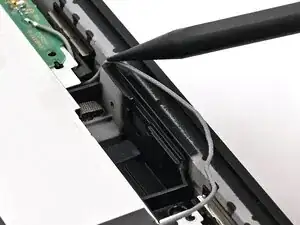
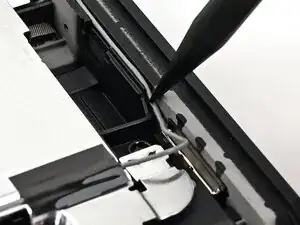
Route the gray antenna cable underneath the black hook near the top corner of the frame.
-
-
-
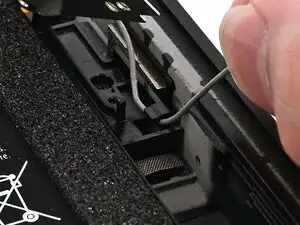
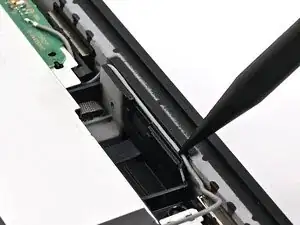
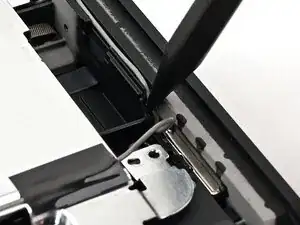
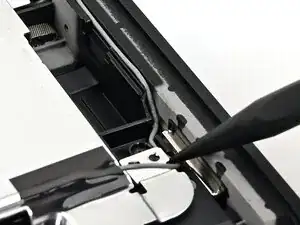
Press the gray antenna cable into its groove at the bottom of its channel, and continue routing until it's secured to the clip at the bottom of the frame.
-
-
-
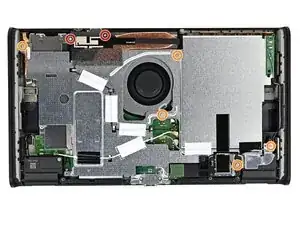
Use a JIS 00 driver to install the seven screws securing the shield plate:
-
Two 6.2 mm‑long silver screws
-
Five 4.4 mm‑long silver screws
-
-
-
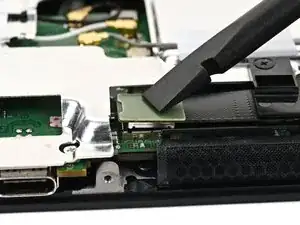
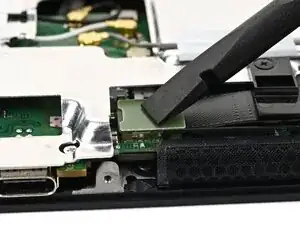
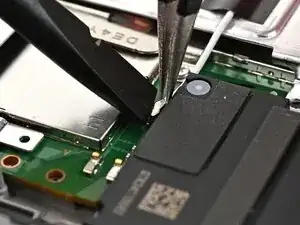
Use your finger or the flat end of a spudger to press the MicroSD card reader press connector onto its socket on the board.
-
-
-
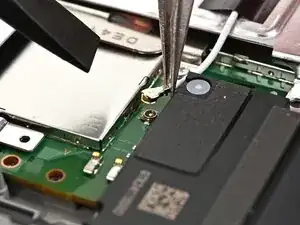
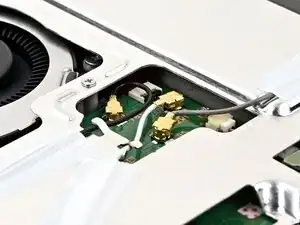
Use tweezers to hold the lower antenna coaxial connector in place over its socket and gently press down with your finger or a spudger—the connector should "snap" into place. If you're having trouble, reposition the head instead of using more force.
-
Repeat this process to connect the three central coaxial connectors to their respective sockets.
-
-
-
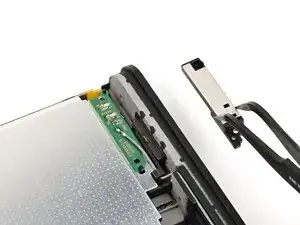
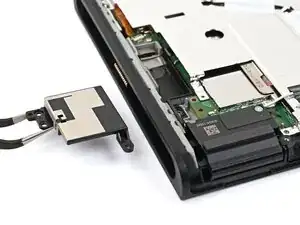
Use tweezers or your fingers to align the upper antenna with its screw holes and black alignment pegs and set it into place.
-
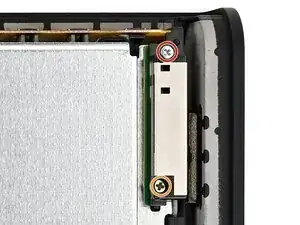
Use a JIS 00 driver to install the two screws securing the upper antenna:
-
One 4.4 mm‑long silver screw
-
One 4.6 mm‑long green screw
-
-
-
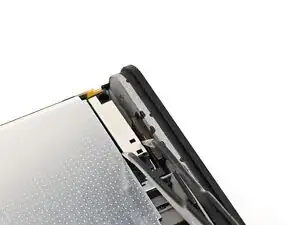
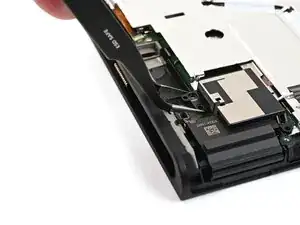
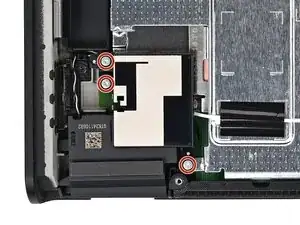
Use tweezers or your fingers to align the lower antenna with its screw holes and gray alignment pegs and set it into place.
-
Use a JIS 00 driver to install the three 4.4 mm‑long screws securing the lower antenna.
-
To reassemble your device, follow these instructions in reverse order.
