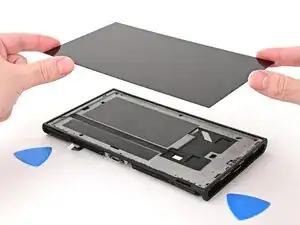
Introdução


-
-
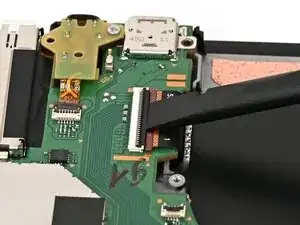
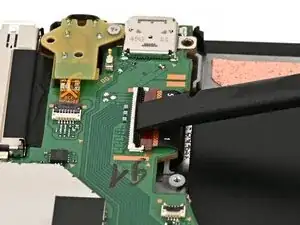
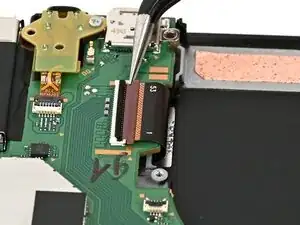
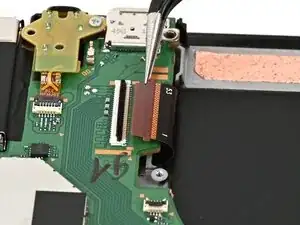
Use your finger or the flat end of a spudger to flip up the locking flap on the screen cable ZIF connector.
-
-
-
Flip the console over so the screen is facing up.
-
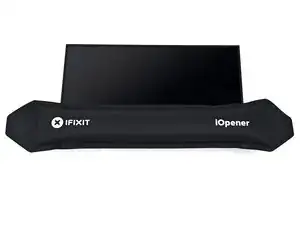
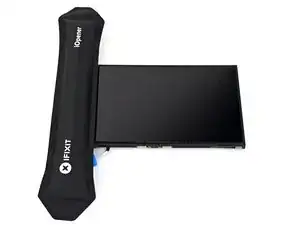
Apply a heated iOpener to the bottom edge of the screen for two minutes.
-
-
-
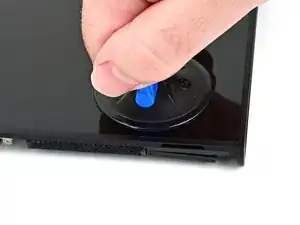
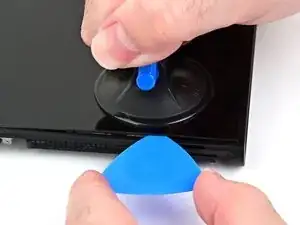
Apply a suction handle to the bottom edge of the screen, above the right speaker and ventilation cutouts.
-
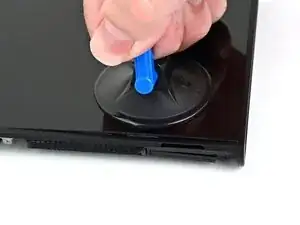
Pull up on the handle with a strong, steady force to create a gap between the screen and the frame.
-
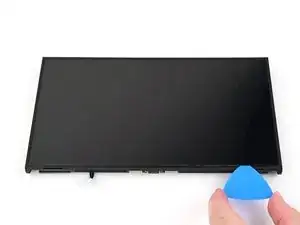
Insert the tip of an opening pick into the gap.
-
-
-
Slide your pick across the bottom edge to separate the adhesive.
-
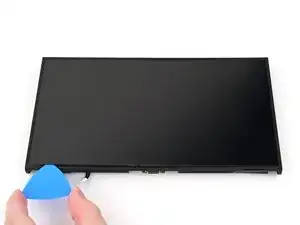
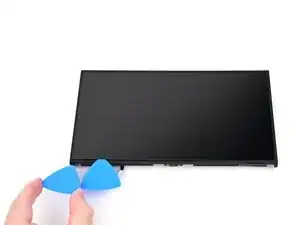
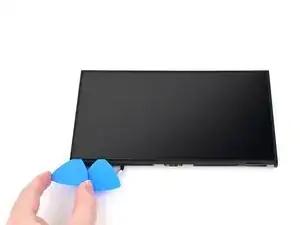
Leave your pick inserted in the bottom left corner to prevent the adhesive from resealing.
-
-
-
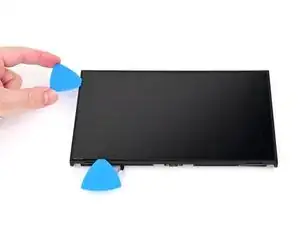
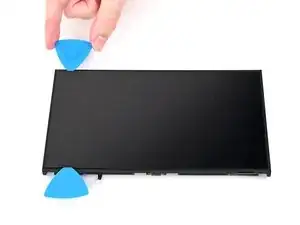
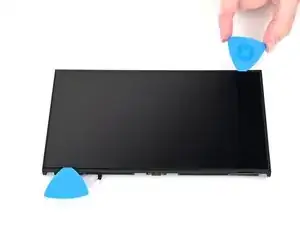
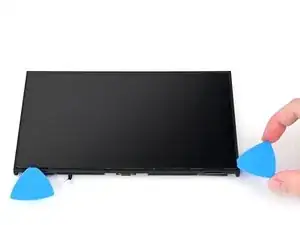
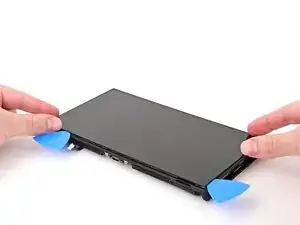
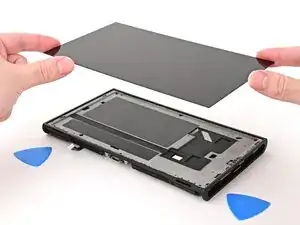
Insert a second opening pick next to the first one and slide it up the left edge of the screen.
-
To reassemble your device, follow these instructions in reverse order.
