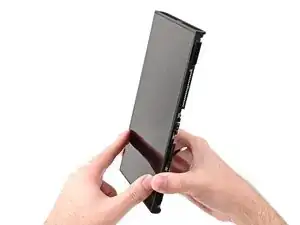
Introdução


-
-
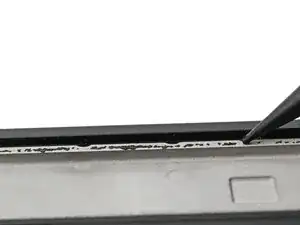
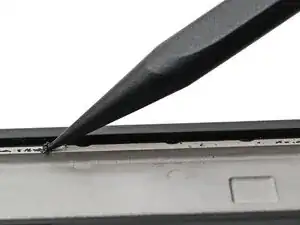
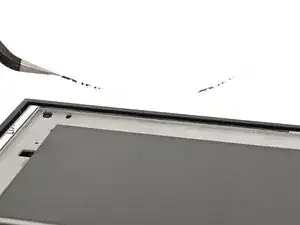
Use the point of a spudger to scrape off any adhesive left on the frame.
-
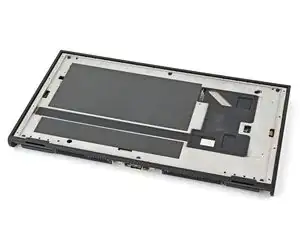
Apply a bit of isopropyl alcohol to a cotton swab or lint-free cloth and clean the frame until it's free of adhesive residue.
-
-
-
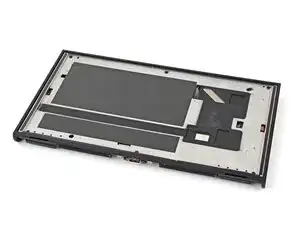
Use your fingers to install strips of thin, double-sided tape to the raised lip along the edges of the frame. Use 1 mm strips for the top and bottom edges and 2 mm strips for the sides.
-
-
-
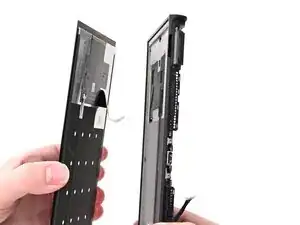
Align the screen's cable with its cutout in the frame.
-
Route the cable through its cutout, ensuring it reaches its connector on the board.
-
-
-
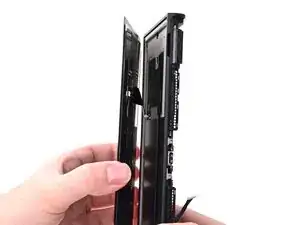
Align the right edge of the screen with its recess in the frame.
-
Press the right edge of the screen into place, then work your way to the left edge until the entire screen is adhered to the frame.
-
-
-
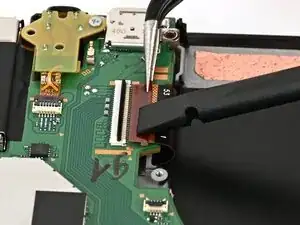
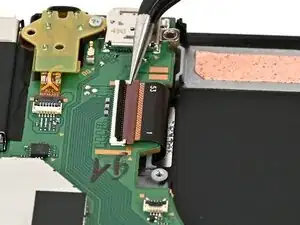
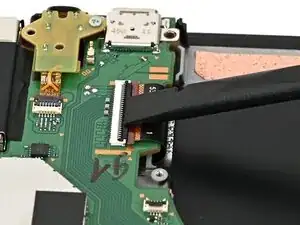
Use tweezers or your fingers to slide the screen cable into its ZIF connector until it's fully seated.
-
Flip the hinged locking flap down to secure the cable.
-
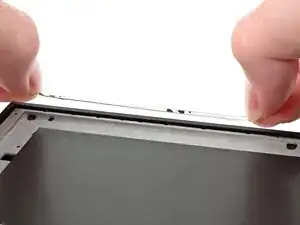
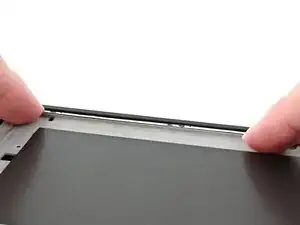
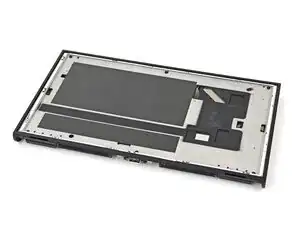
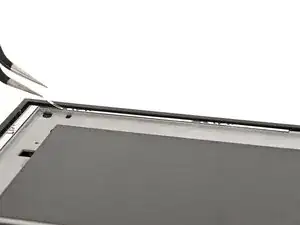
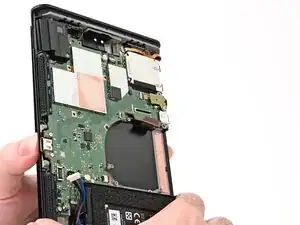
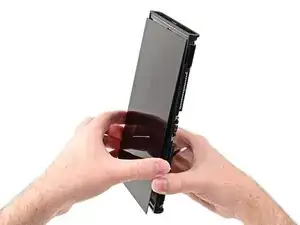
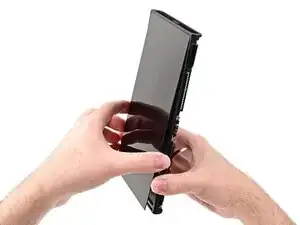
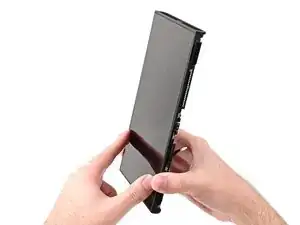
To reassemble your device, follow these instructions in reverse order.
