Introdução


-
-
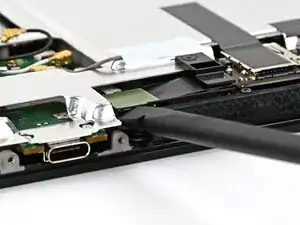
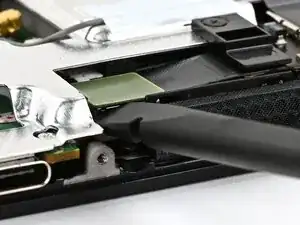
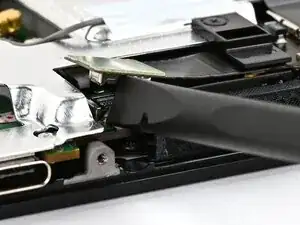
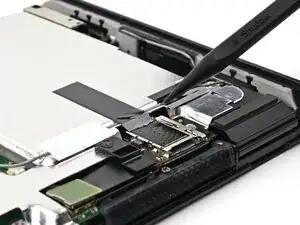
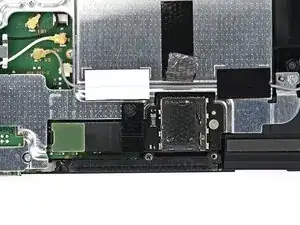
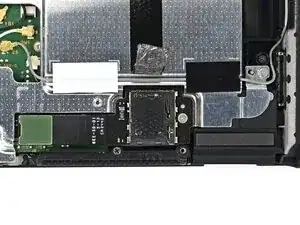
Use the flat end of a spudger to pry up and disconnect the MicroSD card reader press connector, located next to the bottom USB‑C port.
-
-
-
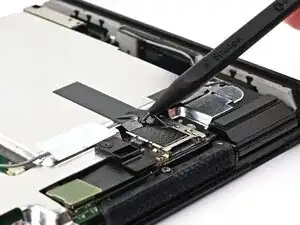
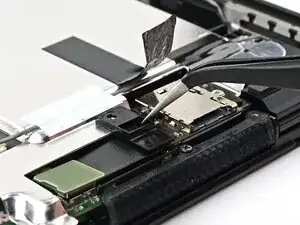
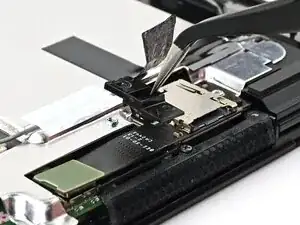
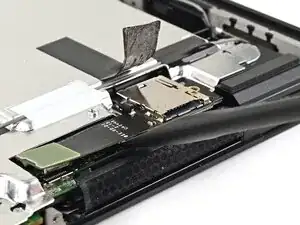
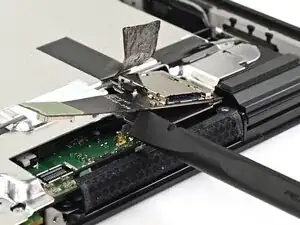
Insert the point of a spudger underneath the black tape securing the MicroSD card reader.
-
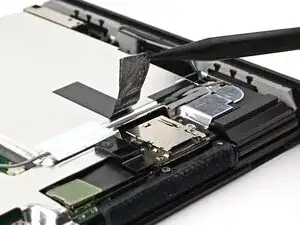
Slowly lift the tape off the card reader.
-
-
-
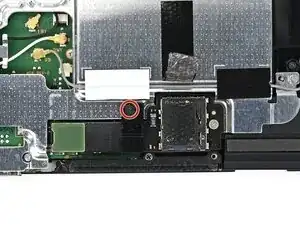
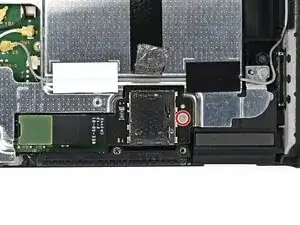
Use a JIS 00 driver to remove the 1.6 mm‑long black screw securing the bracket over the MicroSD card reader's cable.
-
-
-
Use a JIS 00 driver to remove the 4.4 mm‑long silver screw securing the MicroSD card reader.
-
-
-
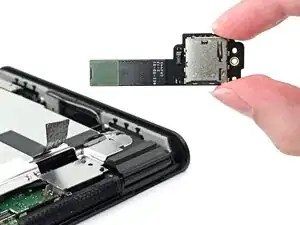
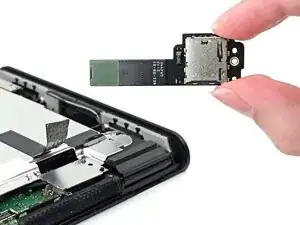
Use your fingers or the flat end of a spudger to lift the MicroSD card reader to separate the adhesive securing it to the shield plate.
-
Conclusão
To reassemble your device, follow these instructions in reverse order.
