Introdução


-
-
Remove any game cards and disconnect any cables, controllers, or other accessories from the console.
-
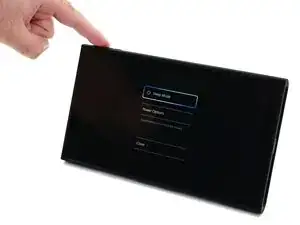
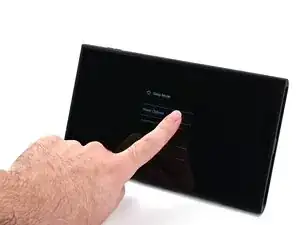
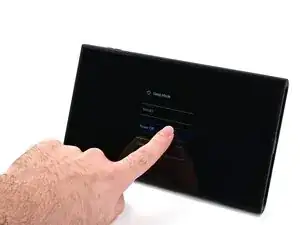
Power off the console by holding down the power button, selecting Power Options, then pressing Power Off.
-
-
-
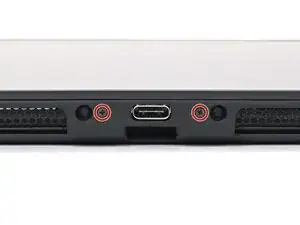
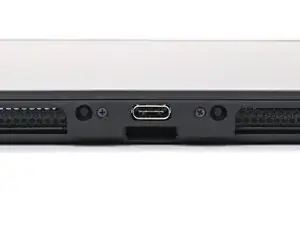
Use a JIS 00 driver to remove the two 3.1 mm‑long screws on either side of the bottom USB-C port.
-
-
-
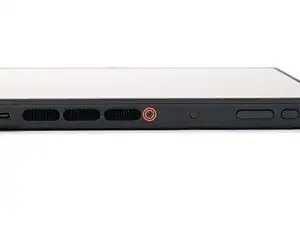
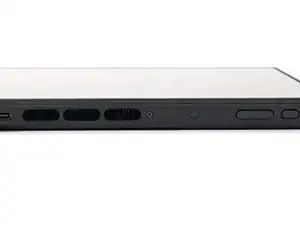
Use a JIS 00 driver to remove the 3.1 mm‑long screw on the top edge of the console (next to the ventilation cutouts).
-
-
-
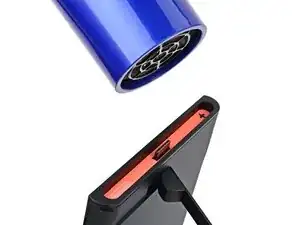
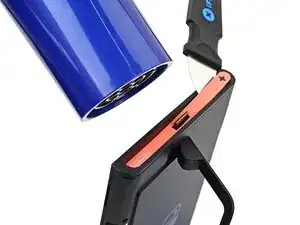
Use a hair dryer or heat gun to heat the sticker on the right side of the console, labeled with a "+" symbol, until it's hot to the touch.
-
-
-
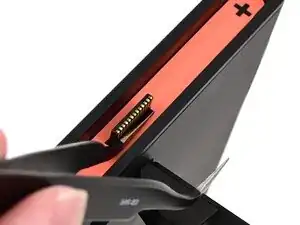
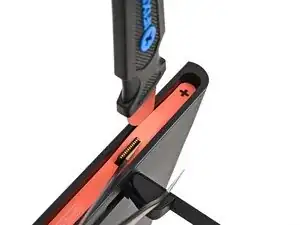
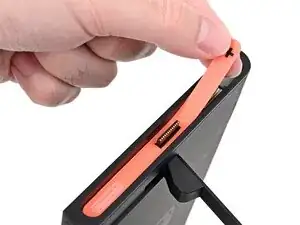
Slide one arm of angled tweezers underneath the sticker from its cutout around the right Joy‑Con 2 connector.
-
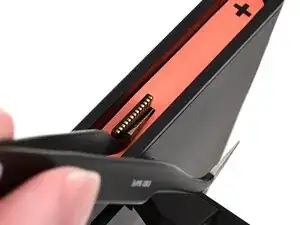
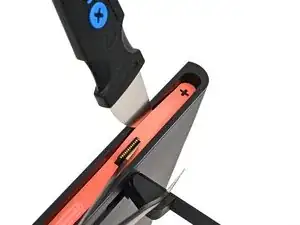
Gently pry up on the sticker until it starts to lift from the console.
-
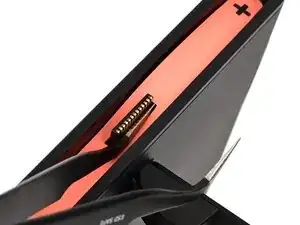
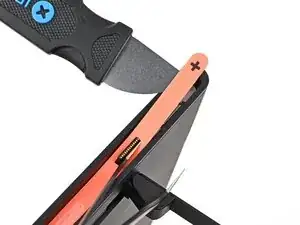
Leave the tweezers in place to keep the sticker lifted.
-
-
-
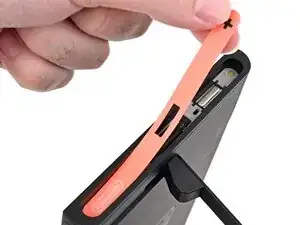
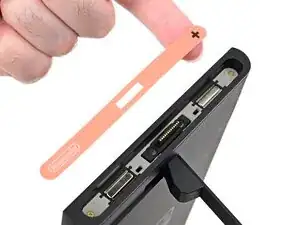
Carefully lift the sticker over the Joy‑Con 2 connector, then peel it up fully to remove it.
-
-
-
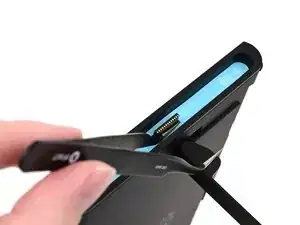
Repeat this procedure to remove the sticker along the left side of the console, labeled with a "-" symbol.
-
-
-
Use a JIS 00 driver to remove the two 3.6 mm‑long gold screws on each side of the console (four in total).
-
-
-
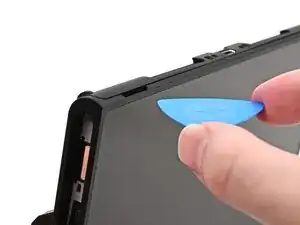
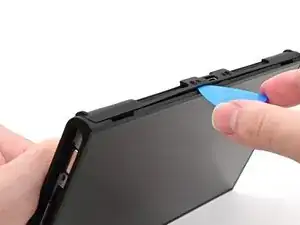
Insert an opening pick into the gap between the back cover and speaker cutout on the bottom edge of the console.
-
-
-
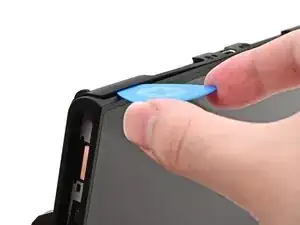
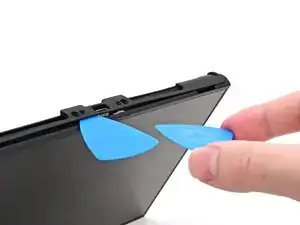
Slide the opening pick towards the USB-C port until it's underneath the screw hole next to the port.
-
-
-
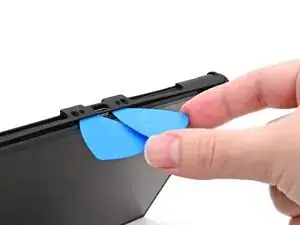
Insert a second opening pick underneath the screw hole on the opposite side of the USB-C port, and slide it to the corner of the console.
-
-
-
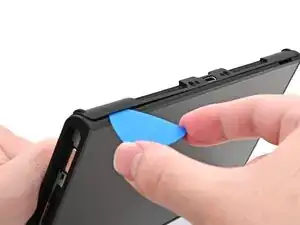
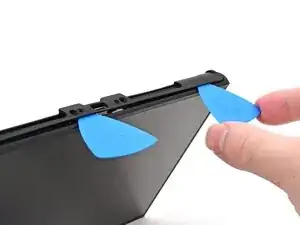
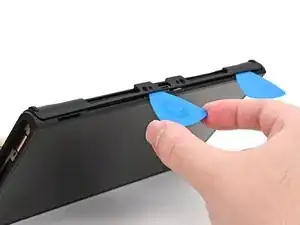
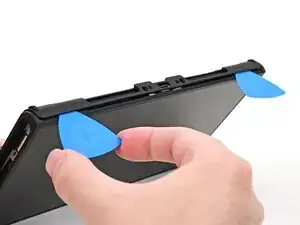
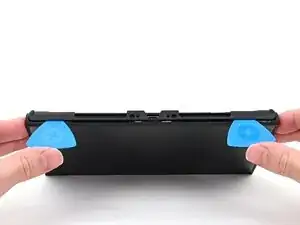
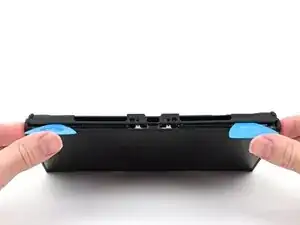
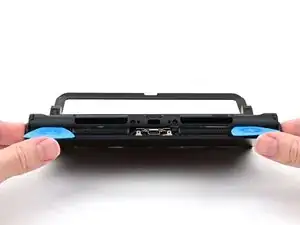
Hold the console with two hands. Rest your thumbs on the opening picks.
-
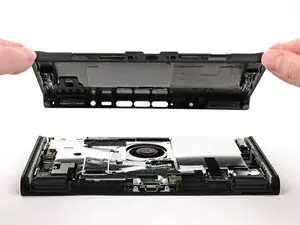
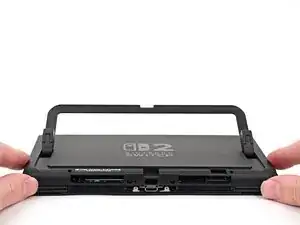
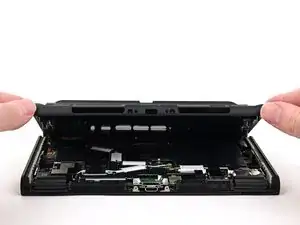
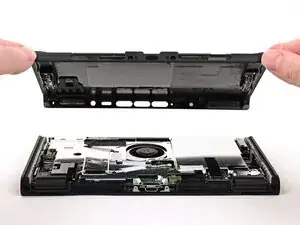
Push up on the opening picks to lift the back cover until it pops up above the USB-C port.
-
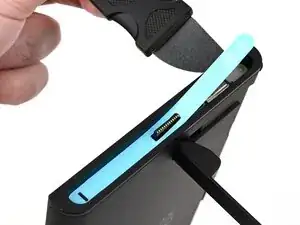
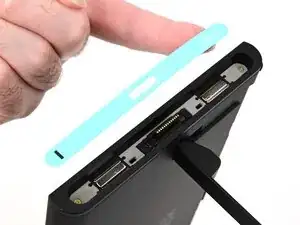
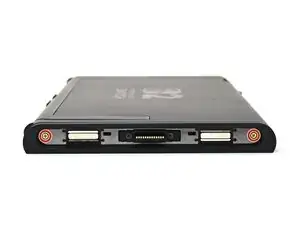
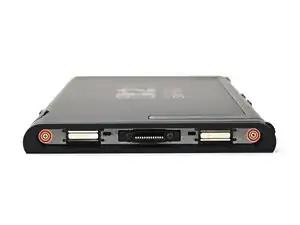
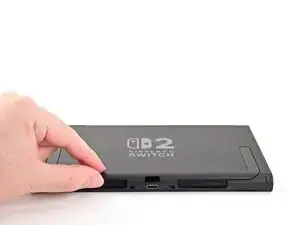
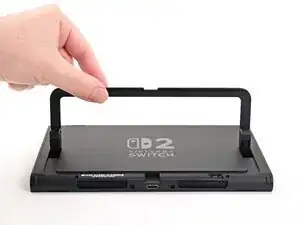
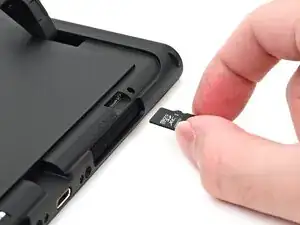
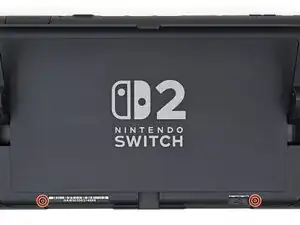
To reassemble your device, follow these instructions in reverse order.
