Introdução
In this guide, I will show you how to replace a screen on your gameboy advance
Ferramentas


Peças
-
-
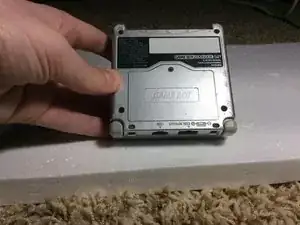
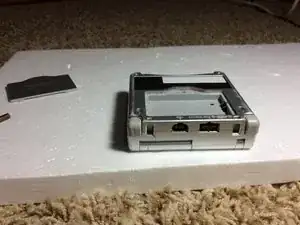
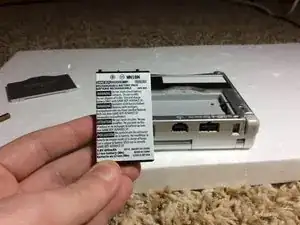
Turn your GBA upside down so that the battery compartment is facing up.
-
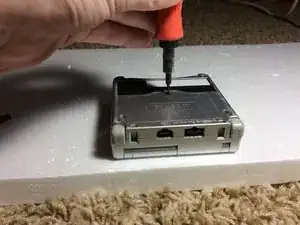
Remove the one Phillips screw holding the battery compartment cover in place.
-
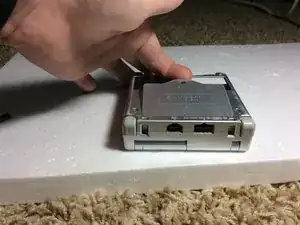
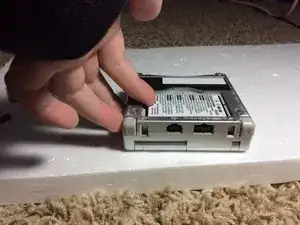
Remove the battery compartment cover.
-
-
-
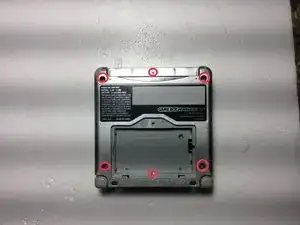
Remove the 6 Tripoint screws holding the case together.
-
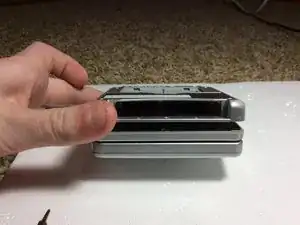
Pry the 2 halves apart. Do not force it though, or you may break your GBA.
-
Set the bottom half away for later.
-
Be sure not to lose the small, square nut that hold the battery compartment nut in or else you will not be able to screw the battery compartment in.
-
-
-
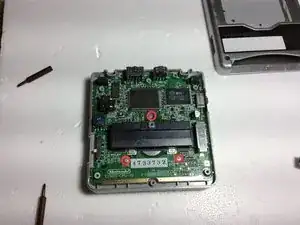
Unscrew the three Phillips screws holding the motherboard to the mid case.
-
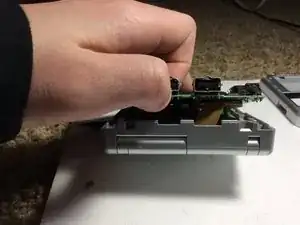
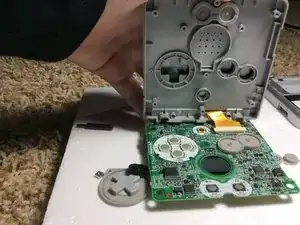
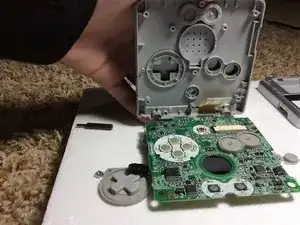
WARNING!!! Do NOT Take the motherboard off yet. It is still Secured with A Ribbon Cable.
-
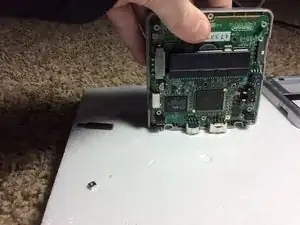
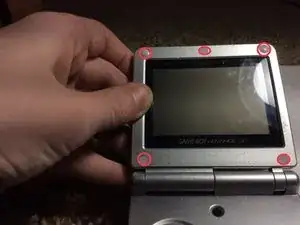
Turn the GBA so that it is like the Third photo.
-
-
-
Use a flat-blade screwdriver or the pointed side of a spudger to remove the 5 rubber screw covers.
-
Unscrew the 5 tri point screws under the rubber pads.
-
Close the GBA and unscrew the single Phillips screw on the bottom.
-
-
-
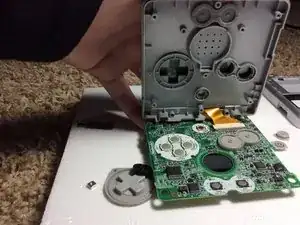
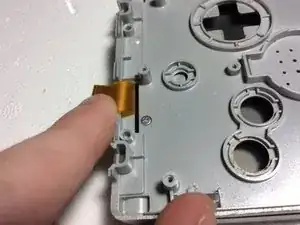
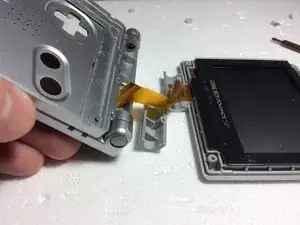
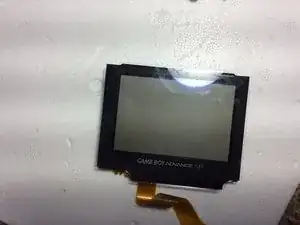
Open up the GBA and everything should fall apart. Thread the ribbon cable through the opening and lift the screen out of the upper case.
-
You are done!!
-
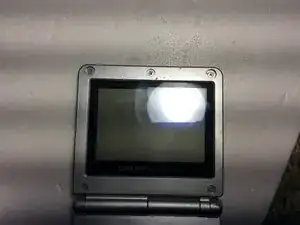
To reassemble your device, follow these instructions in reverse order.