Introdução
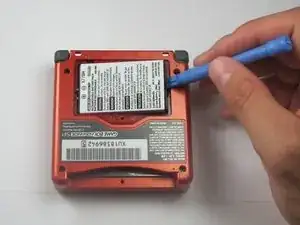
If the battery within your Game Boy Advanced SP doesn’t last long, or if the console does not turn on at all, you might need to replace it. The following process applies to both the AGS - 100 and the AGS - 101 models of the console. If the battery has never been replaced, be careful when disassembling the unit, because the battery may have swelled over time which can be a potential hazard. Additionally, make sure that the console is not connected to a power source while performing the battery replacement process.
For a replacement battery, visit Amazon.
Ferramentas


Peças
-
-
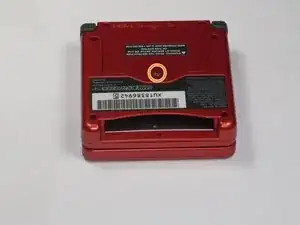
Use a standard Phillips #00 screwdriver to loosen the 4 mm screw that keeps the battery cover attached to the device.
-
Conclusão
For reassembly, follow the instructions in reverse order.
