Introdução
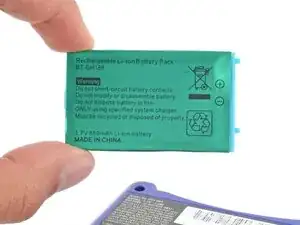
Follow this guide to replace or upgrade a dead or worn out battery in your Nintendo Game Boy Advance SP.
Your Game Boy's lithium-ion battery has a limited lifespan. If your Game Boy Advance SP won't turn on or dies quickly, it may be time to replace the battery.
The Game Boy Advance SP uses JIS screws. If you use a non-iFixit Phillips driver in JIS screws, you'll risk stripping them. iFixit's Phillips bits are designed to be compatible with JIS screws.
If your battery looks puffy or swollen, take extra precautions.
Ferramentas


-
-
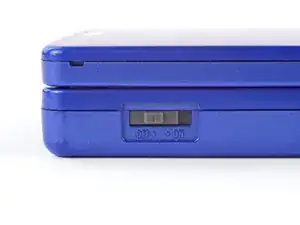
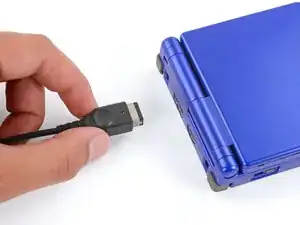
Slide the power switch to the OFF position and unplug any cables.
-
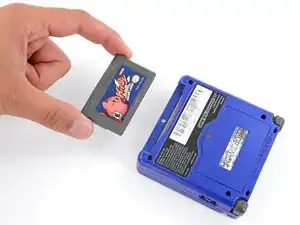
If you have a game cartridge in, remove it.
-
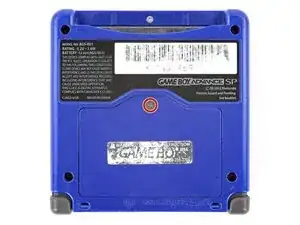
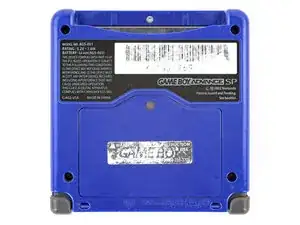
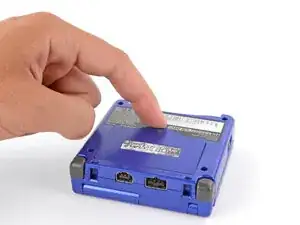
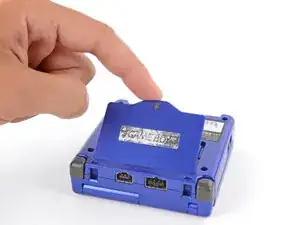
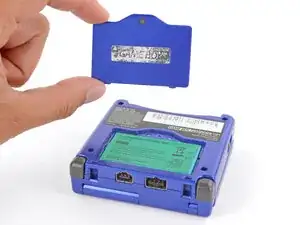
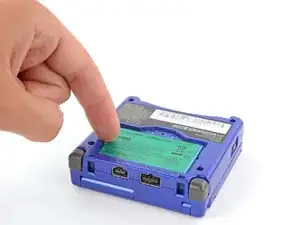
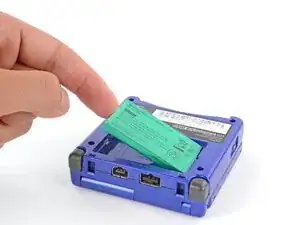
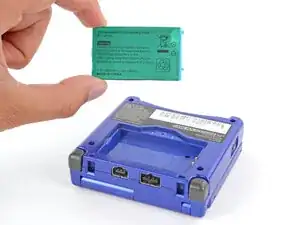
To reassemble your device, follow these instructions in reverse order.
Take your e-waste to an R2 or e-Stewards certified recycler.
Repair didn’t go as planned? Try some basic troubleshooting, or ask our Answers Community for troubleshooting help.

4 comentários
This task is not very easy, its easy.
Very easy: Does not require opening device.
Easy: Requires minimal disassembly and requires a few tools like a Philips or flat-head screwdriver.
This however requires opening device.
Why so pedantic?
By "opening device" they mean it requires opening the casing rather than simply opening a battery door. This repair is meant to be performed by end-users and even Nintendo once sold the necessary parts. This is still "very easy."
fluffy -
Thanks for yout guideline. I settle in 5 minutes.
aam9999 -