Introdução

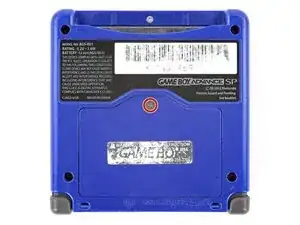
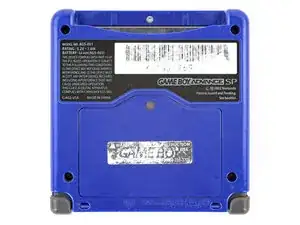
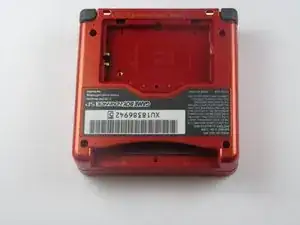
The back cover is the only layer between the motherboard and the many things things that can ruin the motherboard. Expect the six screws that hold the cover to the device to be fastened tightly.

  1. j2AtUCqeyyG2aXLv
    j2AtUCqeyyG2aXLv
    Qi1sniJYVAGfcUyg
    OCO3qBtqtET3xTk4
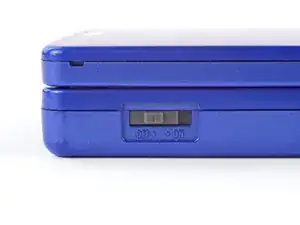
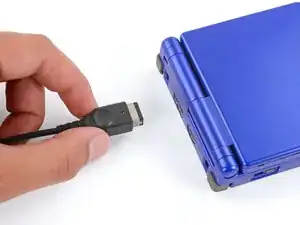
    • Slide the power switch to the OFF position and unplug any cables.

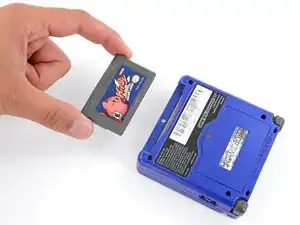
    • If you have a game cartridge in, remove it.

  2. 2IxBSKoCTnB2gSQK
    2IxBSKoCTnB2gSQK
    gg543LDhbyRGsR1l
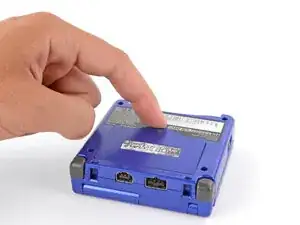
    • Use a JIS 00 screwdriver to loosen the captive screw securing the battery cover.

    • You can try to use a non-iFixit Phillips driver in a pinch, but you risk damaging or stripping the screw. Push down firmly on the driver and twist slowly.

  3. gVQdyKTgjlKN2ixZ
    gVQdyKTgjlKN2ixZ
    2dnUFGfpIdyy1eh2
    A3KuwwETnJtnbGhI
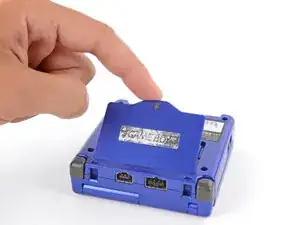
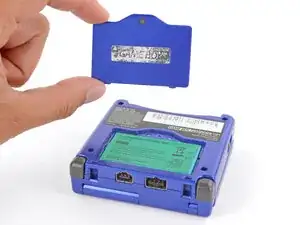
    • Lift the edge of the cover near the screw and remove the cover.

    • During reassembly, hook the tabs on the bottom edge of the cover into their slots and lay the cover into place.

  4. U2SYItMAYfiqAwBY
    U2SYItMAYfiqAwBY
    EXJkAY3lOyJVRfAX
    rSLhhkosiZPy1hUq
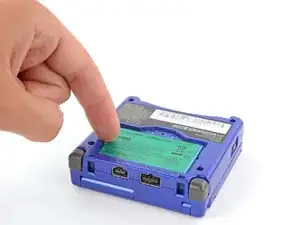
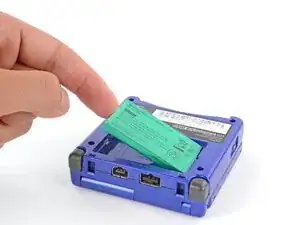
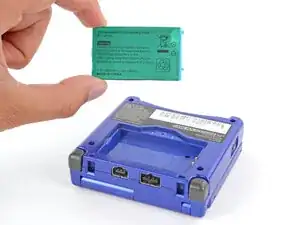
    • Use your finger to lift the battery by the tab on its left edge, then remove it.

    • During reassembly:

    • Never reuse a deformed or damaged battery—it's a fire hazard. Replace it with a new battery.

    • Your replacement battery may come with a plastic enclosure that slides over the battery.

    • Insert the edge of the battery with contacts at a slight downward angle—aligning the contacts with their prongs in the recess—and press the battery into place.

  5. F5eNtWvBUZoaFgct
    F5eNtWvBUZoaFgct
    cZHD1Q1bZuHD4iW2
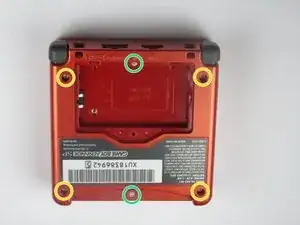
    • Remove four 6.5 mm screws from the corners of the back cover using a tri-point Y00 screwdriver.

    • Remove two 4.6mm screws from the top-center and bottom-center of the device using a tri-point Y00 screwdriver.

  6. rOA36jFqR6PmXBXh
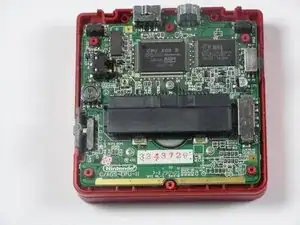
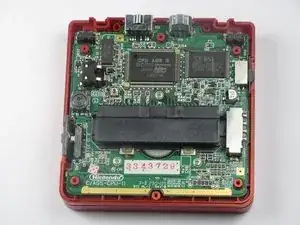
    • Lift the back cover off of the device.

    • Potential for device damage: These inner components are vulnerable to static electricity. Exercise caution when handling these next steps to prevent damaging the device.

    • Look out for the power switch that can fall out when taking the back cover off.

Conclusão

To reassemble your device, follow these instructions in reverse order.

Rocco Lattanzio

Membro desde: 11/01/13

1054 Reputação

0 comentários