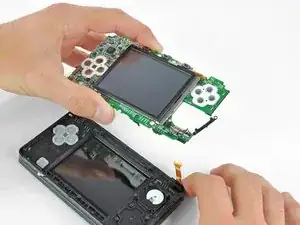
Introdução
Prerequisite guide for removing the motherboard assembly.
Ferramentas


-
-
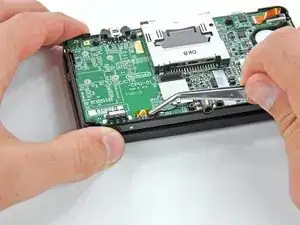
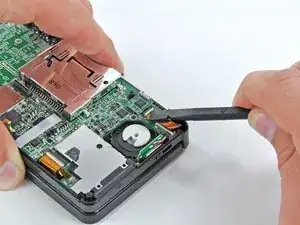
Use the flat end of a spudger or your fingernail to flip up the retaining flap on the speaker assembly ribbon cable ZIF socket.
-
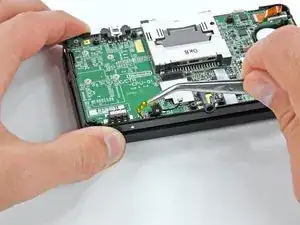
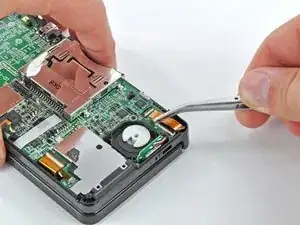
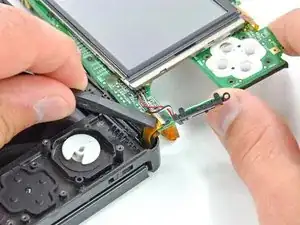
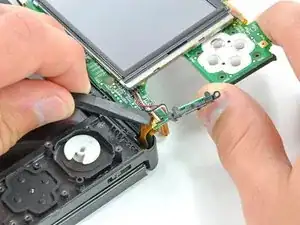
Disconnect the speaker assembly ribbon cable with a pair of tweezers.
-
-
-
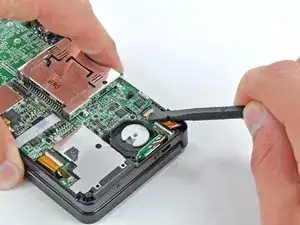
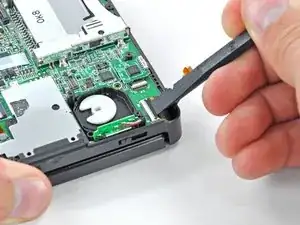
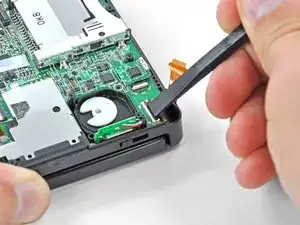
Use the flat end of a spudger or your fingernail to flip up the retaining flap on the camera ribbon cable ZIF socket.
-
-
-
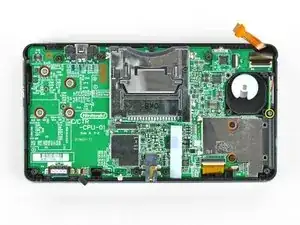
Remove seven Phillips screws securing the motherboard to the upper case:
-
Four 2.5 mm gold screws
-
Two 3.5 mm black screws
-
One 2.5 mm silver screw
-
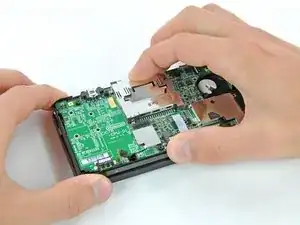
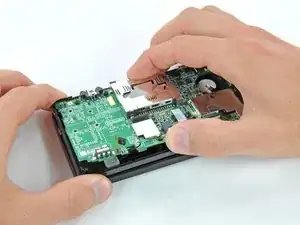
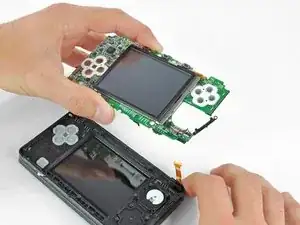
Lift the side of the motherboard that sits along the bottom edge of the 3DS.
-
-
-
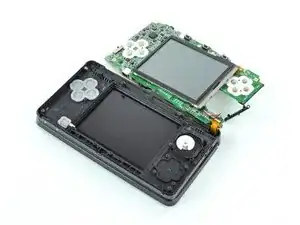
Use the flat end of a spudger or your fingernail to flip up the retaining flap on the LCD ribbon cable ZIF socket.
-
To reassemble your device, follow these instructions in reverse order.

DO NOT use the tweezers like this. Try to hold as much area as possible. I attempted to take them several times like these and ended up ripping a part from the mic flat cable. Where I live, these can cost as much as 10 dollars to replace, so when you think you're being careful, be extra careful above that.
Guilherme Silva -
There's no real reason to pull the mic cable out with tweezers - removing the motherboard will pull the microphone out with it anyways since it's just a loose friction fit and handling the cable with tweezers significantly increases your chances of damaging it.
Nam Nguyen -