Introdução
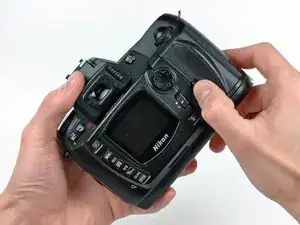
Use this guide to replace a broken memory door.
Ferramentas

-
-
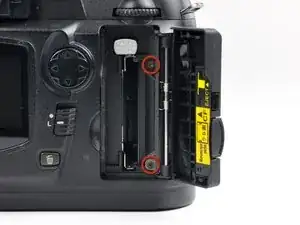
Remove the two 2.8 mm Phillips screws securing the memory door to the rear case.
-
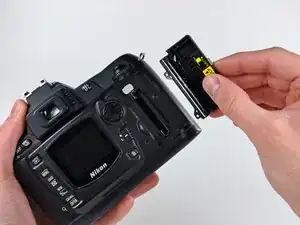
Remove the memory door from the D70.
-
Conclusão
To reassemble your device, follow these instructions in reverse order.