Introdução
This repair might be needed if your NikePlus Sportband screen has been damaged due to being drop or stepping on the device.
Ferramentas


-
-
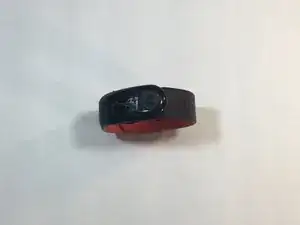
Begin by removing the Nike+ Sport-band. This gives you access to the plastic housing so you can begin disassembly.
-
-
-
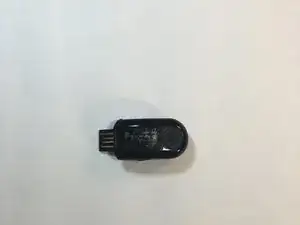
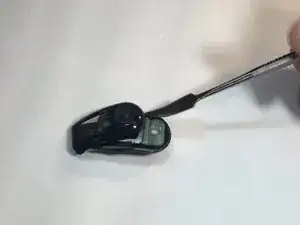
Finish the disassembly of your NikePlus Sportband by utilizing the metal spudger tool on the short edge to pry the external body pieces apart.
-
-
-
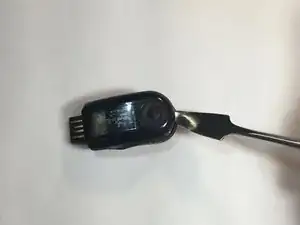
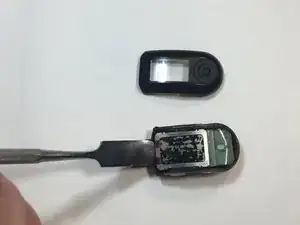
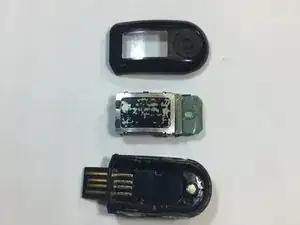
After the cover had been removed, use the metal spudger tool to remove the body of the device from the casing.
-
-
-
Flip the body of the device over so that the screen is now on the bottom.
-
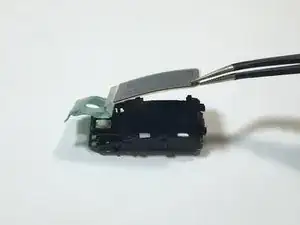
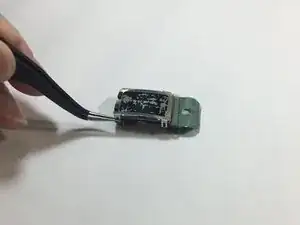
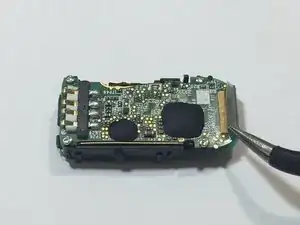
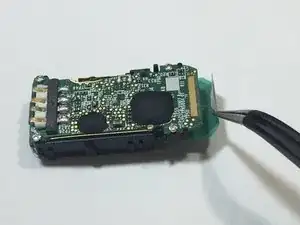
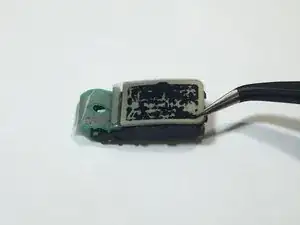
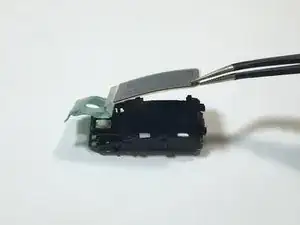
The display ribbon cable is soldered to the motherboard. We were able to peel up the ribbon cable with a pair of tweezers.
-
-
-
Flip the body of the device back over so that the screen is facing up.
-
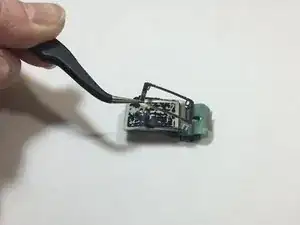
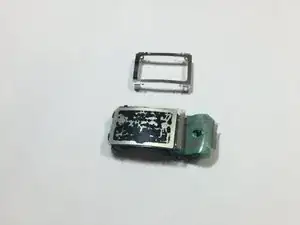
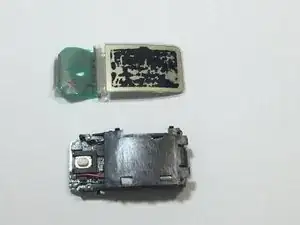
Using the tweezers, gently lift the screen from body of the device.
-
To reassemble your device, follow these instructions in reverse order.
