Introdução
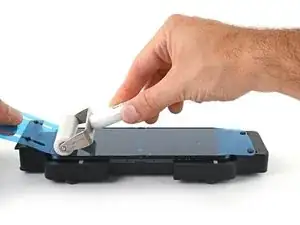
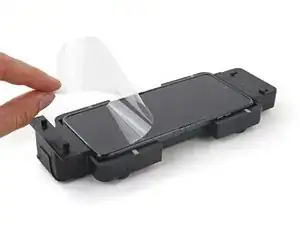
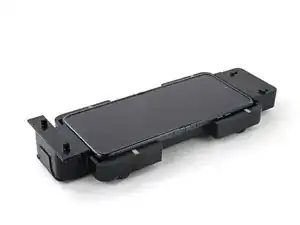
Use this guide to replace the screen protector on your Motorola Razr 40.
Your foldable phone's screen is much softer and more delicate than non-folding glass screens. If the screen protector is damaged or peeling, it might need a replacement before it damages the screen underneath.
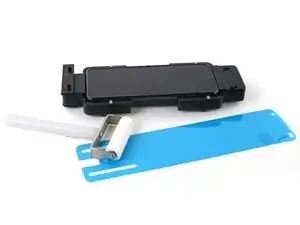
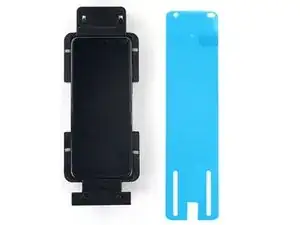
This guide shows how to replace the protector using an alignment adapter and a film roller.
Note: Some photos from this guide show a slightly different alignment adapter and different color screen protector. However, the guide procedure is exactly the same.


-
-
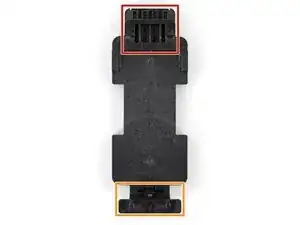
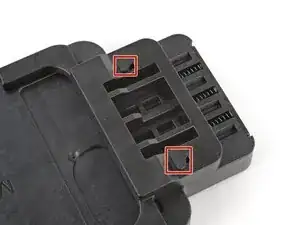
The top of the adapter has a spring‑loaded adjuster and hooks that align the screen protector.
-
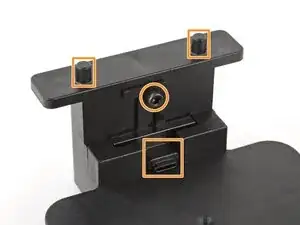
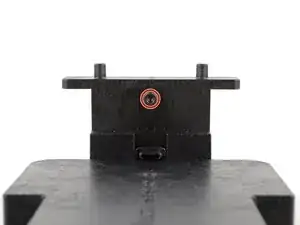
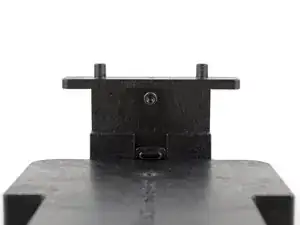
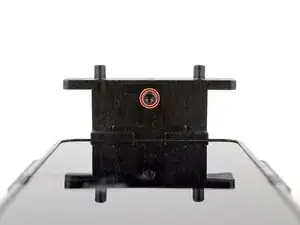
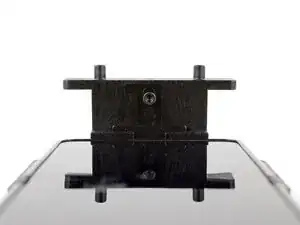
The bottom of the adapter has a charging port holder (held in place by a screw) and alignment posts for the screen protector.
-
-
-
Use a 2.5 mm hex screwdriver to loosen (not remove) the screw securing the charging port holder.
-
-
-
Completely open your phone and unplug any cables.
-
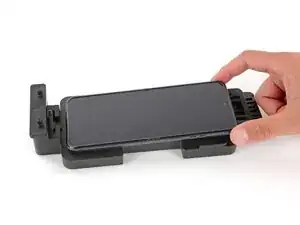
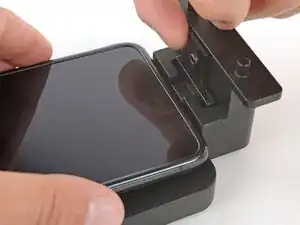
Place the phone in the alignment adapter so the charging port is near its holder on the bottom edge.
-
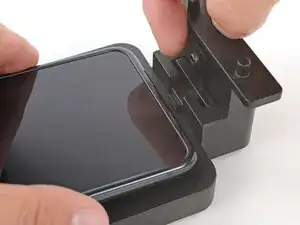
With one hand, lift the charging port holder until it's aligned with the port.
-
With your free hand, push the phone so the holder goes into the port.
-
-
-
With one hand, hold the bottom of the phone in place so the port holder doesn't slide out.
-
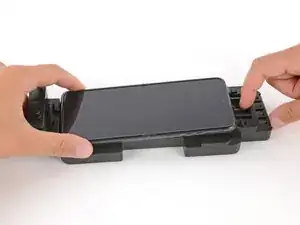
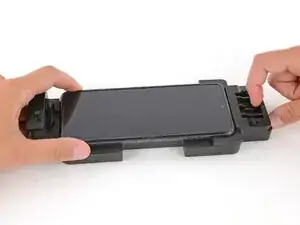
With your free hand, pull the spring‑loaded adjuster on the top of the adapter until the phone drops into place.
-
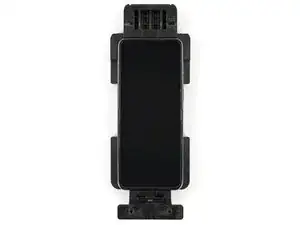
Check the top and bottom edges of the phone to ensure it's fully seated in the alignment adapter.
-
-
-
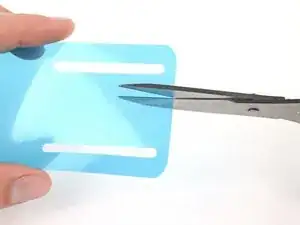
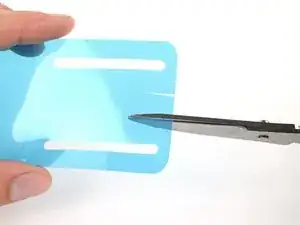
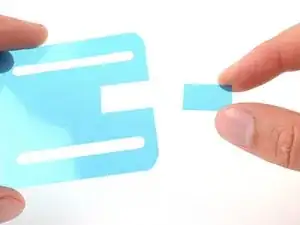
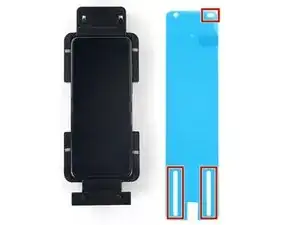
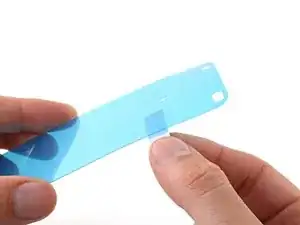
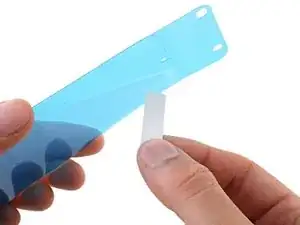
Use scissors to cut a small square (about the size of your thumbnail) out of your replacement screen protector liner, just between the two long cutouts on the bottom edge.
-
-
-
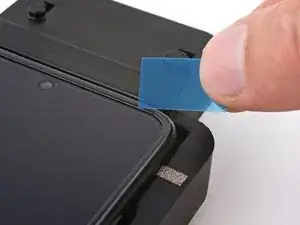
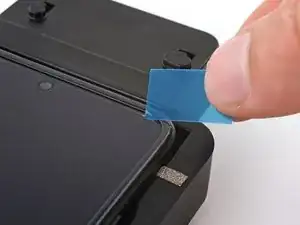
Slide the sharpest corner of your shim under one of the top corners of your screen protector.
-
-
-
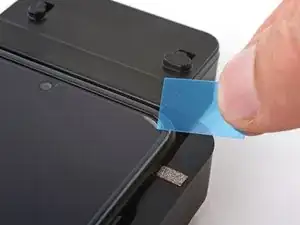
Insert your shim deeper under the corner of the protector until you can grip it with your fingers.
-
-
-
Have your replacement screen protector and roller within reach—you'll be holding the protector up with one hand and won't be able to let go to reposition or grab a tool.
-
Orient the replacement protector so that the oval cutout is on the top right, and the long cutouts are toward the bottom of the phone.
-
-
-
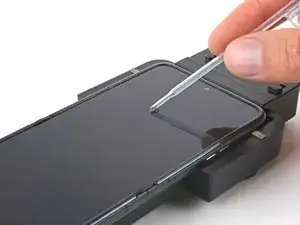
Use a pipette or syringe to apply a few drops of highly-concentrated isopropyl alcohol (over 90%) to your screen.
-
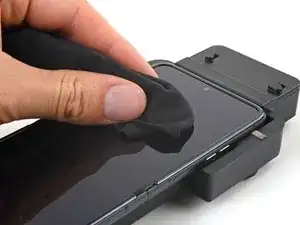
Use a microfiber or lint free cloth to wipe away any smudges or dust.
-
-
-
Hold the replacement screen protector with its liner pull tab facing down. Keep the film facing down to prevent dust from settling onto the sticky side.
-
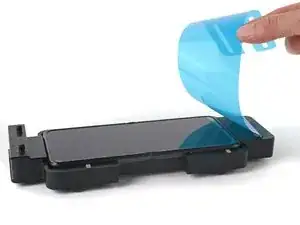
Peel and fully remove the protective liner from the underside of the protector.
-
-
-
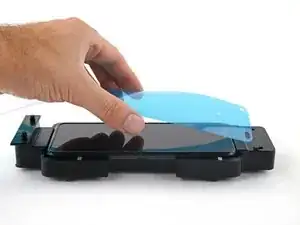
Slide the top circle and oval cutouts over the hooks on the upper alignment posts.
-
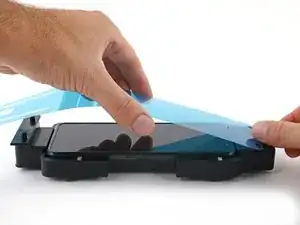
Gently pull the replacement protector over the screen and onto the lower alignment posts. Don't let the film touch the screen just yet.
-
-
-
Hold the protector tight over the lower alignment posts.
-
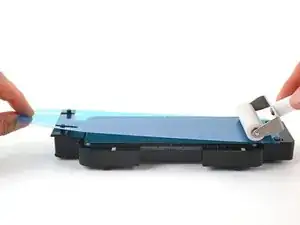
Use the roller to firmly roll the protector onto the top half of the screen, starting from the top edge.
-
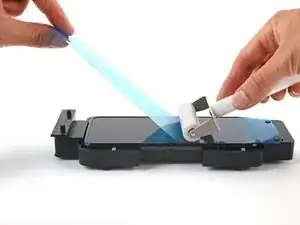
When you reach the middle of the screen, lift the remaining half of the liner to a 45-degree angle.
-
Increase pressure on the roller and slowly roll across the hinge area of the screen.
-
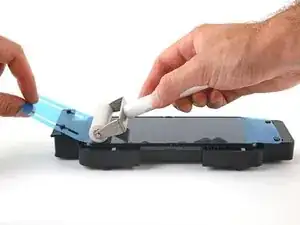
When you pass the middle of the screen, lower the liner and finish rolling the bottom half of the protector onto the screen.
-
-
-
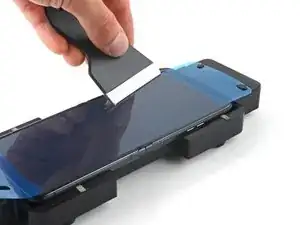
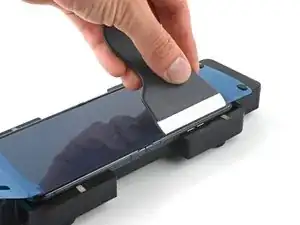
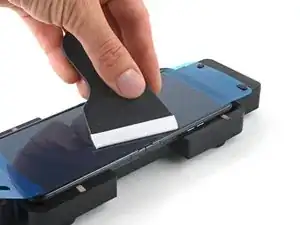
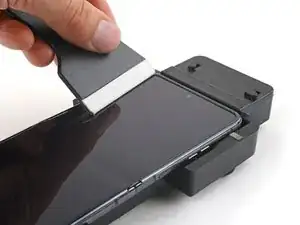
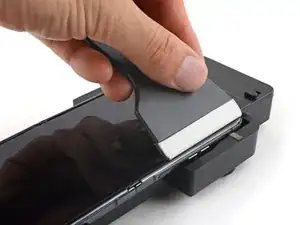
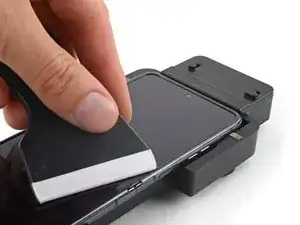
Use the squeegee or a plastic card to press the top and bottom edges of the protector onto the screen.
-
Press around the perimeter of the screen, working out any bubbles toward the edges as you go.
-
-
-
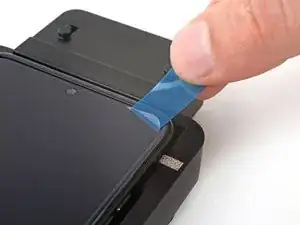
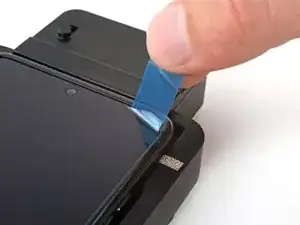
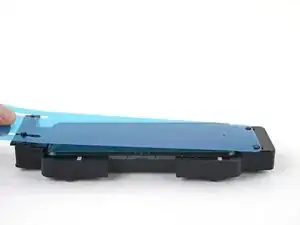
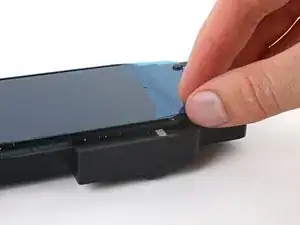
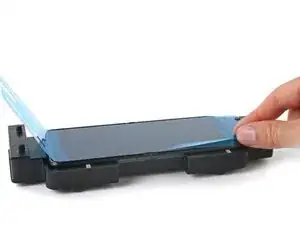
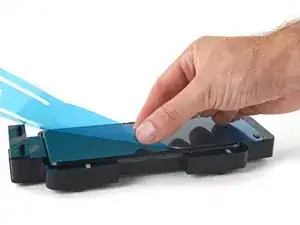
Peel the top right corner of the large liner away from the screen to separate it from the screen protector.
-
-
-
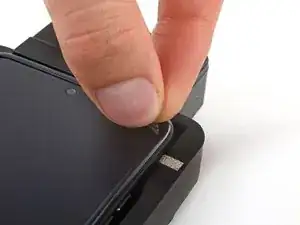
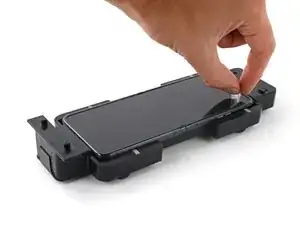
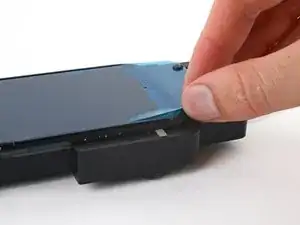
Work down the long edge of the screen, peeling up the edge of the liner as you go.
-
Once you reach the bottom of the screen, fully peel the liner off and remove it from the adapter.
-
-
-
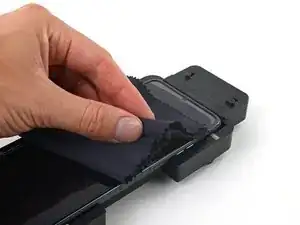
Use a microfiber or lint free cloth to wipe the screen protector and rub out any streaks or imperfections between it and the screen.
-
Work out any small bubbles by wiping toward the edges. If there are any large bubbles, the screen protector didn't adhere properly and needs to be replaced.
-
-
-
Use your squeegee or a plastic card with a cloth to firmly rub along the perimeter of the screen protector to fully secure the edges to the screen.
-
-
-
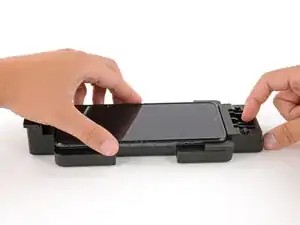
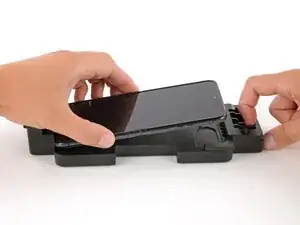
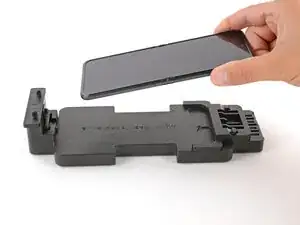
To remove the phone, pull the spring‑loaded top adjuster with one hand, and use your free hand to lift and remove the phone.
-
Repair didn’t go as planned? Try some basic troubleshooting, or ask our Answers community for help.

Um comentário
hey, i would just add a note maybe to be careful not to fold the phone again for a while after replacement. i folded mine too quickly after and it bubbled out at the fold.