Introdução
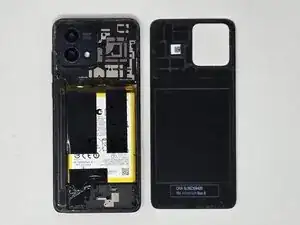
This guide will show you how to replace the back cover of the Motorola Moto G Stylus 5G 2023, Model XT2315.
If the back cover is cracked or damaged, follow this guide to aid in replacing it. This device requires an adhesive to seal the back cover, protecting the internal components. When replacing the back cover, a new adhesive is required to reseal the Motorola.
Additionally, the back cover must be removed when replacing or repairing any other internal components.
Ferramentas


-
-
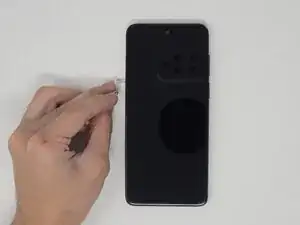
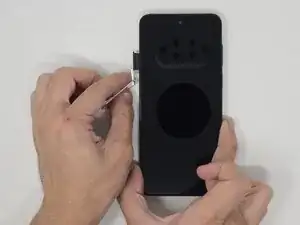
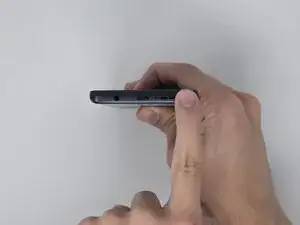
Use a SIM eject tool to remove the SIM tray.
-
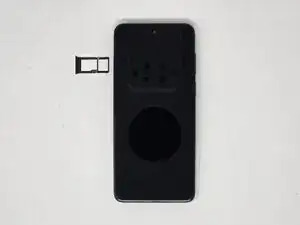
Gently pull the SIM tray from the left side when the screen is facing upward.
-
-
-
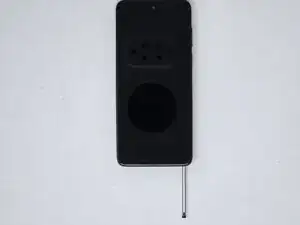
Push the tip of the stylus to release the lock.
-
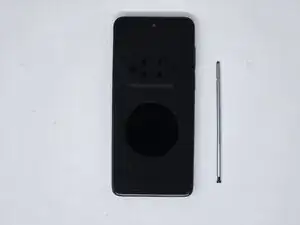
With the screen facing up, remove the stylus from the bottom-right corner of the phone.
-
-
-
Place the screen facing downward.
-
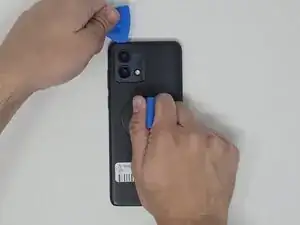
Use the small suction cup to create a gap for the opening pick to fit.
-
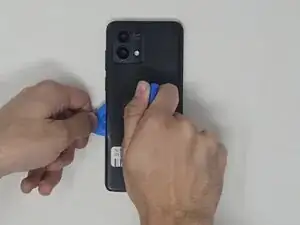
Insert the opening pick into a corner of the phone and move around the backing to release the adhesive.
-
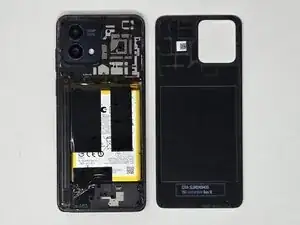
Pull the backing off of the phone.
-
To reassemble your device, follow these instructions in reverse order.