Introdução
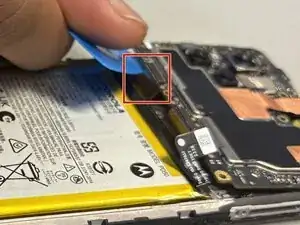
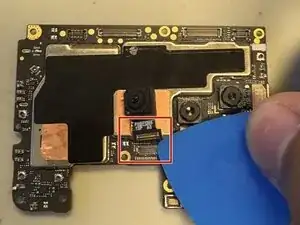
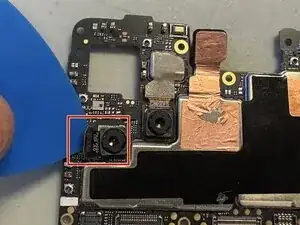
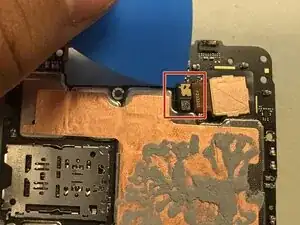
Camera damage can happen often from dropping the device, scratching it, or even giving it a little water damage. This set of instructions will show you how to take apart your device so you will be able to replace the broken cameras.
Ferramentas


-
-
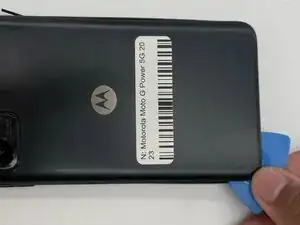
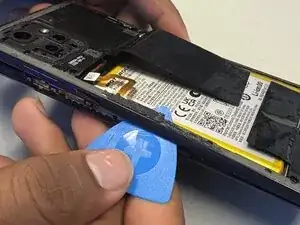
Slide an iFixit pick along the edge of the phone to loosen the back. Work slowly around the phone until the back cover begins to lift.
-
-
-
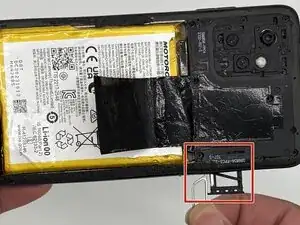
Insert SD Card remover into the hole next to the SD Card holder and remove the whole SD Card and its holder.
-
-
-
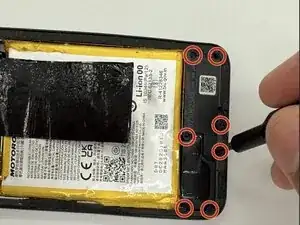
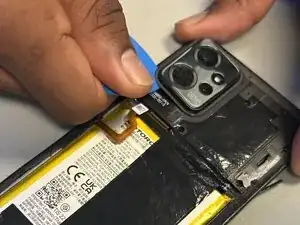
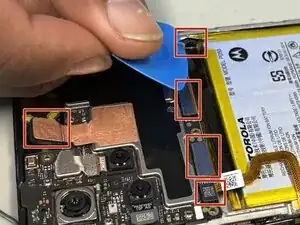
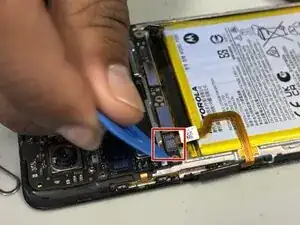
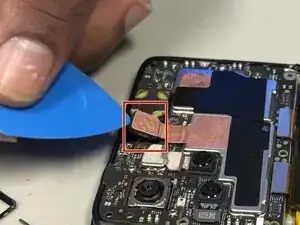
Remove the outer casing from the phone by sliding along the edges. Start from underneath the section of where the SD card was removed.
-
Conclusão
To reassemble your device, follow these instructions in reverse order.