Introdução
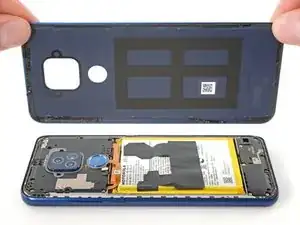
Follow this guide to open your 2021 Motorola Moto G Play by removing and replacing the back cover.
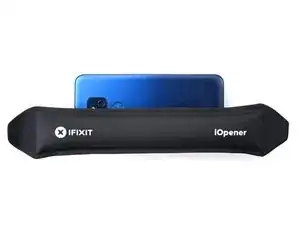
Ferramentas


-
-
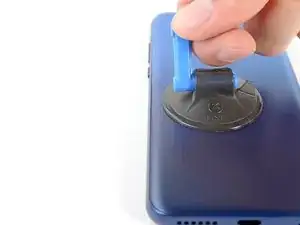
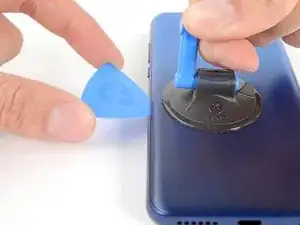
Apply a suction cup to the back cover, as close to the center of the left edge as possible.
-
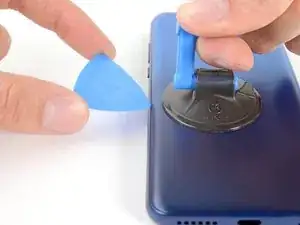
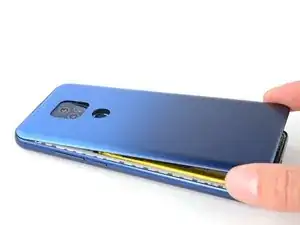
Pull up on the suction cup with strong, steady force to create a gap between the cover and the frame.
-
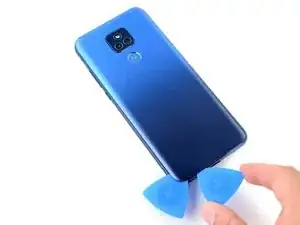
Insert an opening pick into the gap.
-
-
-
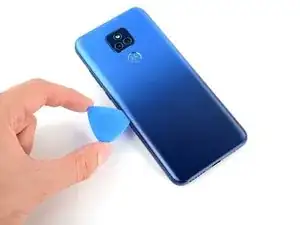
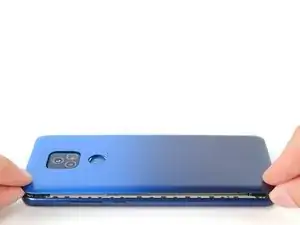
Slide your opening pick back and forth along the left edge to slice through the adhesive.
-
Leave the pick in at the bottom left corner to prevent the adhesive from resealing.
-
-
-
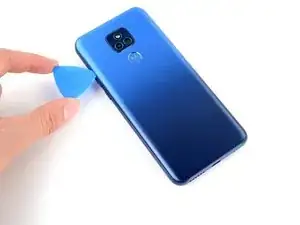
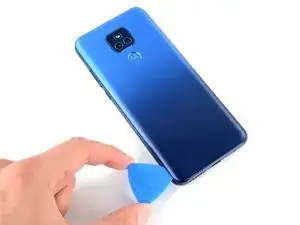
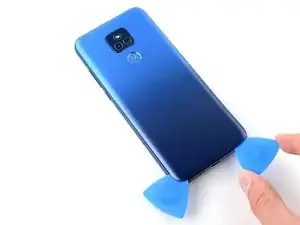
Insert and slide a second opening pick to the bottom right corner to slice through the adhesive.
-
Leave the pick inserted to prevent the bottom edge from resealing.
-
Repeat this process for the right and top edges of the cover.
-
-
-
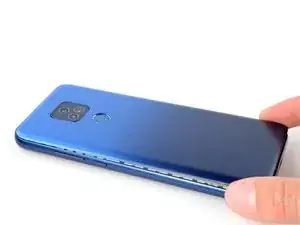
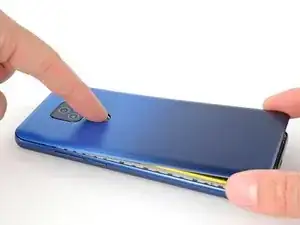
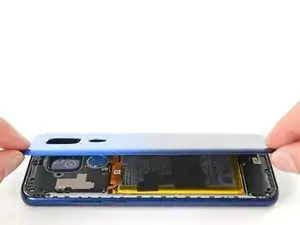
Grab and lift the bottom edge of the cover.
-
As you lift the back cover, press and unstick the fingerprint reader from it.
-
-
-
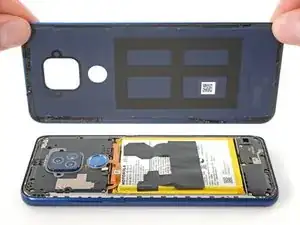
Grab and remove the back cover.
-
This is a good point to test your phone before sealing it up. Follow this guide to perform a hardware test. Be sure to power your phone back down completely before you continue working.
-
To adhere the back cover with custom-cut adhesives, follow this guide.
-
To adhere the back cover with tape, follow this guide.
-
To reassemble your device, follow these instructions in reverse order.
Take your e-waste to an R2 or e-Stewards certified recycler.
Repair didn’t go as planned? Try some basic troubleshooting, or ask our Answers community for help.

I installed a new battery in my Moto G Fast XT2045 BUT I HAVE NO SOUND & MY PHONE DOESNT CHARGE. WHAT DID I DO WRONG?
Fonda Culbertson -
I forgot to say in my other comment, my phone powers on & I CAN MAKE CALLS, BUT PHONE DOESNT RING WHEN SOMEONE CALLS THE PHONE AND NEW BATTERY WILL NOT CHARGE.. What have I done wrong on install?
Fonda Culbertson -