Introdução
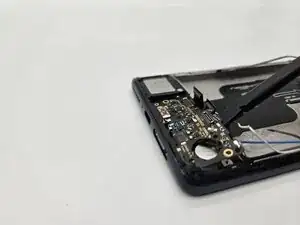
The daughterboard is the component that encloses the lower microphone, and SIM card reader.
A damaged daughter board could result in not being able to hear during calls or the SIM card not being read even when inserted.


-
-
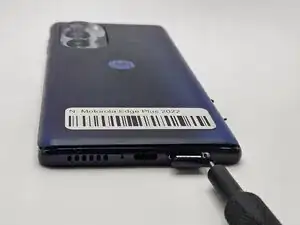
Insert a paperclip or SIM card ejector into the small hole located at the bottom of phone.
-
Gently push to release and remove the SIM card.
-
-
-
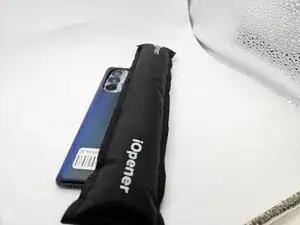
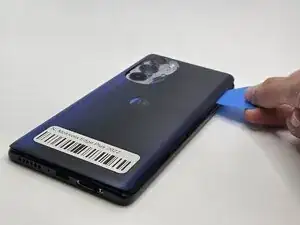
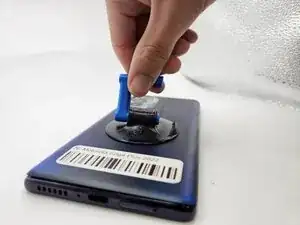
Use an iOpener, heat gun, or hairdryer to gently heat the perimeter of the phone.
-
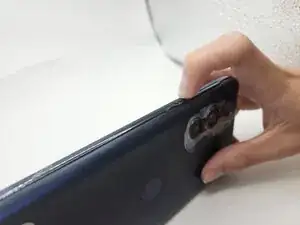
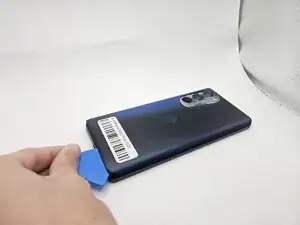
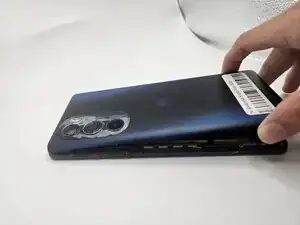
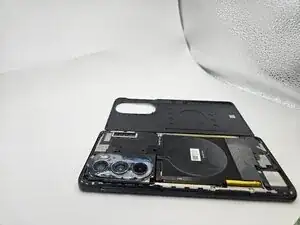
Insert and slide the iFixit opening pick around heated edges to sever the adhesive securing the rear cover.
-
-
-
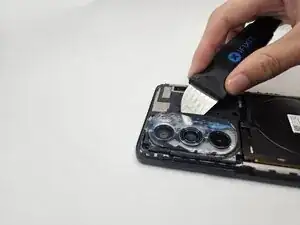
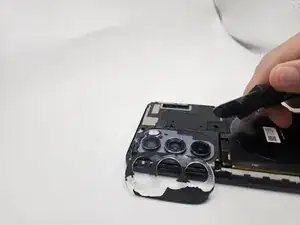
While applying light pressure, remove the camera bezel cover by sliding the jimmy along the edges.
-
-
-
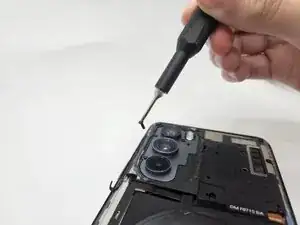
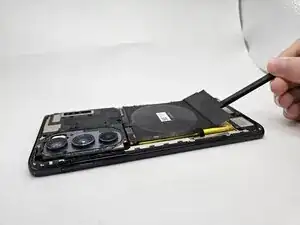
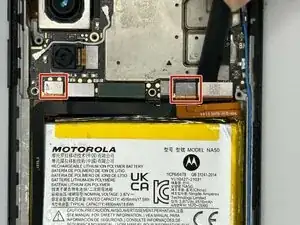
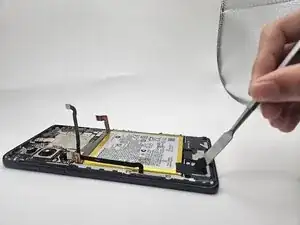
Use the flat end of a spudger to to pry up and disconnect the two press connectors on either side of the battery.
-
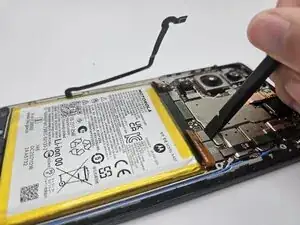
Located in the bottom left corner of the battery, remove the tape (black in the image) with a spudger.
-
-
-
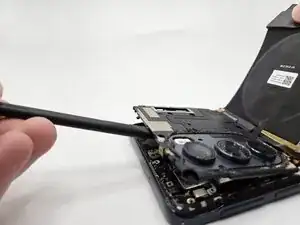
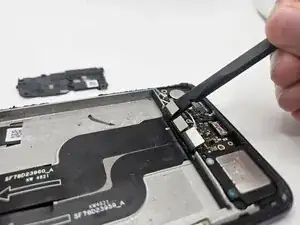
Insert the flat end of the spudger under each of the three press connectors and gently pry them up to disconnect them.
-
-
-
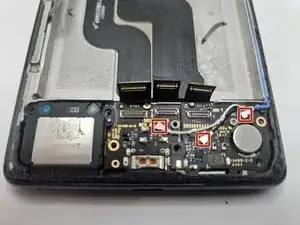
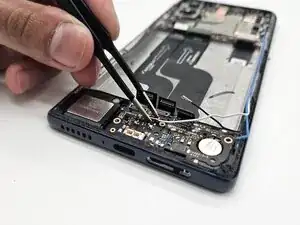
Disconnect the three coaxial connectors (black, white, and blue) with tweezers by pulling them straight up.
-
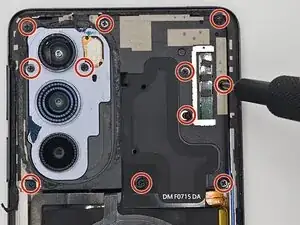
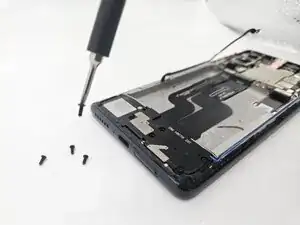
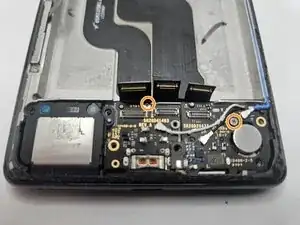
Use a Phillips #00 screwdriver to remove the two 1.5 mm silver screws securing the daughterboard and charging port.
-
-
-
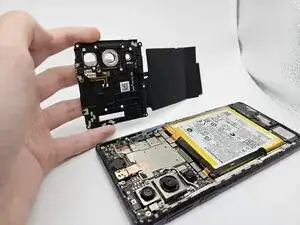
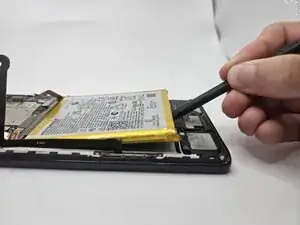
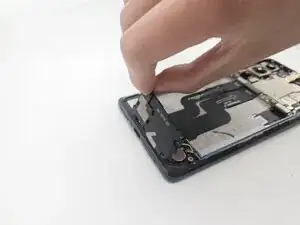
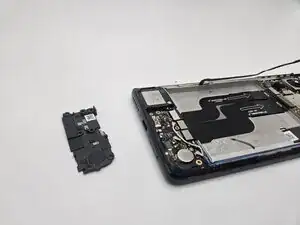
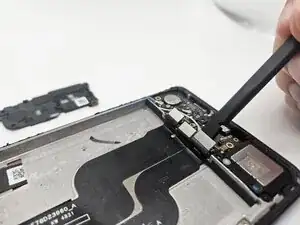
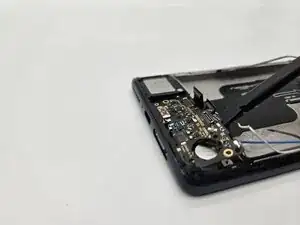
Insert the flat end of the spudger under the daughterboard piece and lift it gently to remove it.
-
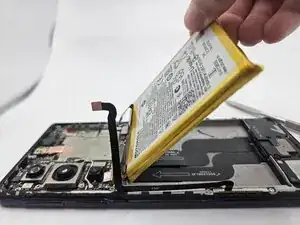
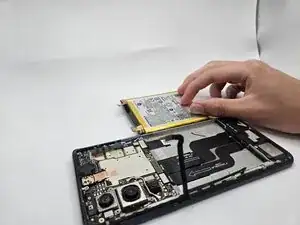
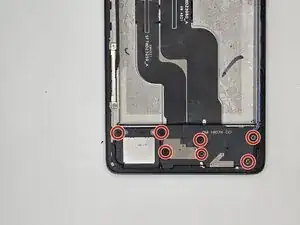
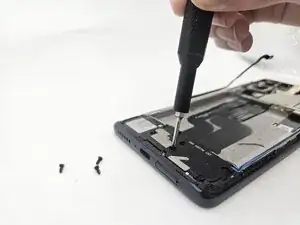
To reassemble your device, follow the above steps in reverse order.
Take your e-waste to an R2 or e-Stewards certified recycler.
Repair didn’t go as planned? Try some basic troubleshooting or ask our Answers community for help.