Introdução
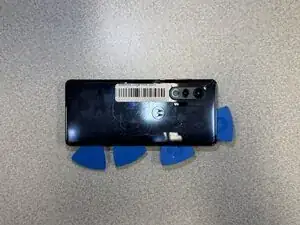
Use this guide to replace the back cover on a Motorola Edge Plus 2020.
Ferramentas


-
-
Use an iOpener or hair dryer to heat the perimeter of the back cover to loosen the adhesive beneath.
-
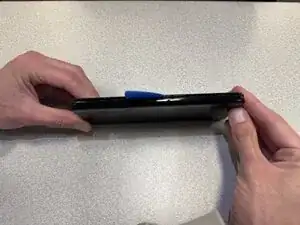
Insert the tip of an opening pick 2-3 mm into the seam between the back cover and chassis.
-
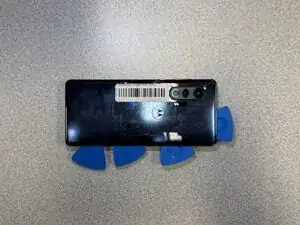
Slide the pick around the entire perimeter of the case to sever the adhesive, inserting additional opening picks periodically to prevent the back cover from resealing.
-
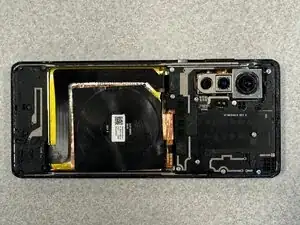
Remove the back cover.
-
Conclusão
To reassemble your device, follow the above steps in reverse order.
Take your e-waste to an R2 or e-Stewards certified recycler.
Repair didn’t go as planned? Try some basic troubleshooting or ask our Answers community for help.